As WorkGuru uses the perpetual inventory method and logs all stock movements that occur at a specific warehouse, there is no ability to delete the warehouse once created. However, the warehouse can be made inactive instead to remove from the warehouse list on the relevant transactions while still retaining accurate history.
IMPORTANT - Before marking the warehouse as in-active, ensure you have transferred or stock adjusted ALL stock on hand out of that location.
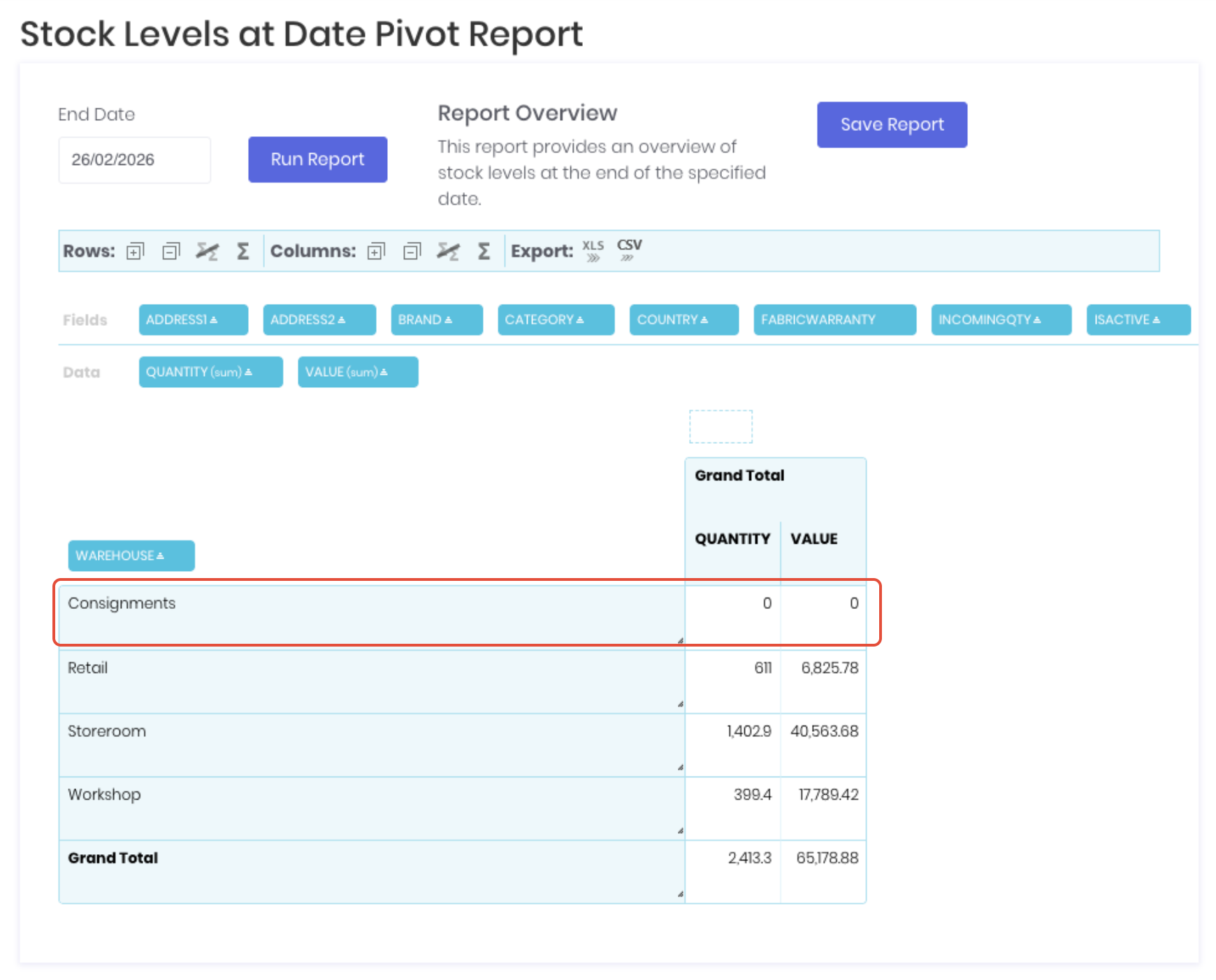
Recommend using the Stock Levels by Date Report to confirm BOTH Quantity and Value is 0.
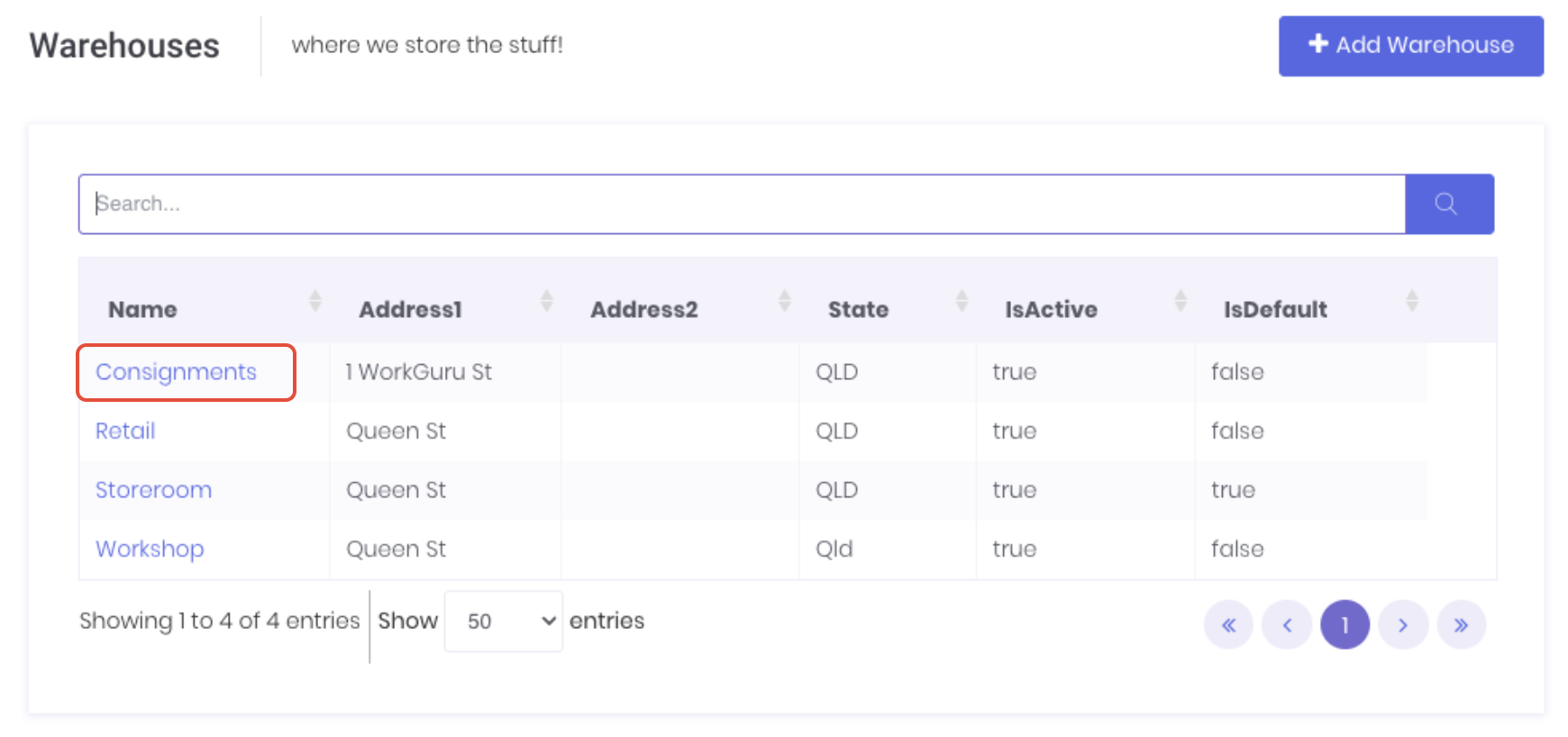
Open the warehouse's detail page by clicking on the warehouse Name from the warehouses dashboard.
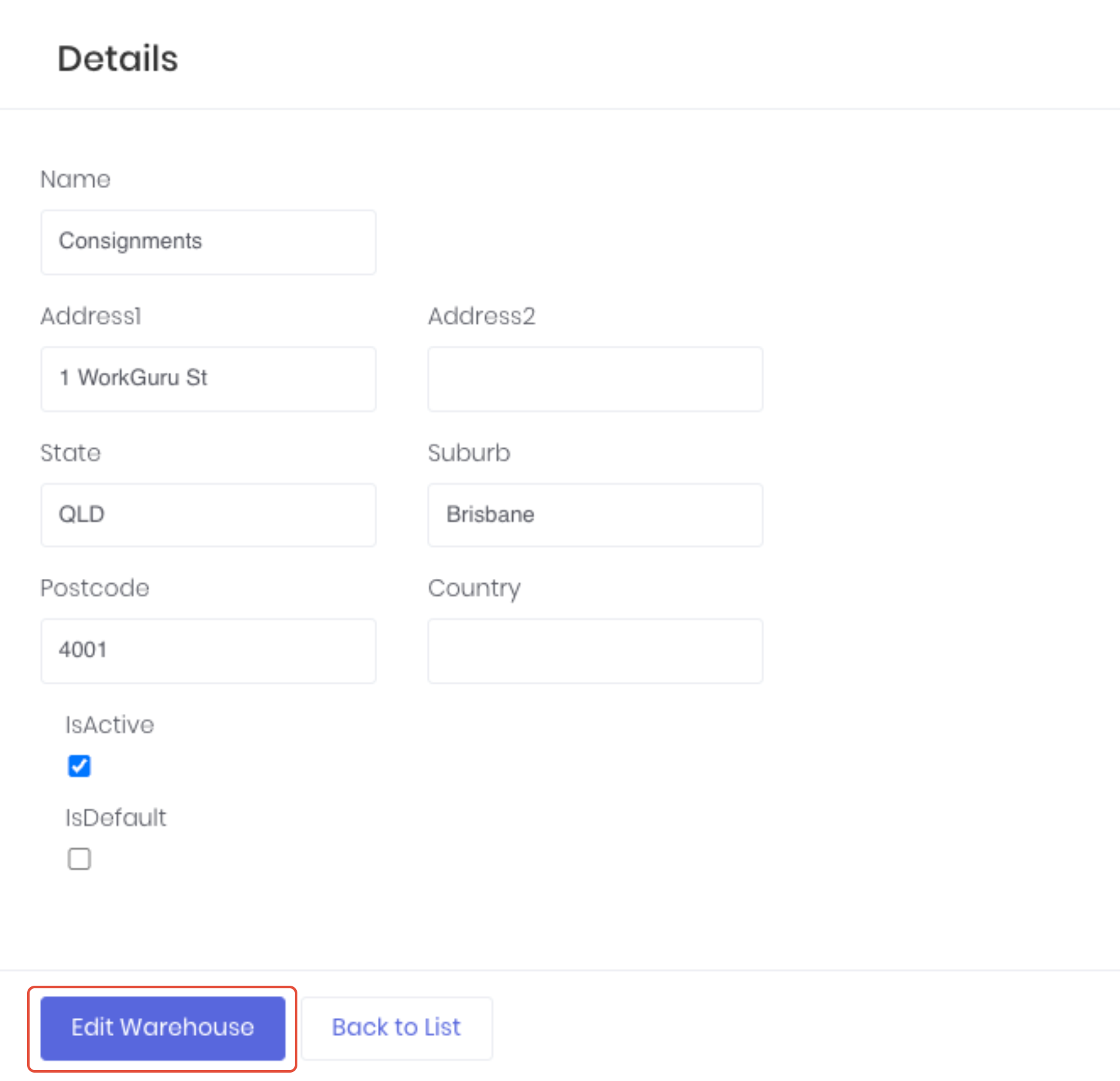
Click Edit Warehouse.
Deselect the IsActive checkbox
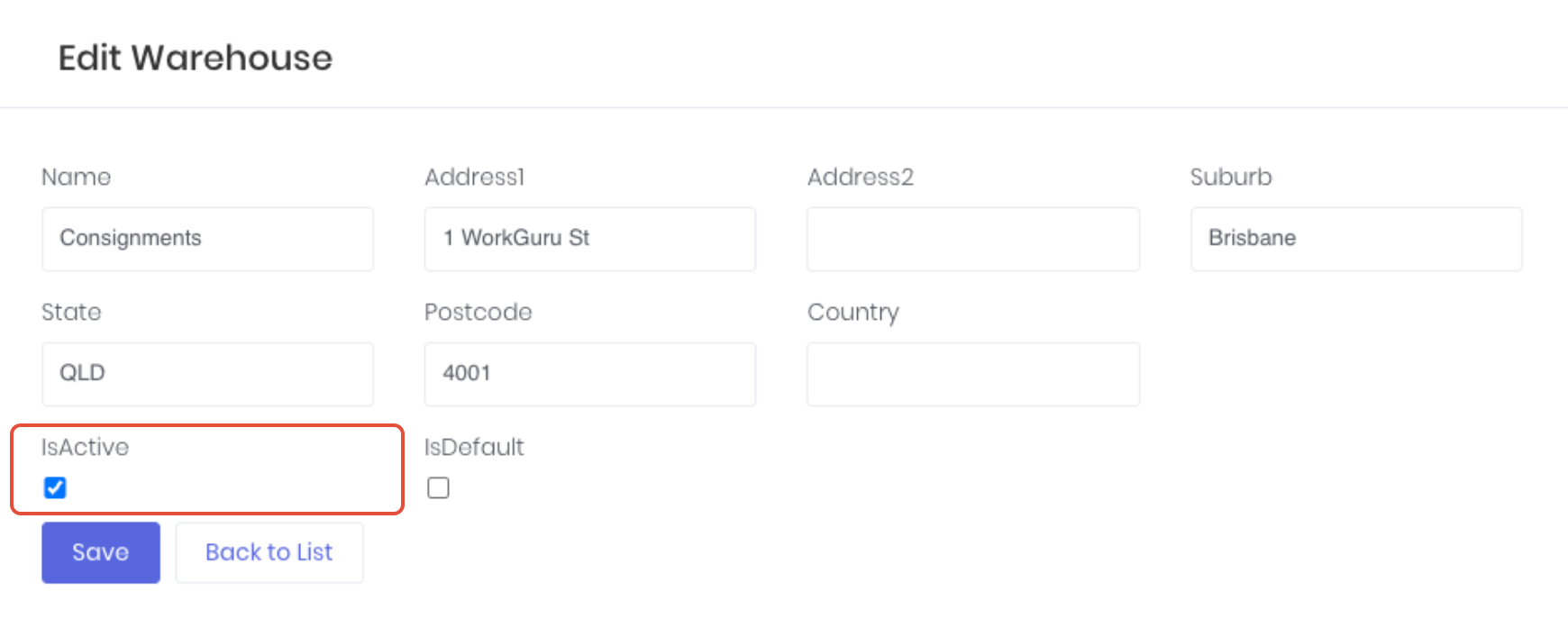
Click Save to save the changes. While the warehouse will still be displayed in the warehouses dashboard, it is now no longer available to select on purchases, projects and production jobs.
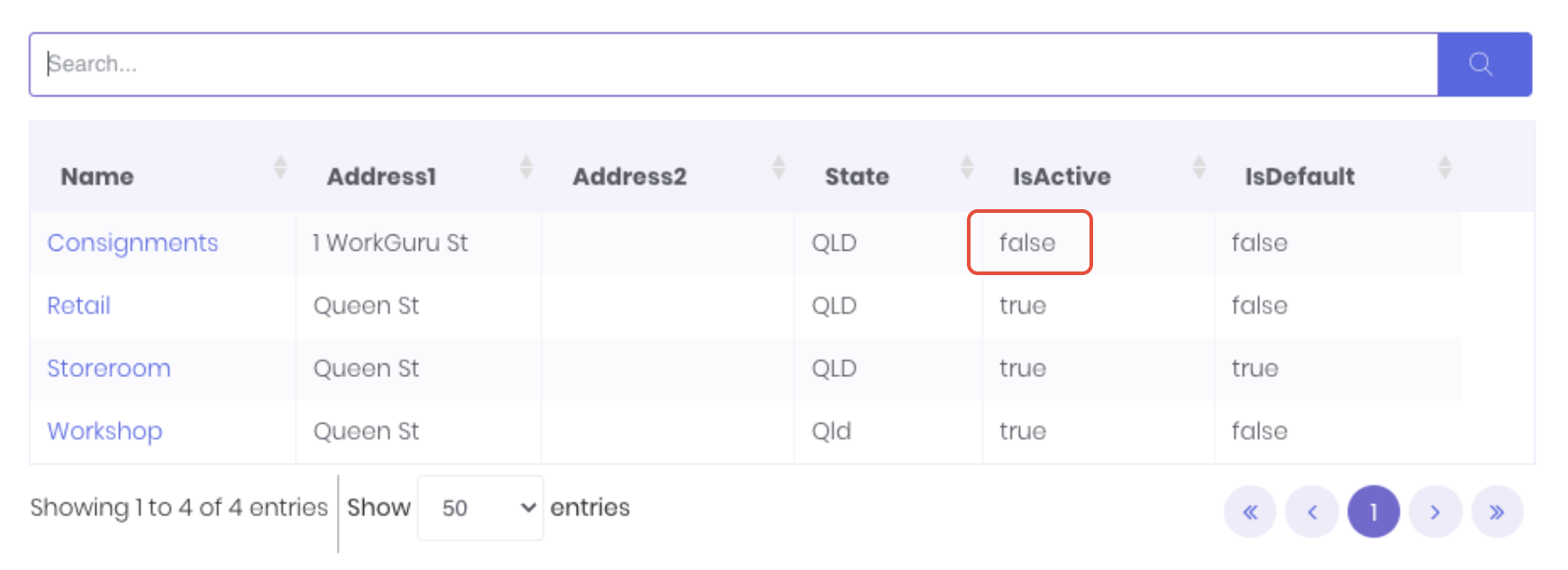
Note: If the warehouse did not have it's stock on hand transferred or adjusted out before being made inactive, will still display those counts and value on relevant reports. If is the case, enable the warehouse, move the stock out and disable it.
Was this article helpful?
That’s Great!
Thank you for your feedback
Sorry! We couldn't be helpful
Thank you for your feedback
Feedback sent
We appreciate your effort and will try to fix the article