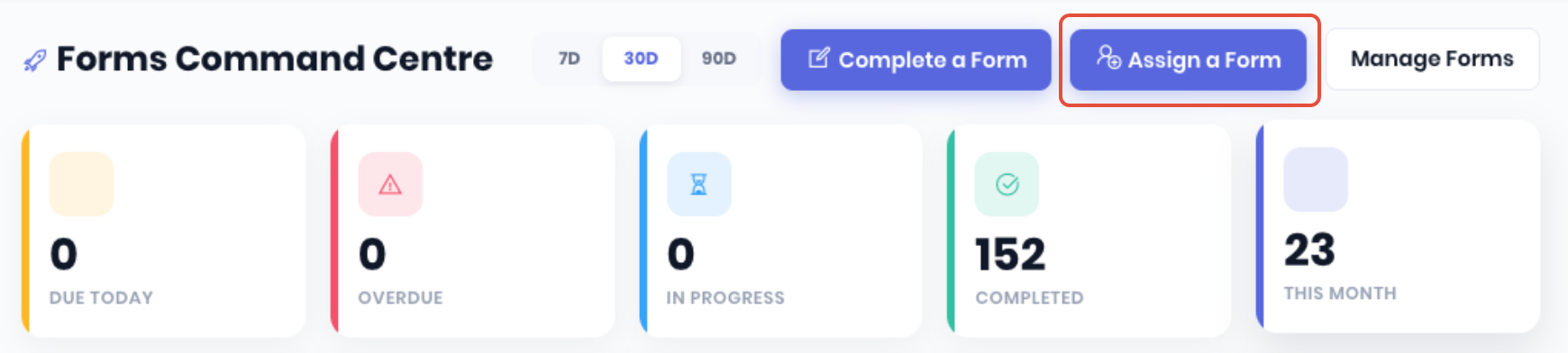
WorkGuru forms allow you to assign a form to another staff member to complete at an appropriate time (such as when they get onsite etc). WorkGuru will handle the notifications automatically. From the Forms Command Centre, click Assign a Form.
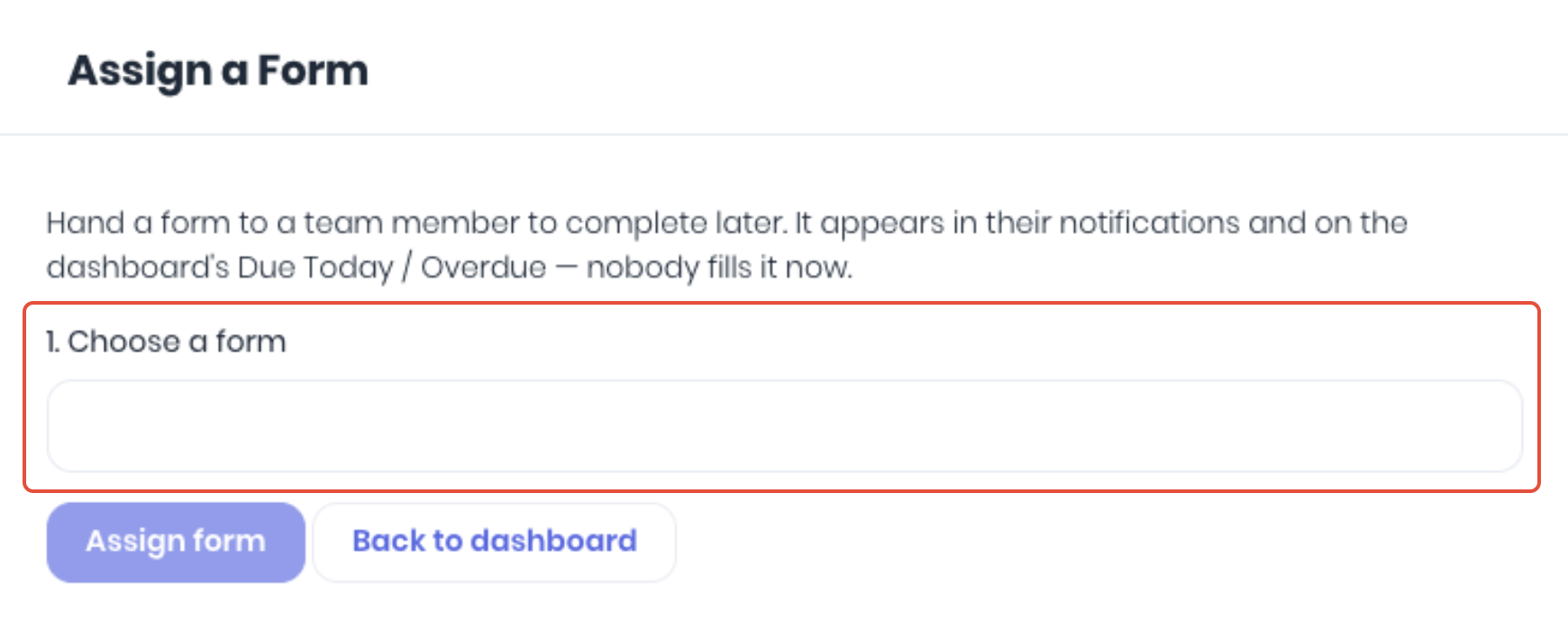
Choose the relevant form using the dropdown.
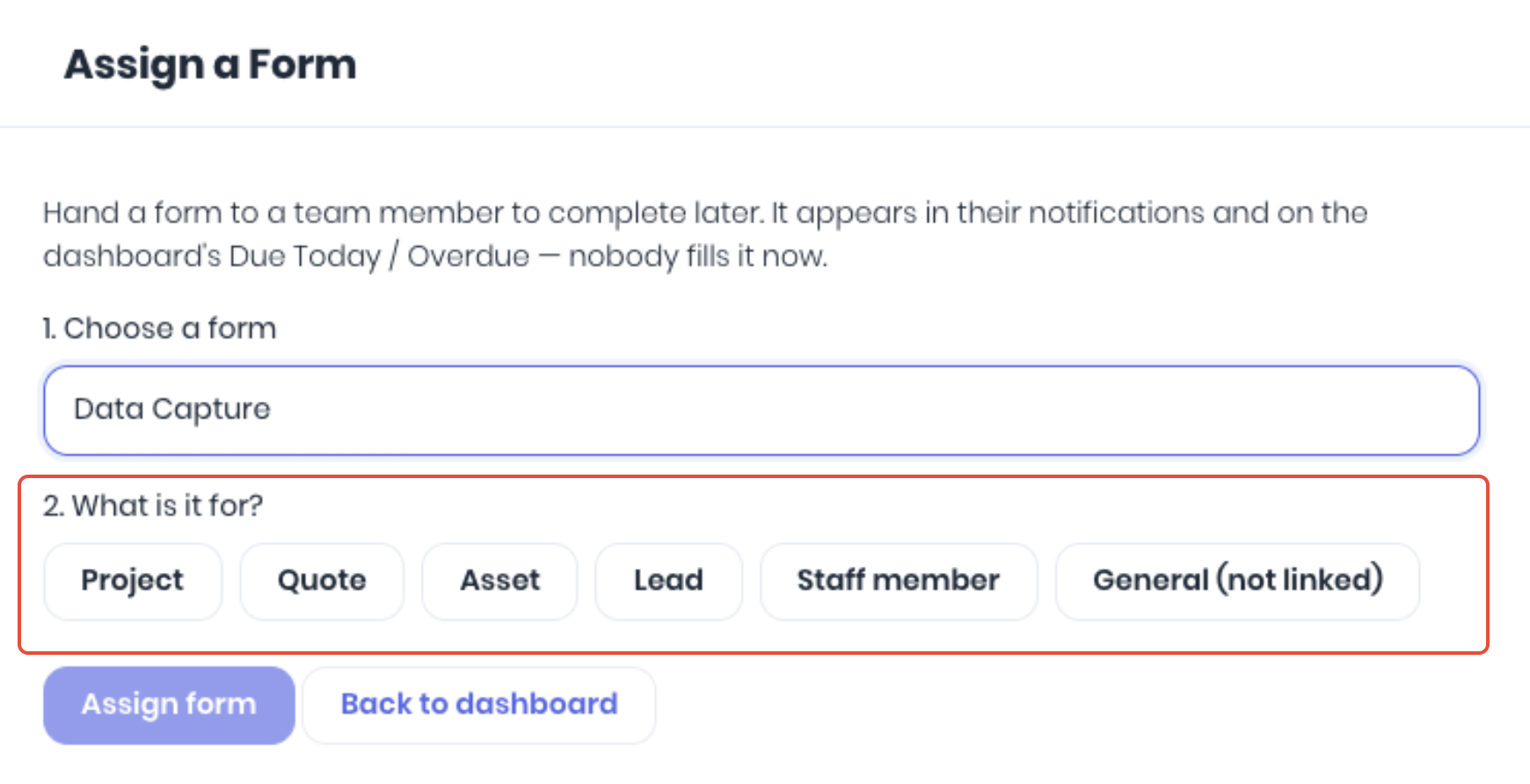
Select what the form is for if the form is setup with more than one option. Note: This will display a contextual list dependant on the selected forms Fillable On setting.
Based on the selected settings, fill in the remainder of the form assignment:
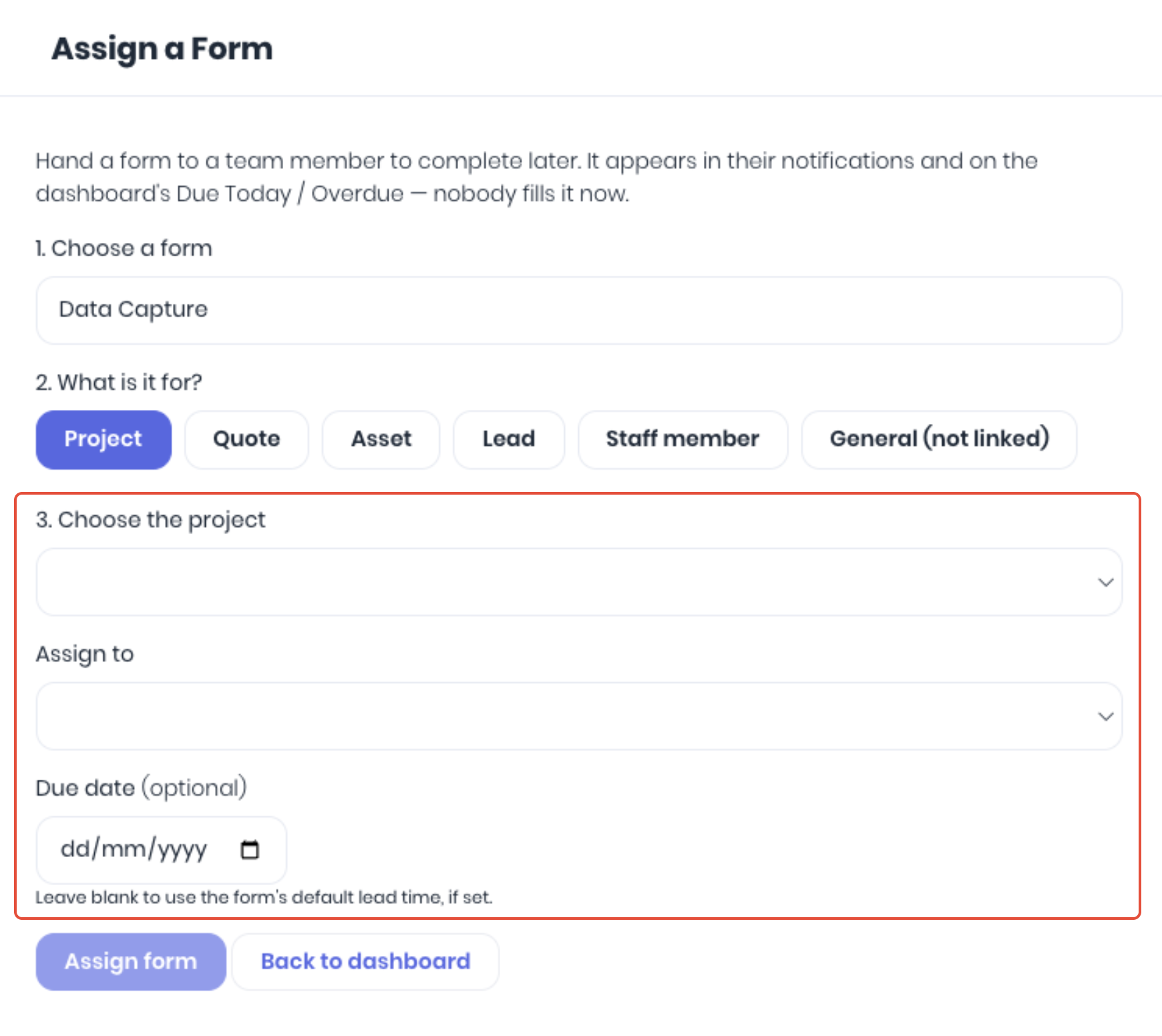
- Choose - Select the specific project/quote/asset/lead using the dropdown
- Assign to - Select the WorkGuru staff member using to dropdown
- Due Date - Select a due date if required. Leave blank to use the default dates as setup in the selected forms Signing & Due Dates setting
Click Assign Form to confirm the assignment. The assignee will be nofified of the assignment immediately via their in-app notifications and email.
Was this article helpful?
That’s Great!
Thank you for your feedback
Sorry! We couldn't be helpful
Thank you for your feedback
Feedback sent
We appreciate your effort and will try to fix the article