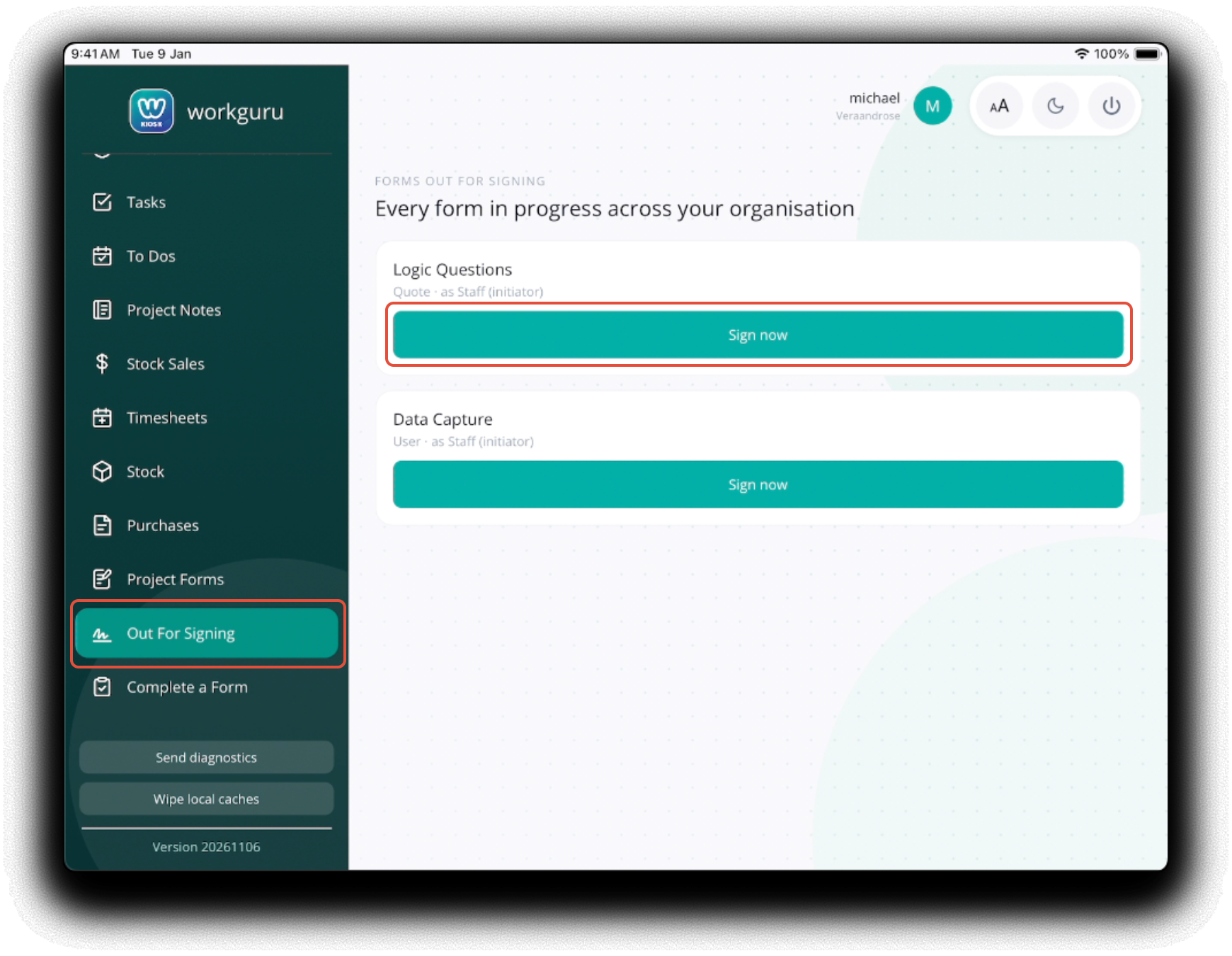
To display forms that have been specifically assigned to the kiosk user, tap Out For Signing from the Kiosk menu. Open the form to complete by tapping the form's Sign Now button.
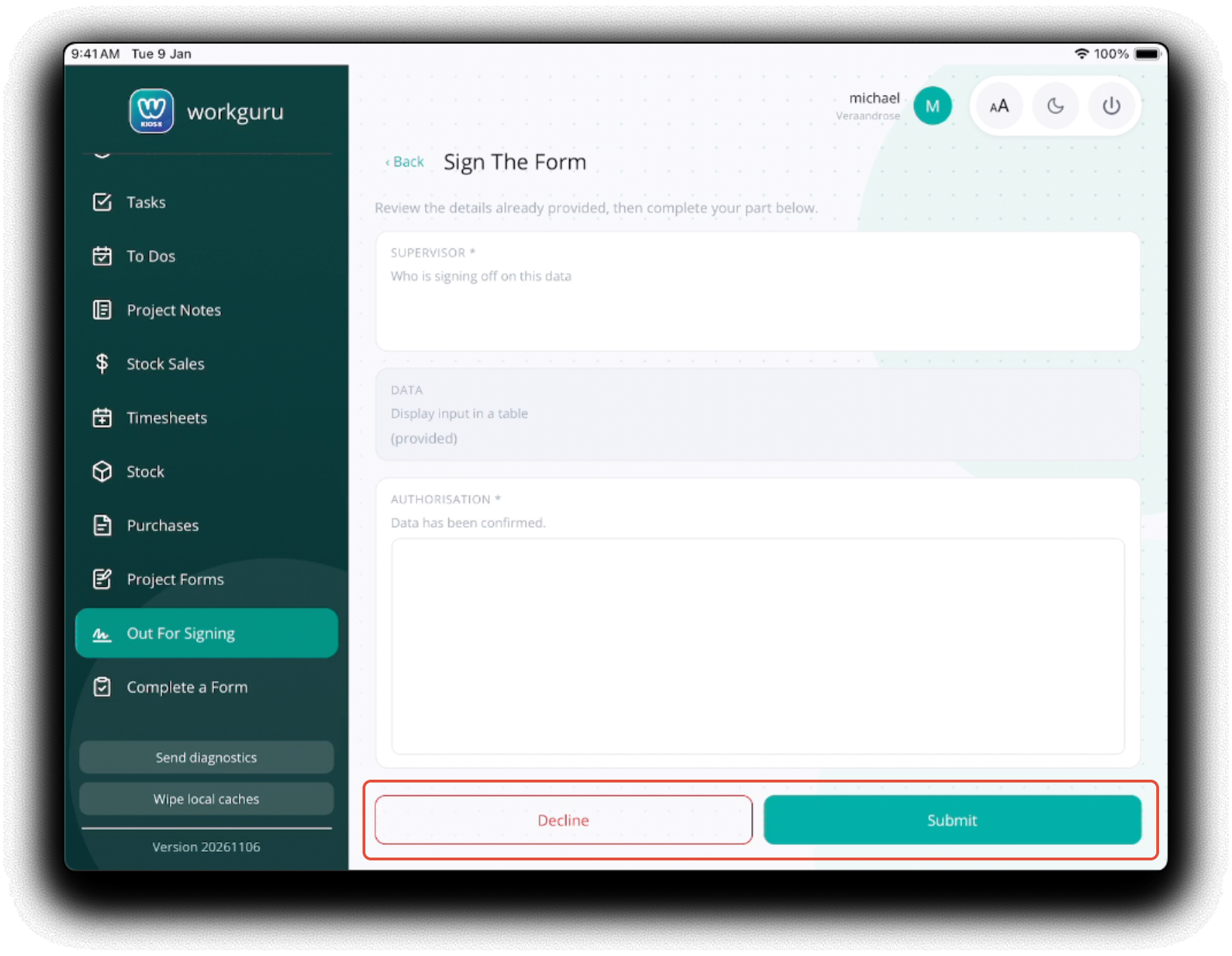
Fillout and Submit the form as directed. If you do not want to complete the form, tap Decline.
Completed forms will be removed from the signing list.
Was this article helpful?
That’s Great!
Thank you for your feedback
Sorry! We couldn't be helpful
Thank you for your feedback
Feedback sent
We appreciate your effort and will try to fix the article