If you have stopped using an integration and no longer require an API key, it is recommended to delete that key for security reasons. From the API Keys Dashboard, click Delete on the key that is not longer needed. The key will be removed, any integration using the key will not function and free up your API user in your subscription.
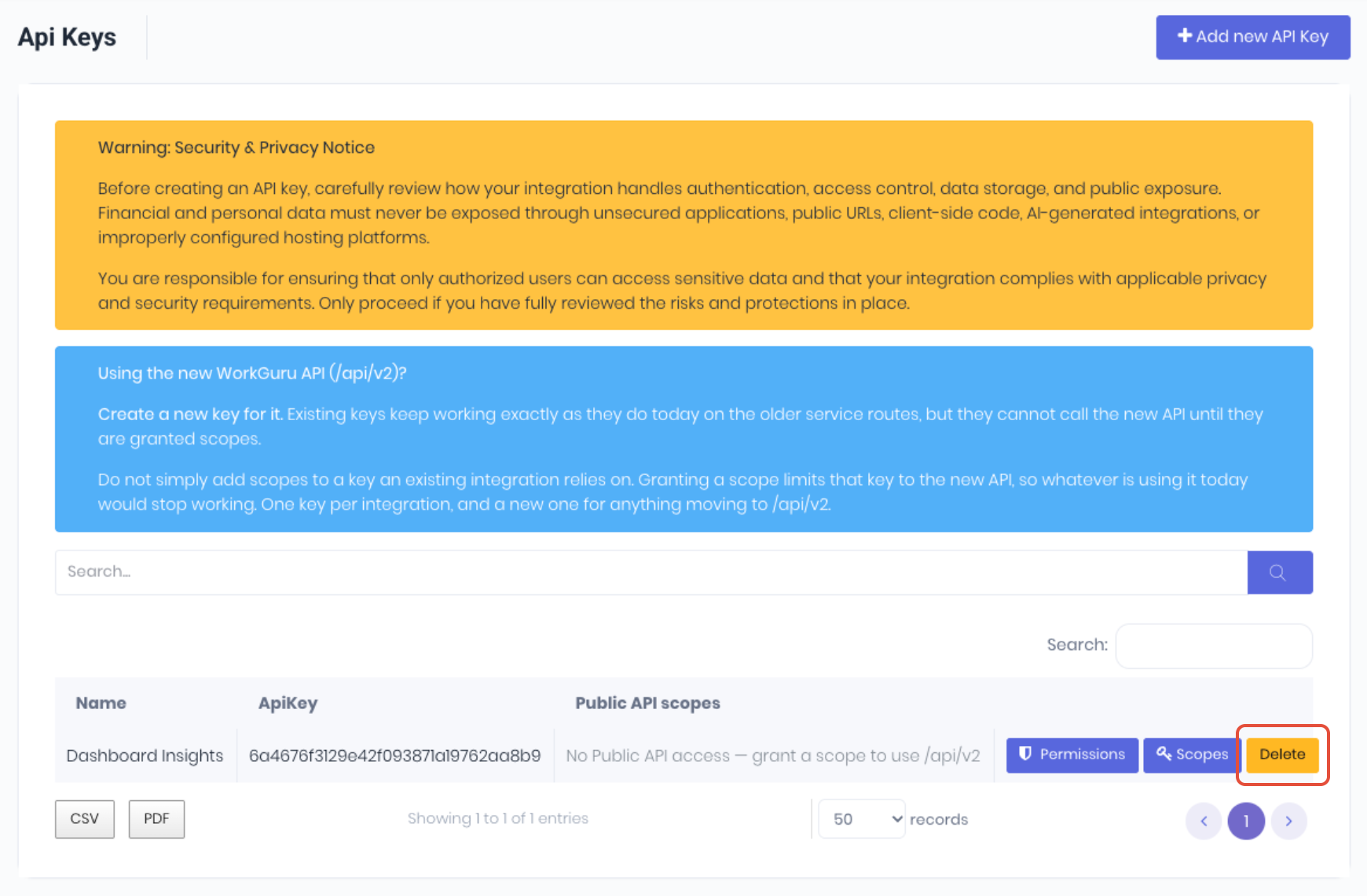
Note: Deleting the Key is non-reversable. If you delete a key for an active integration, it will stop it from working. You will need to generate new keys and update your integration to restore functionality.
Was this article helpful?
That’s Great!
Thank you for your feedback
Sorry! We couldn't be helpful
Thank you for your feedback
Feedback sent
We appreciate your effort and will try to fix the article