If you have forgot your password, you can either ask your WorkGuru administrator to manually set a known password or your can self-reset directly from the login page
Note: You may be using your correct password but logging into the wrong or no tenant! Before resetting your password, ensure you are logging into the correct WorkGuru tenant. I good indicator of this is if you are seeing the default workguru.io logo instead of your branding. You can set the correct tenant by clicking Change.
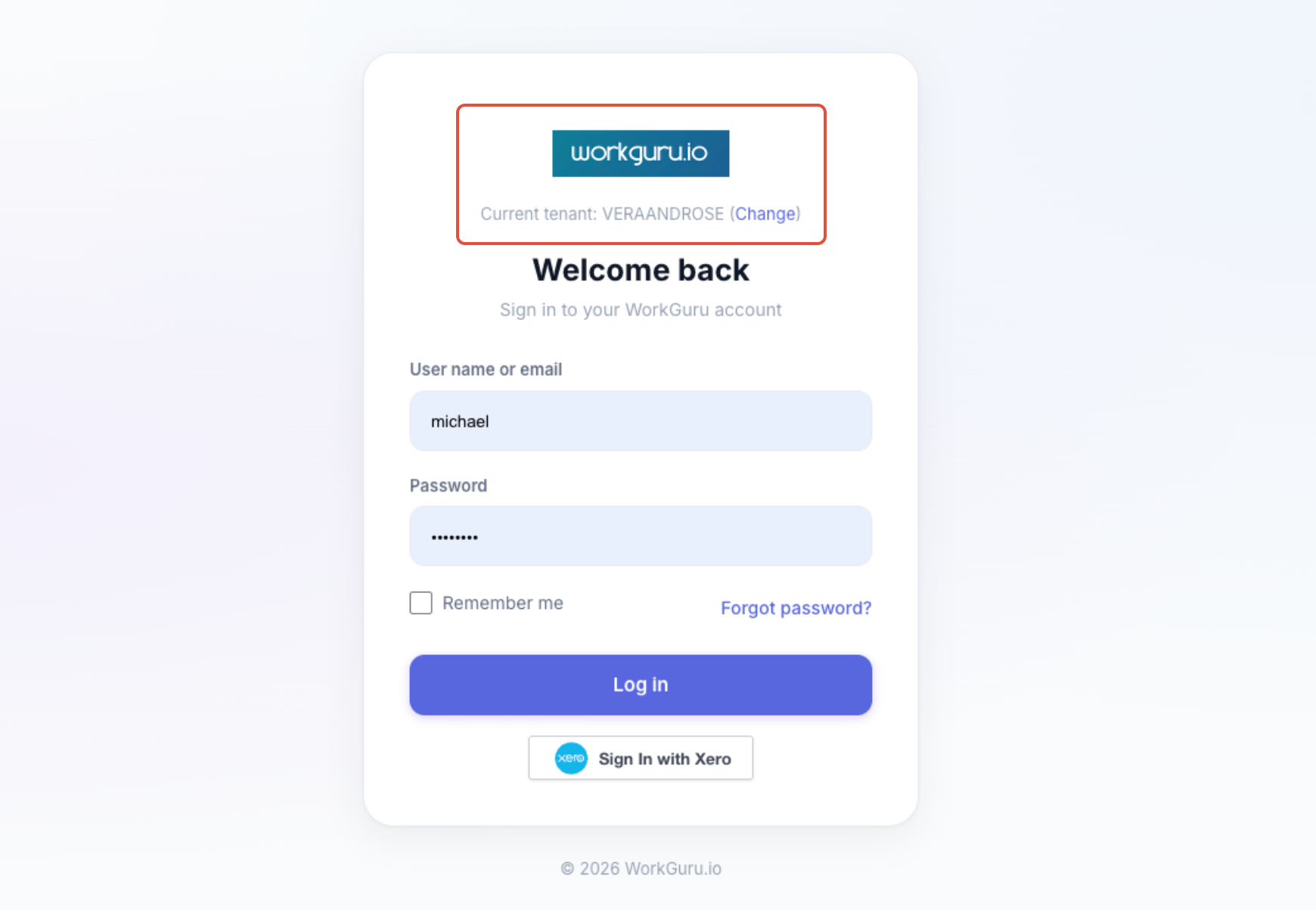
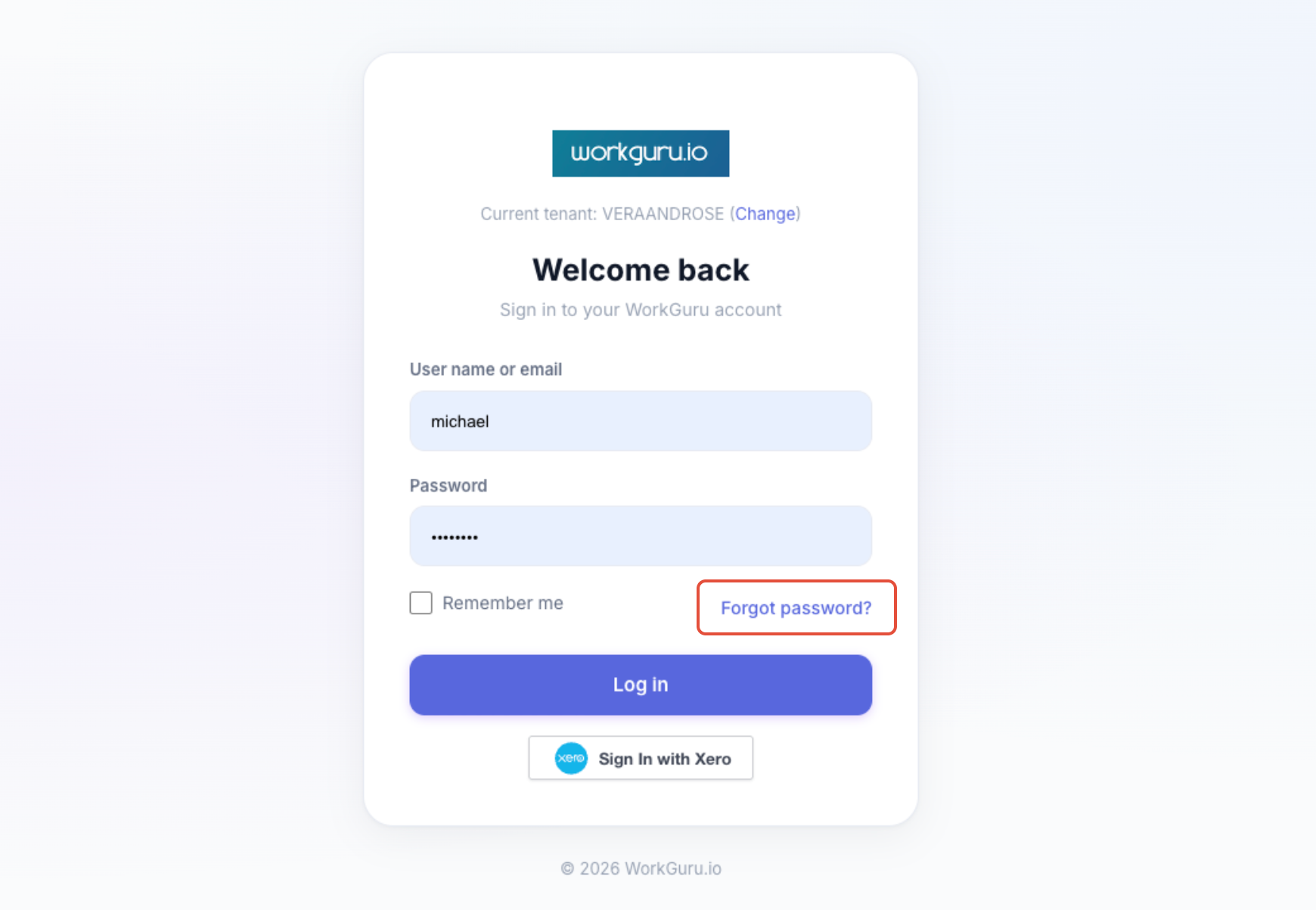
To reset your password yourself, first ensure that you have the correct Current Tenant set, then click Forgot Password.
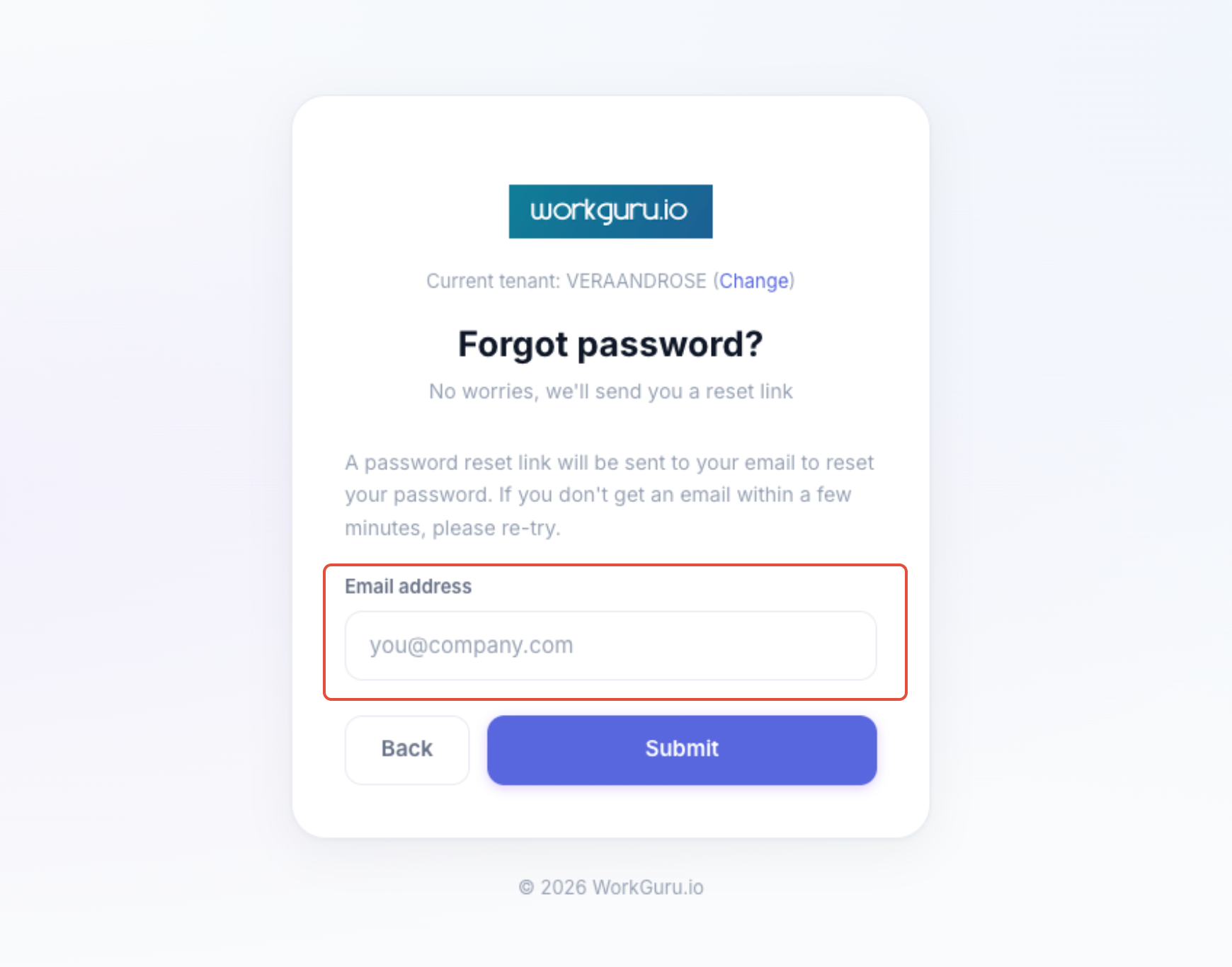
Confirm your tenant again and enter your Email address. Click Submit to initiate the reset password email.
Follow the steps in the email to reset your password.
Was this article helpful?
That’s Great!
Thank you for your feedback
Sorry! We couldn't be helpful
Thank you for your feedback
Feedback sent
We appreciate your effort and will try to fix the article