The daily summary dashboard display's a log of your activities throughout WorkGuru to review. Activities include timesheets and stock usage. Use the arrows to review daily summaries for previous days. If not on the current day, there will be a shortcut to Jump to Today.
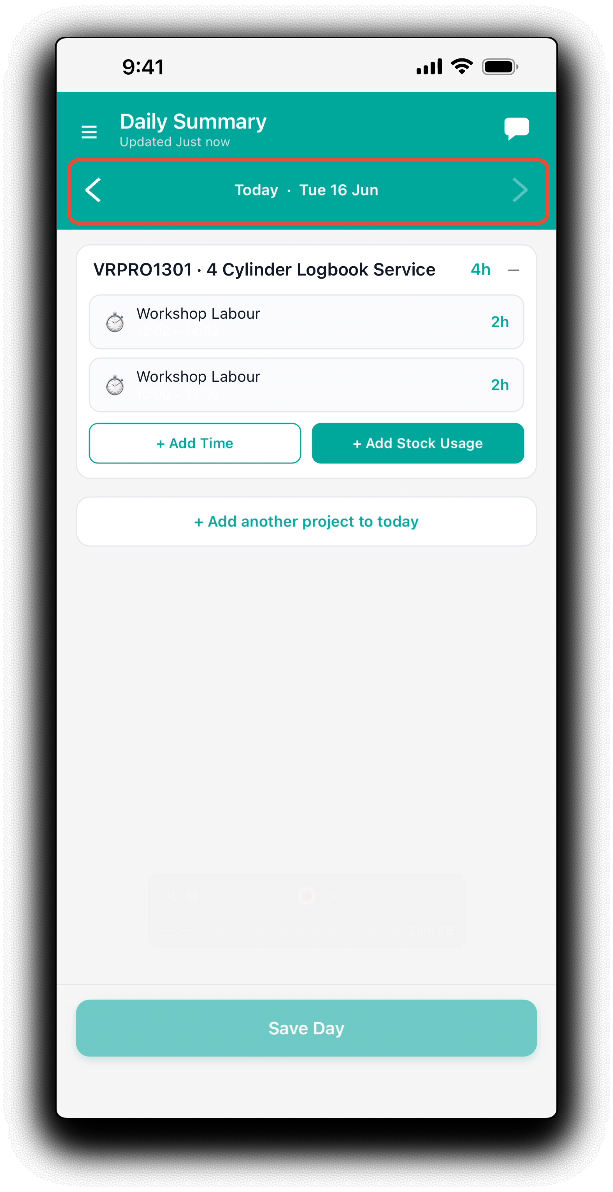
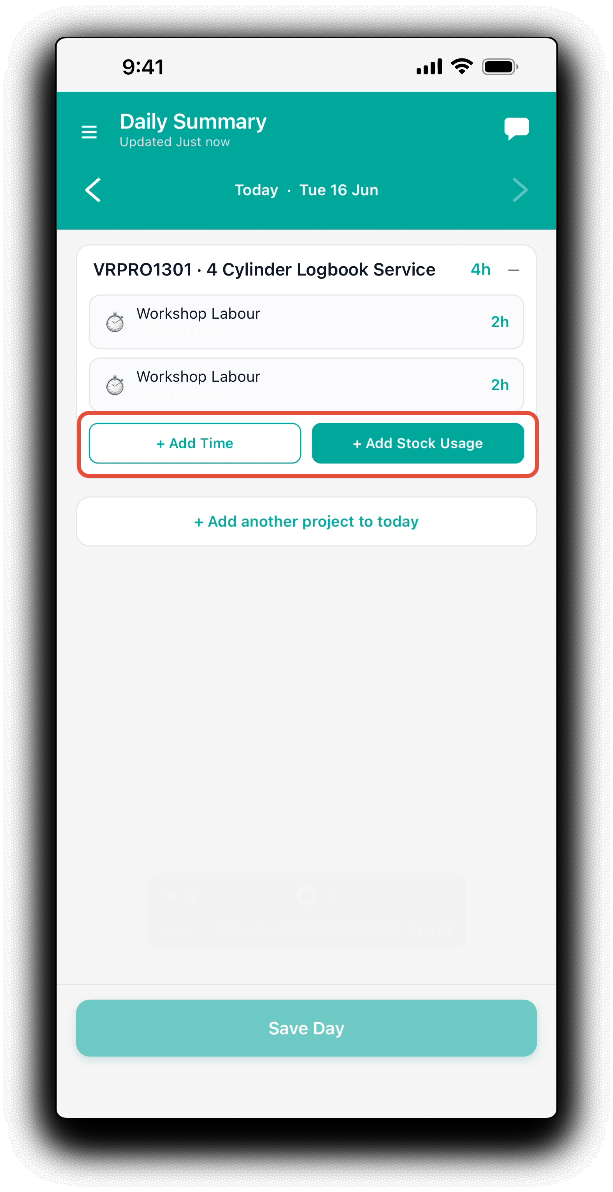
Once an activity has been logged and displayed as a project tile, you can use the Add Time and Add Stock Usage shortcuts to quickly add more actuals to that project.
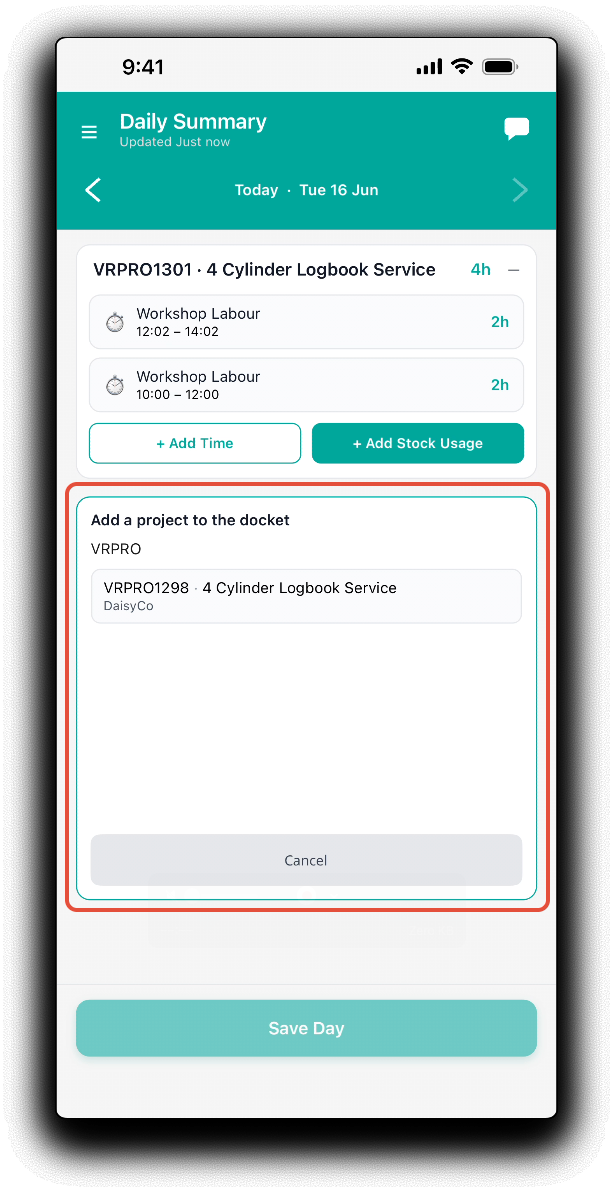
You can also add a project directly to your summary so you have quick access to the Add Time and Add Stock Usage shortcuts. Tap + Add another project to today and search for another project by number, name or client. Tap on the project from the list of search results to add to the daily summary.
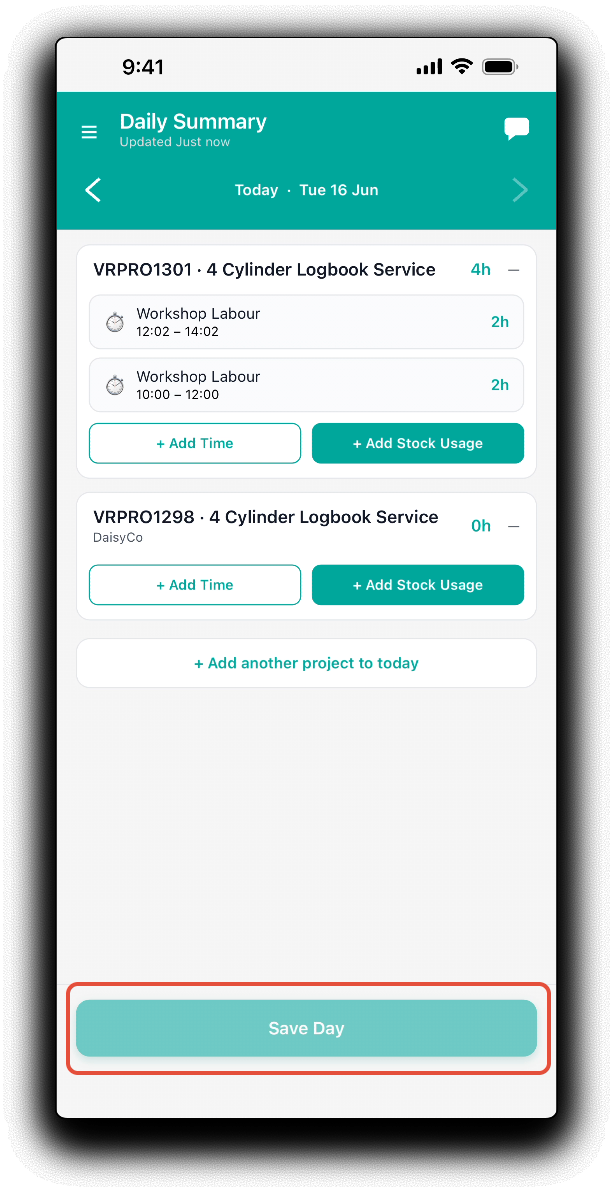
Tap Save Day to confirm the new projects on the daily summary.
Was this article helpful?
That’s Great!
Thank you for your feedback
Sorry! We couldn't be helpful
Thank you for your feedback
Feedback sent
We appreciate your effort and will try to fix the article