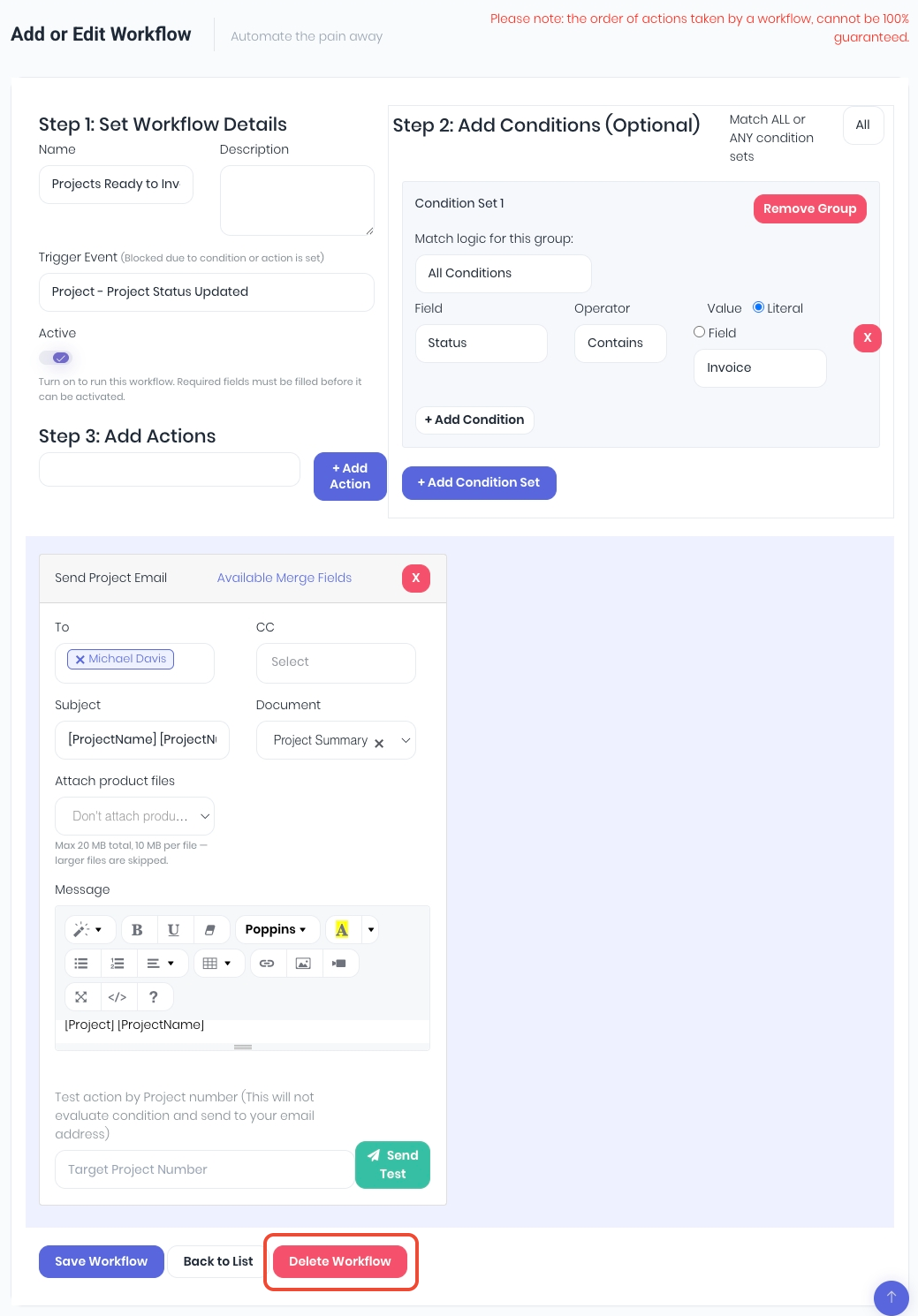
If workflows are no longer required, they can be deleted completely instead of paused. To delete a workflow, click the Cog icon on the workflow tile to enter the edit workflow page. In the footer, click Delete Workflow. Deleted workflows can not be restored. They will need to be either re-added manually or re-installed from the automations library.
Was this article helpful?
That’s Great!
Thank you for your feedback
Sorry! We couldn't be helpful
Thank you for your feedback
Feedback sent
We appreciate your effort and will try to fix the article