To fill out any of the available forms, regardless of the type (not just projects) tap Complete a Form from the Kiosk menu
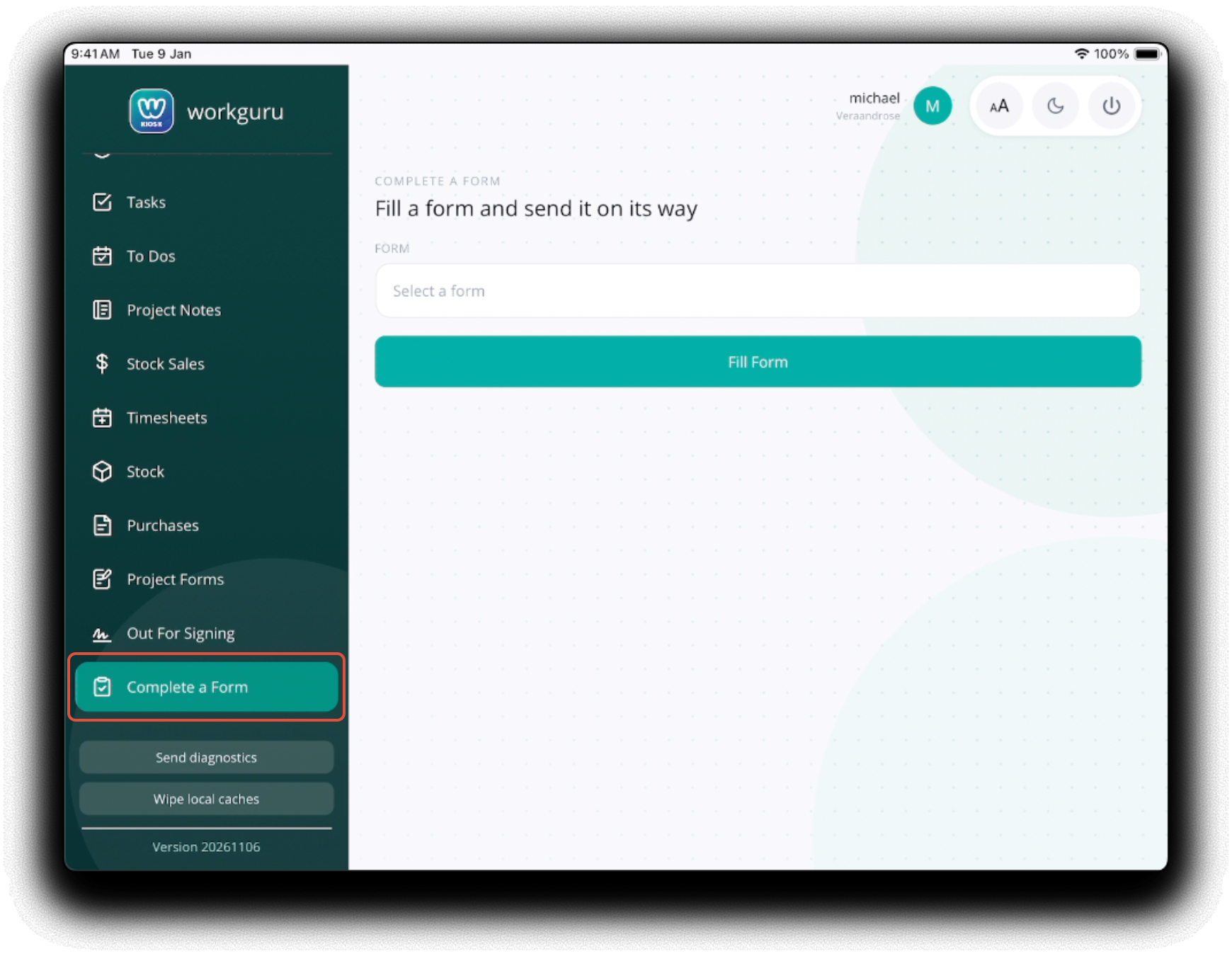
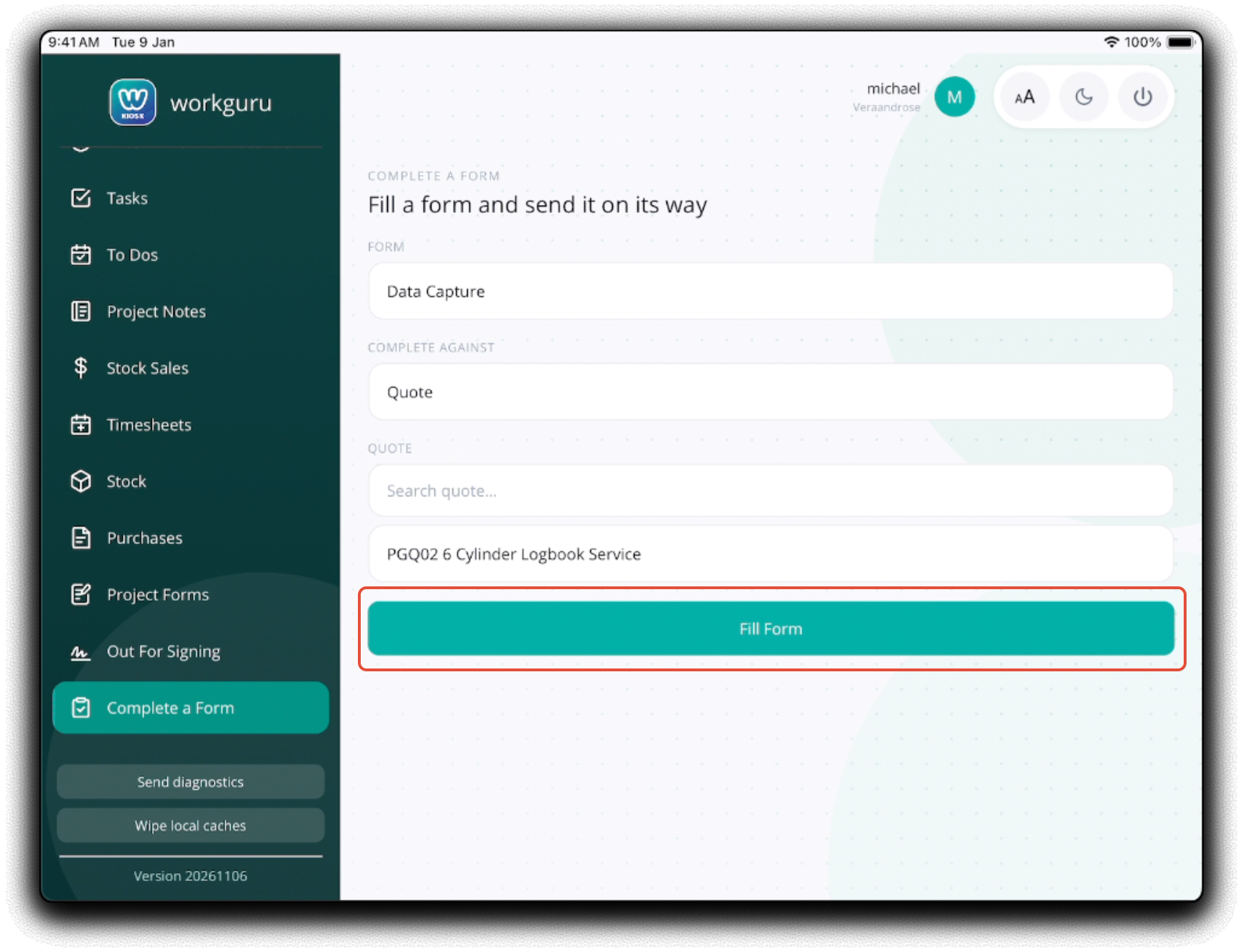
Select a Form from the Form dropdown. Based on the selected forms confirguration, you may need to select additional information when prompted:
- Complete Against - Select the transaction the form is compatible with.
- Project/Quote/Lead/Asset/Staff - Search or select the transaction/staff based on the complete against selection.
Click Fill Form to complete the selected form.
Was this article helpful?
That’s Great!
Thank you for your feedback
Sorry! We couldn't be helpful
Thank you for your feedback
Feedback sent
We appreciate your effort and will try to fix the article