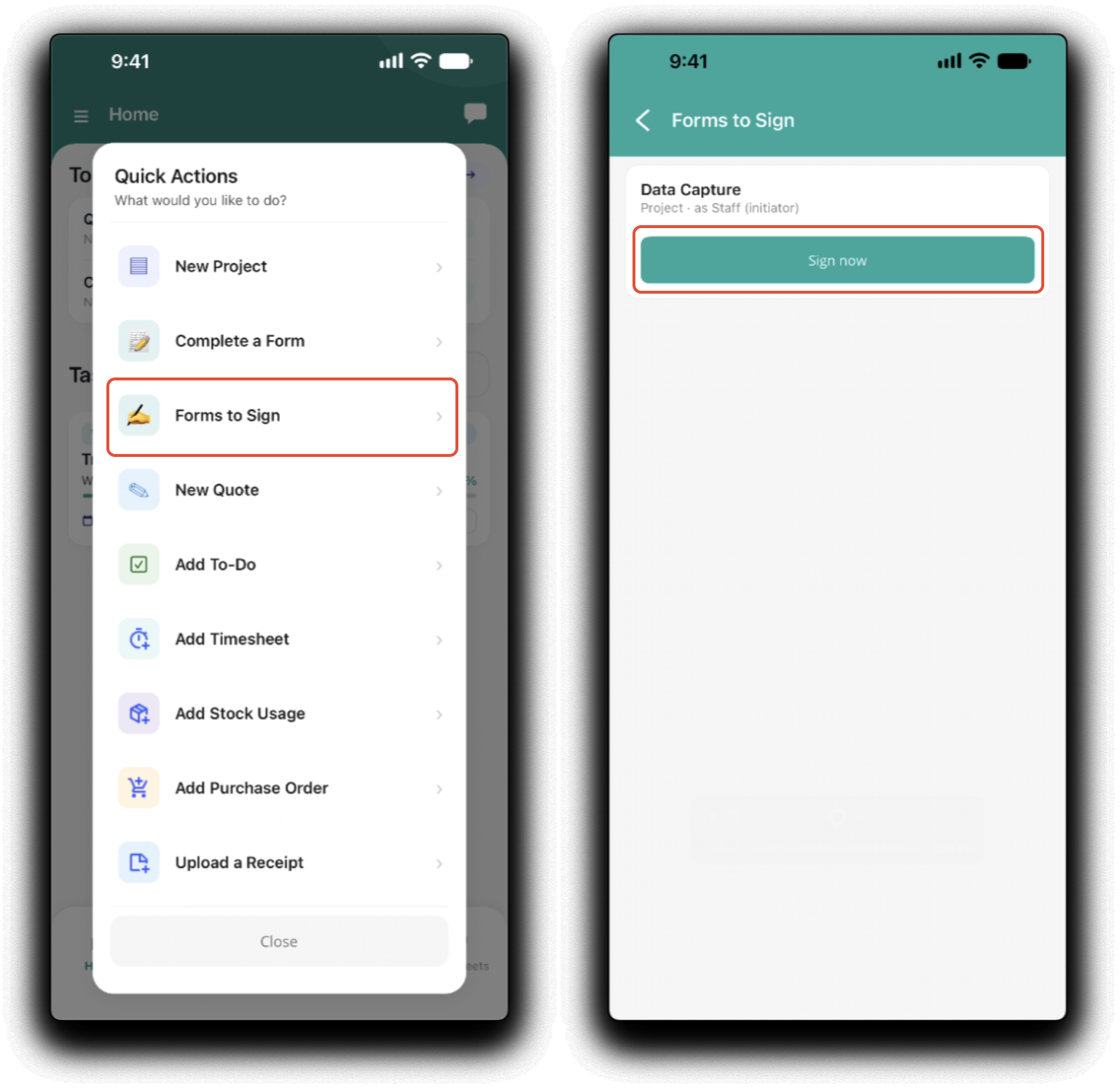
To display forms that have been specifically assigned to the user logged into the mobile app, tap Forms to Sign from the home page's Quick Actions menu. Open the assigned form to complete by tapping the form's Sign Now button.
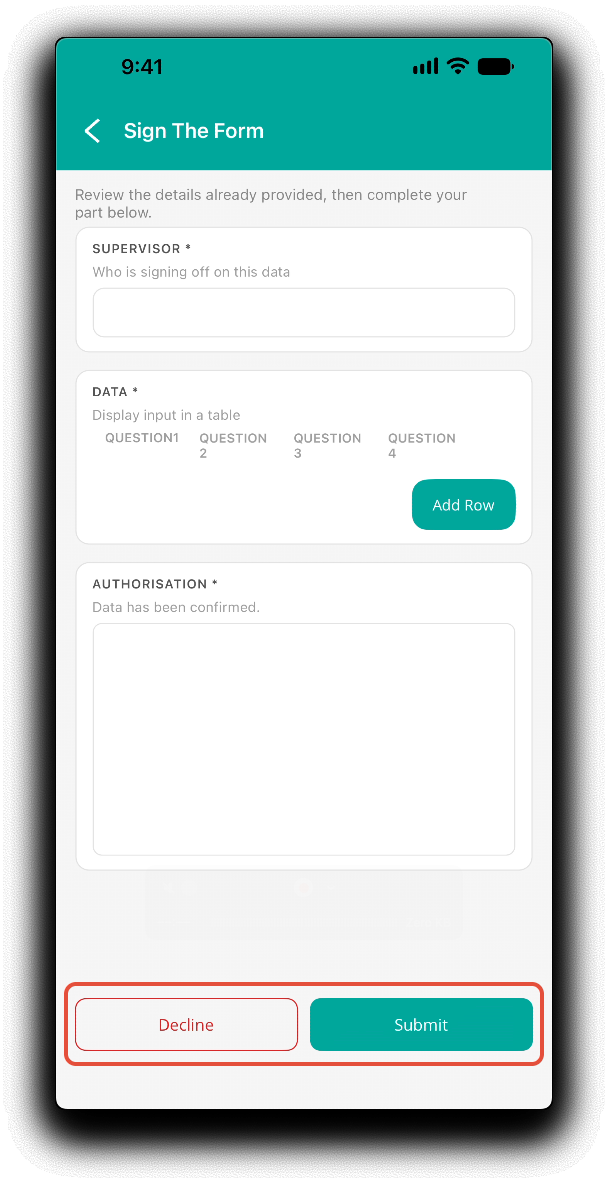
Fillout and Submit the form as directed. If you do not want to complete the form, tap Decline.
Completed forms will be removed from the signing list.
Was this article helpful?
That’s Great!
Thank you for your feedback
Sorry! We couldn't be helpful
Thank you for your feedback
Feedback sent
We appreciate your effort and will try to fix the article