WorkGuru allows you to personalise your user account details via the My settings from the my account menu.
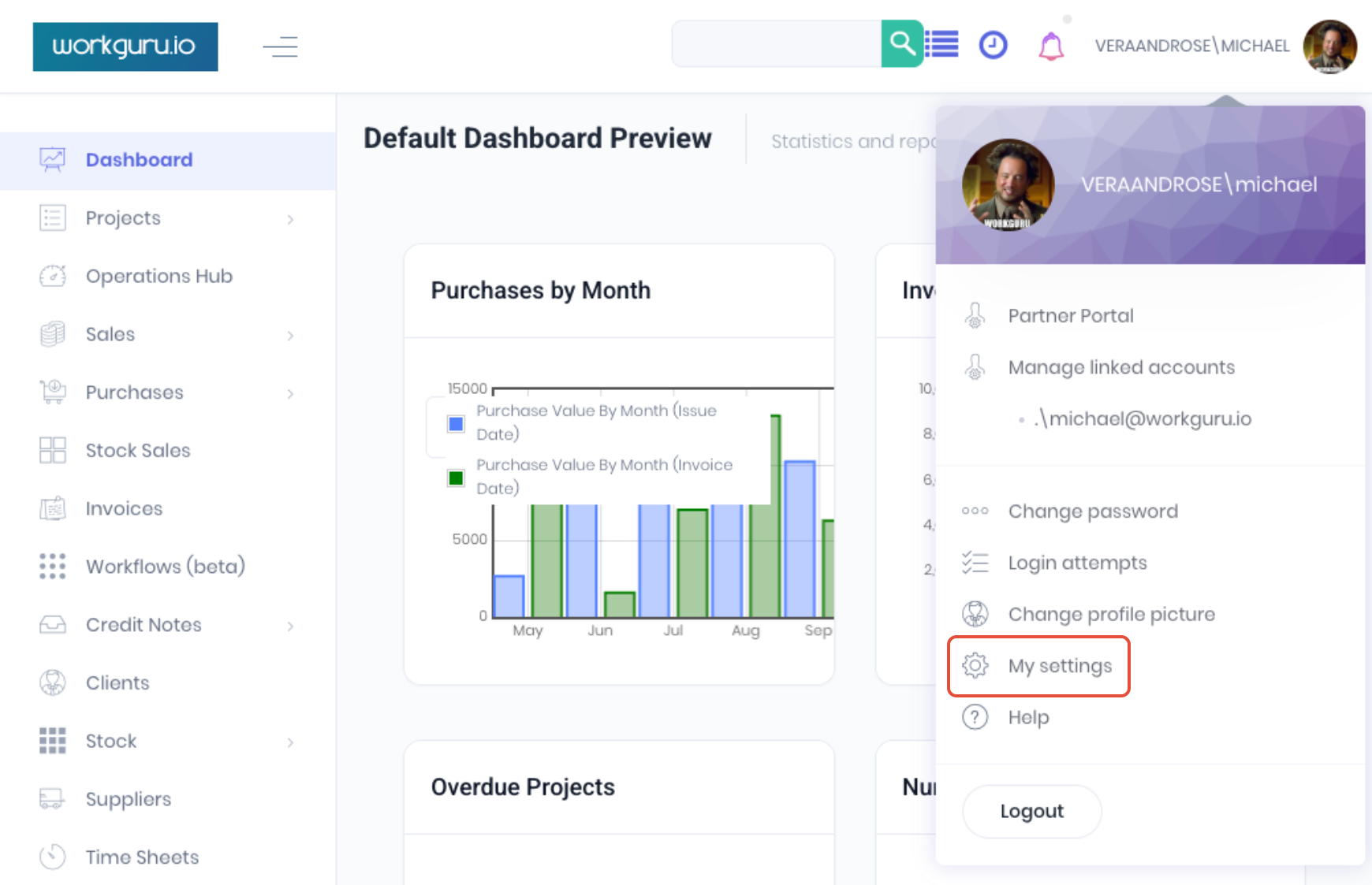
Profile
The Profile tab allows you to update or add to your individual information which was initially added when you user account was setup by the WorkGuru Admin.
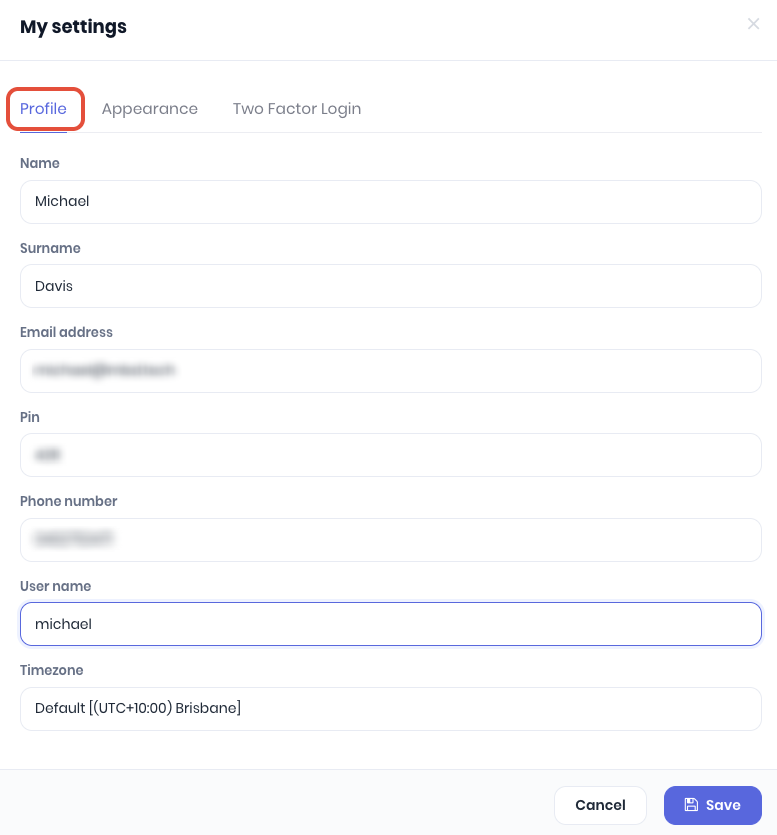
- Name - First name
- Surname - Last name
- Email Address - Email address to receive notifications from WorkGuru
- Pin - Kiosk pin number.
- Phone Number - Phone number for email templates.
- User Name - Username for login window.
- Timezone - Set individual timezone which overrides the admin set system default.
Appearance
The Appearance tab lets you customise your user specific user interface.
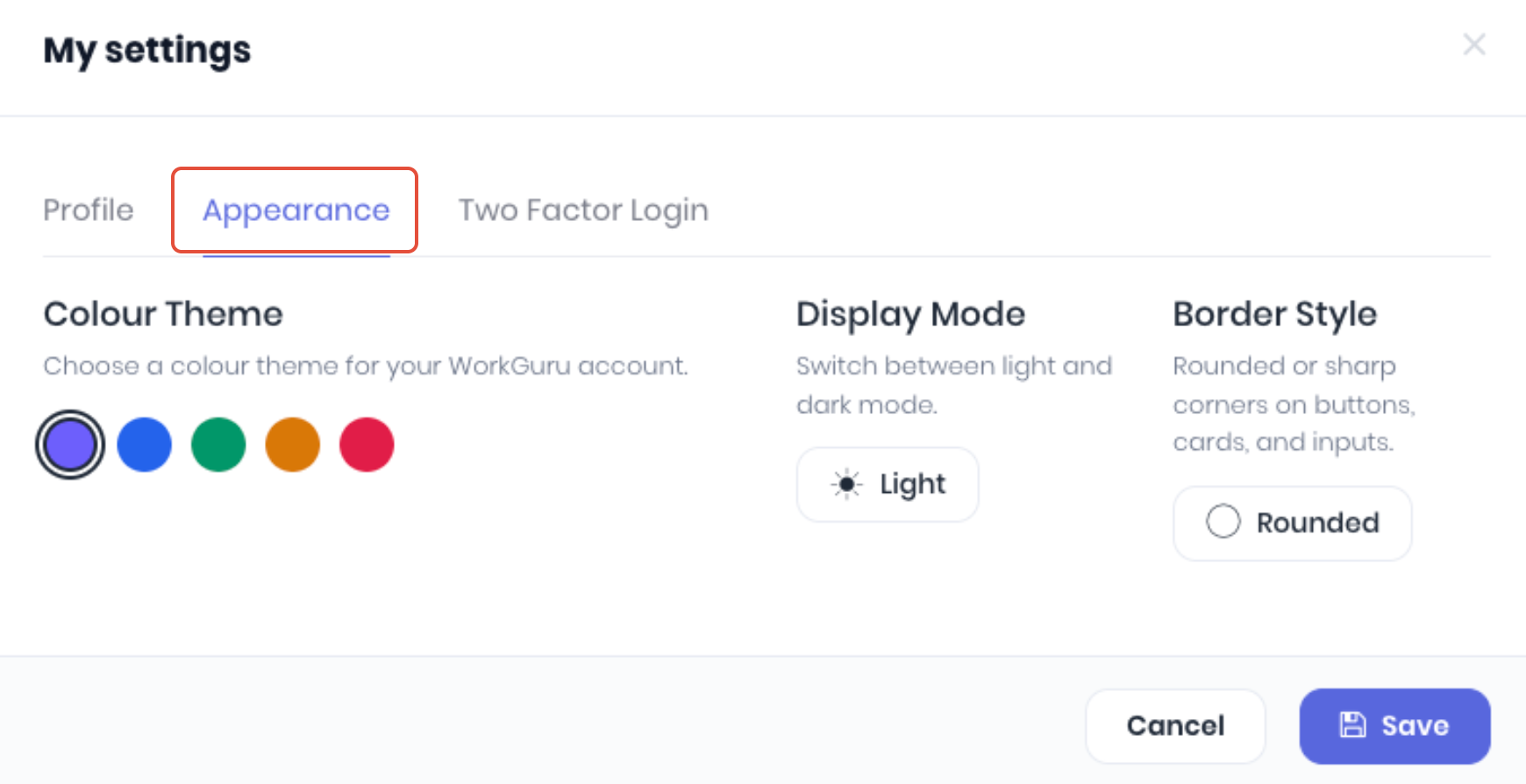
- Colour Theme - Set your preferred UI button and highlight colour theme.
- Display Mode - Switch between light and dark mode.
- Border Style - Switch between rounded or sharp corners on buttons, cards and inputs.
Two Factor Login
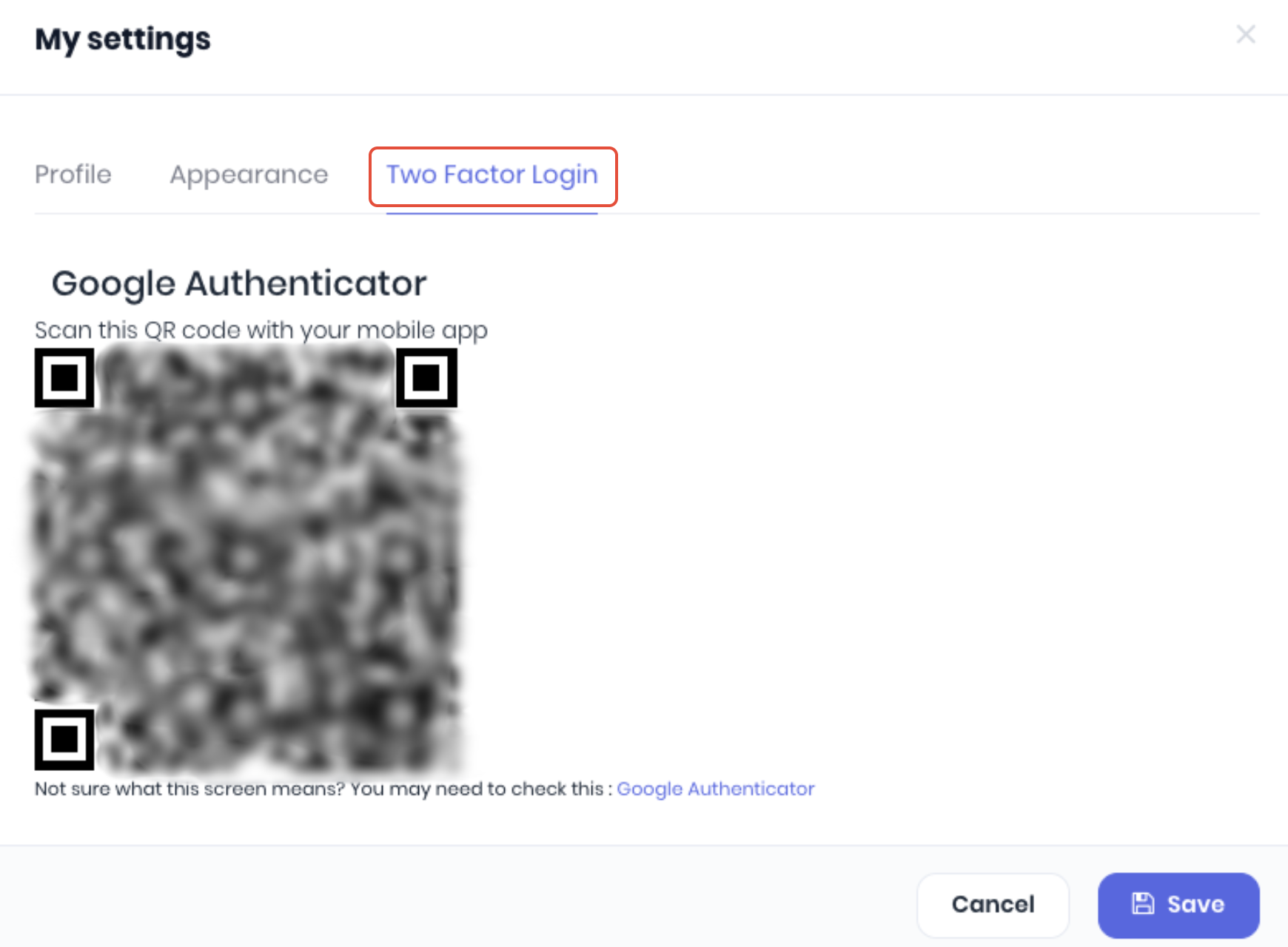
You can also enable 2 factor authentication for your account to enhance your login security.
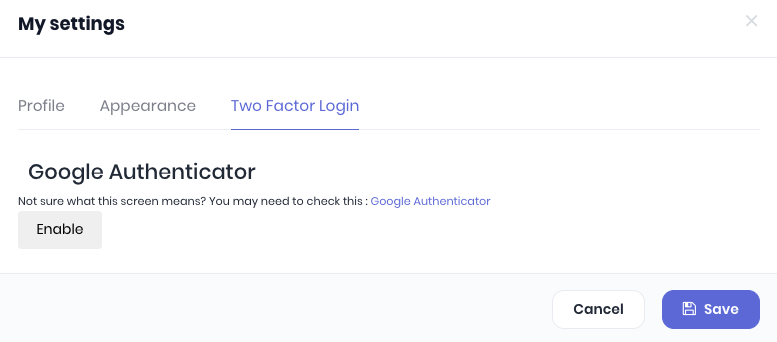
Click Enable to start the steps of setting up 2FA for your WorkGuru. WorkGuru recommends Google Authenticator but any compatible 2FA tool will work. Follow your 2FA applications instructions to scan the presented QR code to generate your 2FA keys. WorkGuru will now request 2FA codes when logging in.
Was this article helpful?
That’s Great!
Thank you for your feedback
Sorry! We couldn't be helpful
Thank you for your feedback
Feedback sent
We appreciate your effort and will try to fix the article