Once you have your Tyro hardware, you must pair each terminal to WorkGuru before you can take payments. Note: Ensure you have followed Tyro's instructions to setup the terminals first, they must be connected to the internet to pair with WorkGuru.
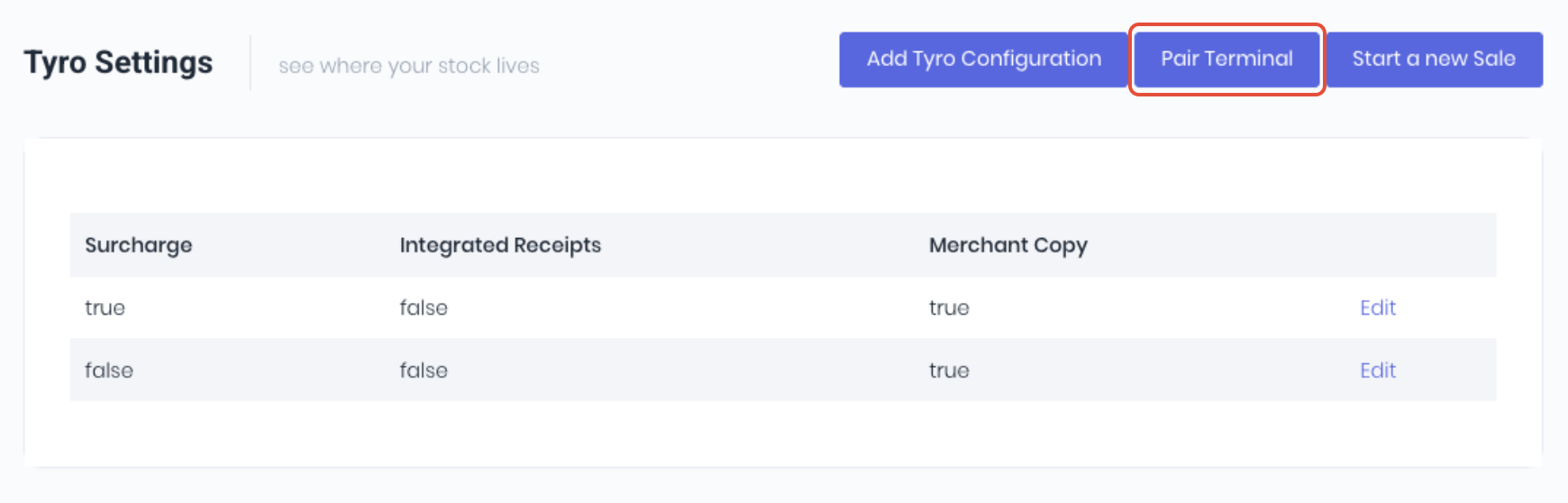
From the Tyro dashboard or the edit tyro settings page, click Pair Terminal.
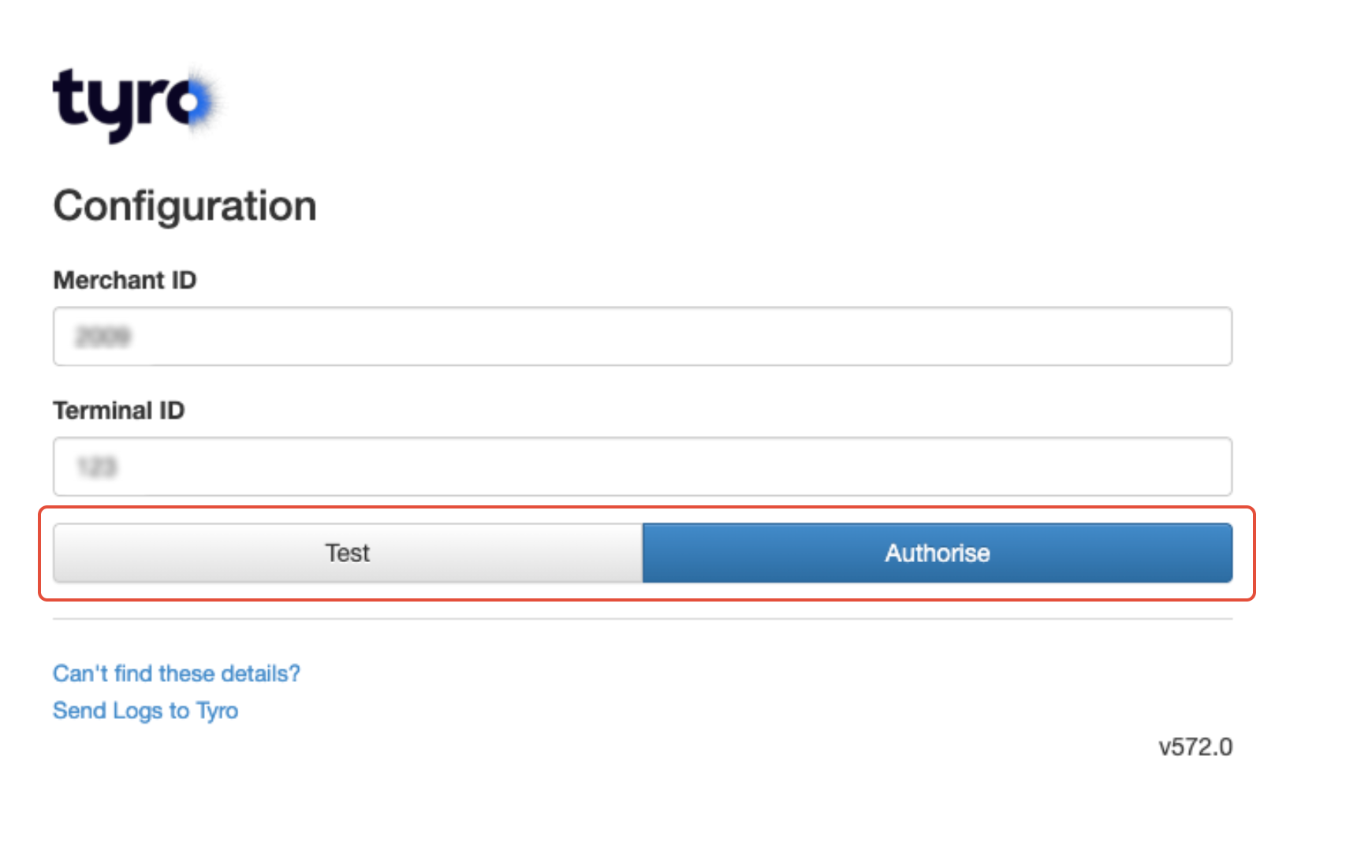
The pairing process requires the individual terminal's Merchant ID (MID) and Terminal ID (TID).
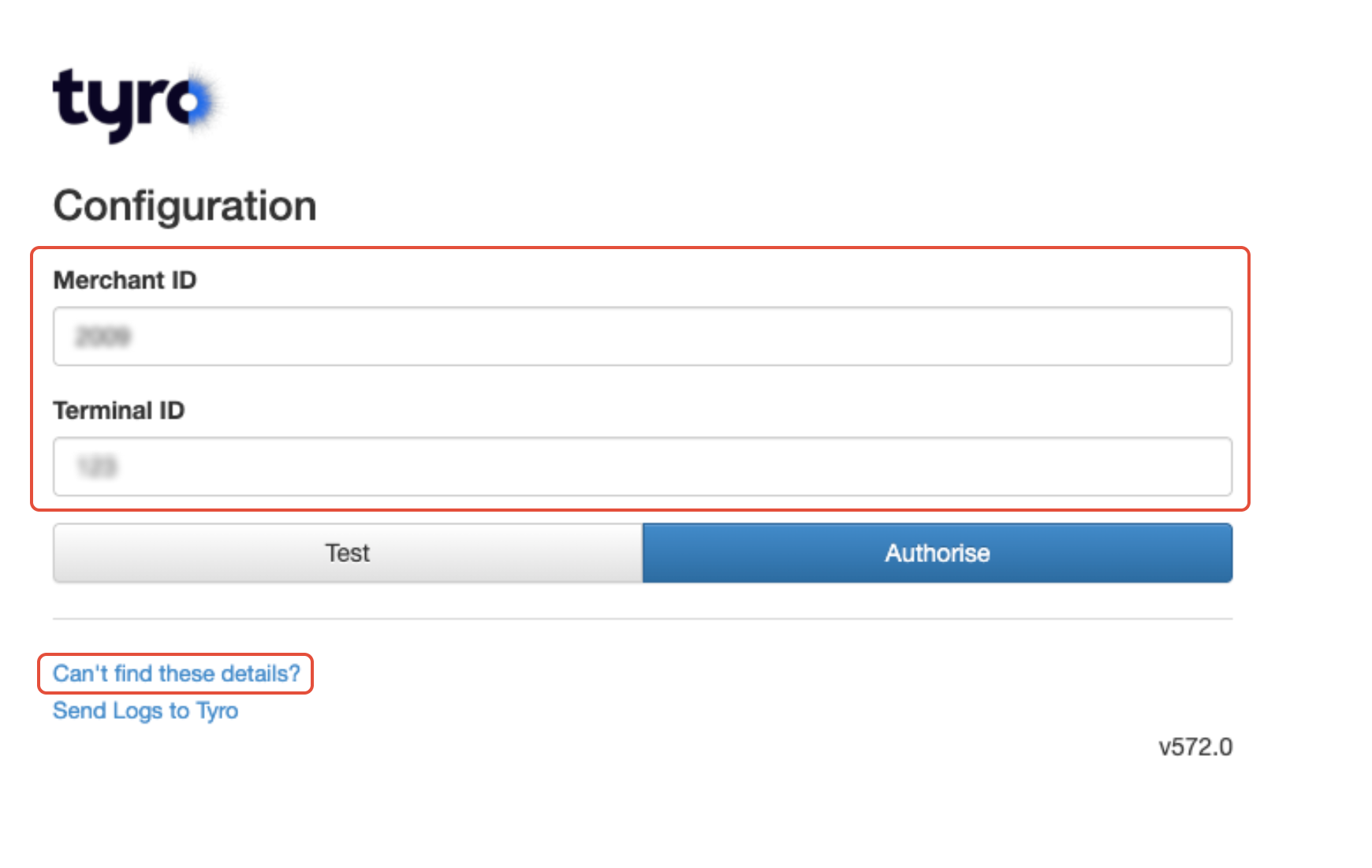
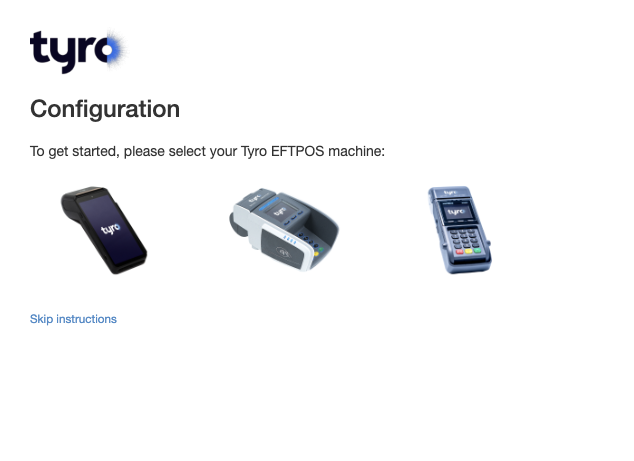
If you do not know your MID and TID, click Can't Find These Details? Select your specific hardware/terminal type.
Follow the hardware specific steps on your selected terminal to retrieve the TID and MID.
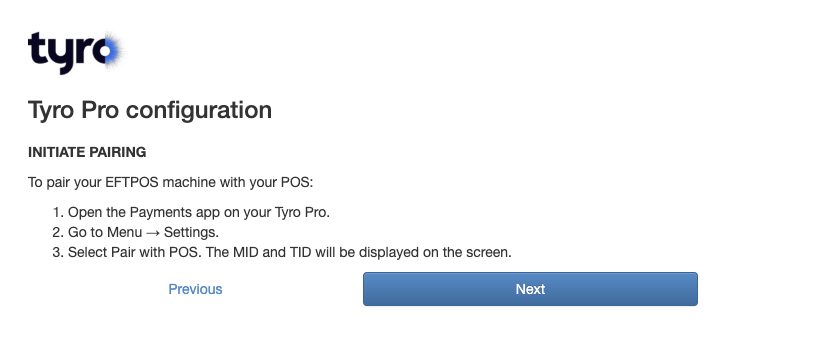
Once retrieved select Next then enter the TID and MID. Click Test to confirm then Authorise.
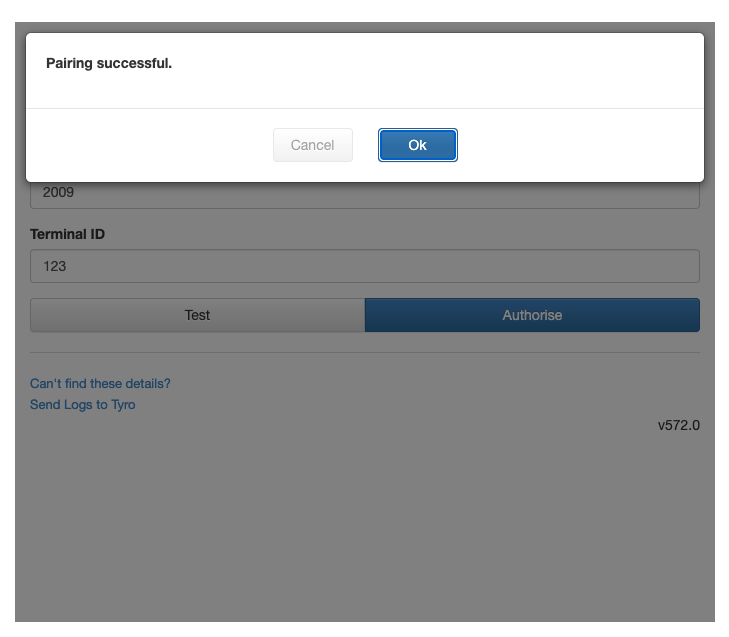
WorkGuru will confirm the pairing is successful.
 You are now ready to take payments via that terminal.
Was this article helpful?
That’s Great!
Thank you for your feedback
Sorry! We couldn't be helpful
Thank you for your feedback
Feedback sent
We appreciate your effort and will try to fix the article