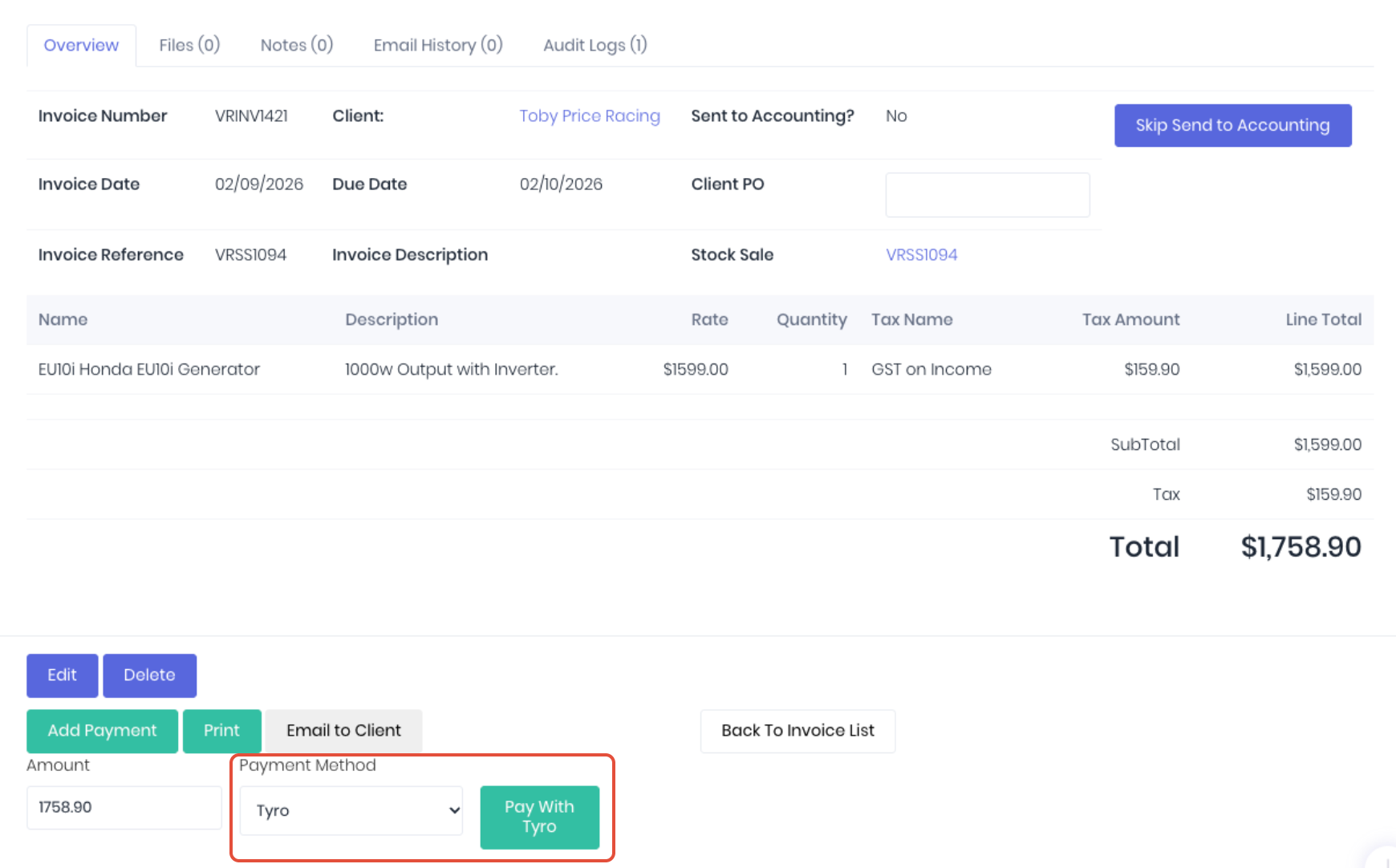
Once your terminals have been configured and paired successfully, you will have a Tyro payment type available to be applied to any invoice in WorkGuru you need to take direct EFT payments for. However, the Tyro payments are primarily designed to be use with stock sales.
When you use Pay With Tyro with an invoice, it will automatically send the invoice total to the terminal, and apply the payment to the invoice once successful.
When using stock sales, there are specific stock sale settings that allow you to automate the sales workflow to make best use of the Tyro payments.
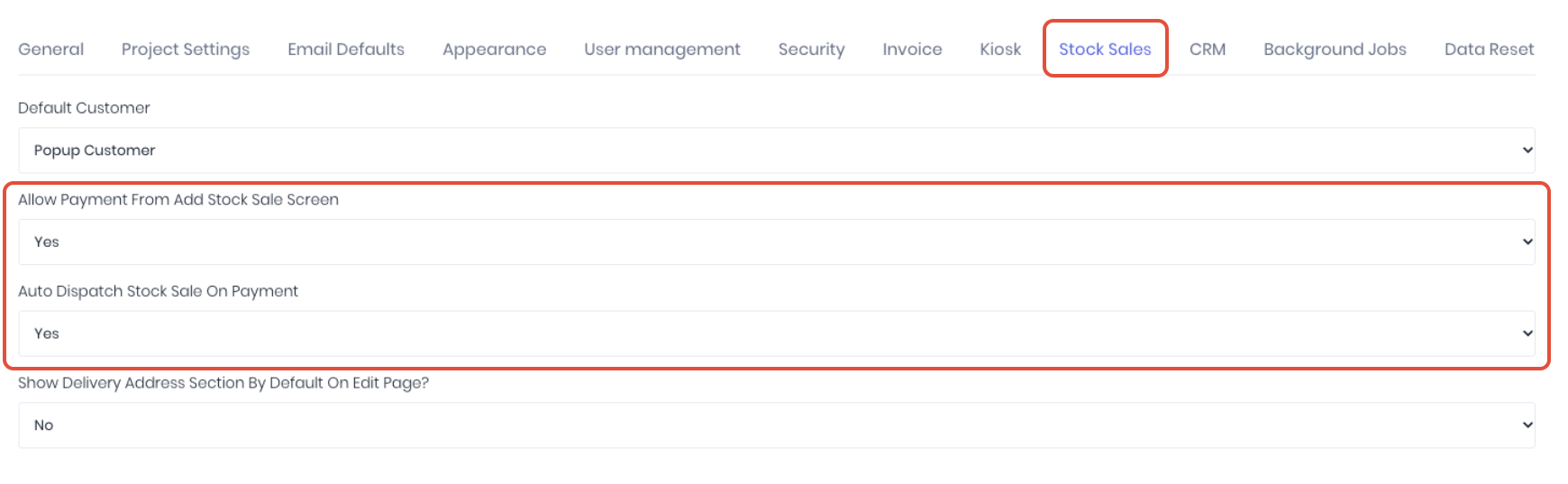
If Allow Payment From Add Stock Sale Screen is enabled, when you add a new stock sale, it will automatically default to the Tyro payment method.
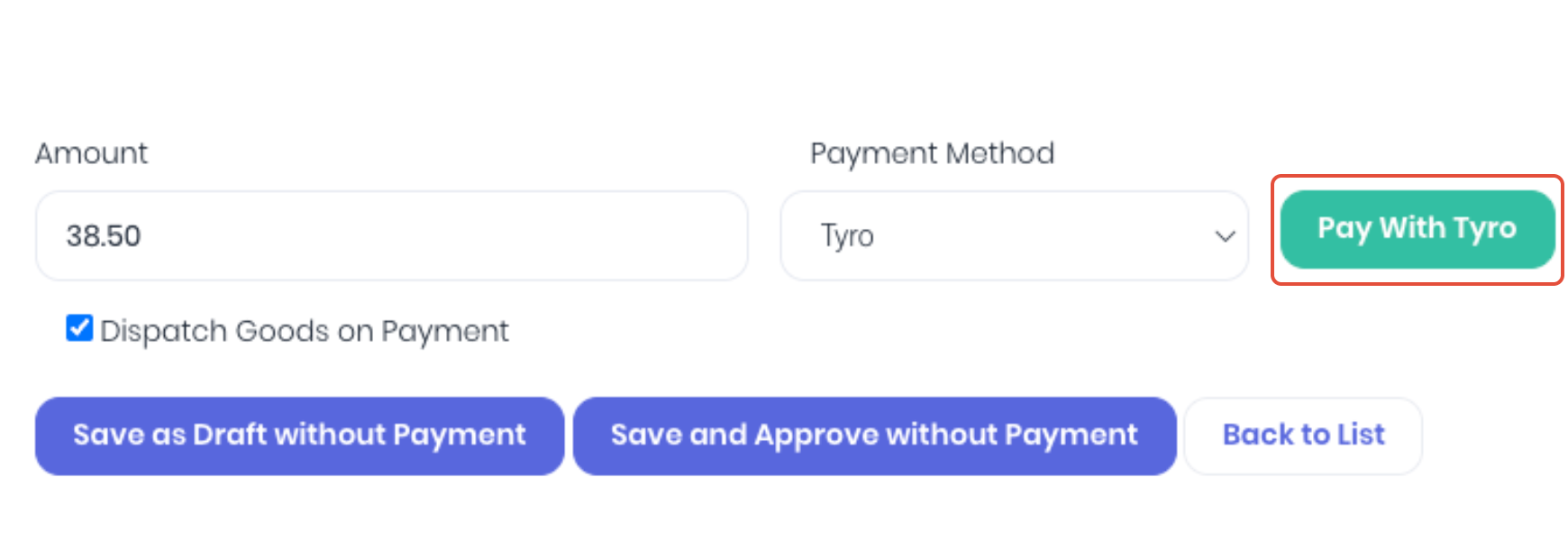
Simply click Pay With Tyro and an approved invoice with the payment applied will automatically be created on a successful payment. If Dispatch Goods on Payment is enabled, the stock sale is completed in one step.
Was this article helpful?
That’s Great!
Thank you for your feedback
Sorry! We couldn't be helpful
Thank you for your feedback
Feedback sent
We appreciate your effort and will try to fix the article