For your projects that have had chat enabled, you can access and post in those chats on the go with the mobile app.
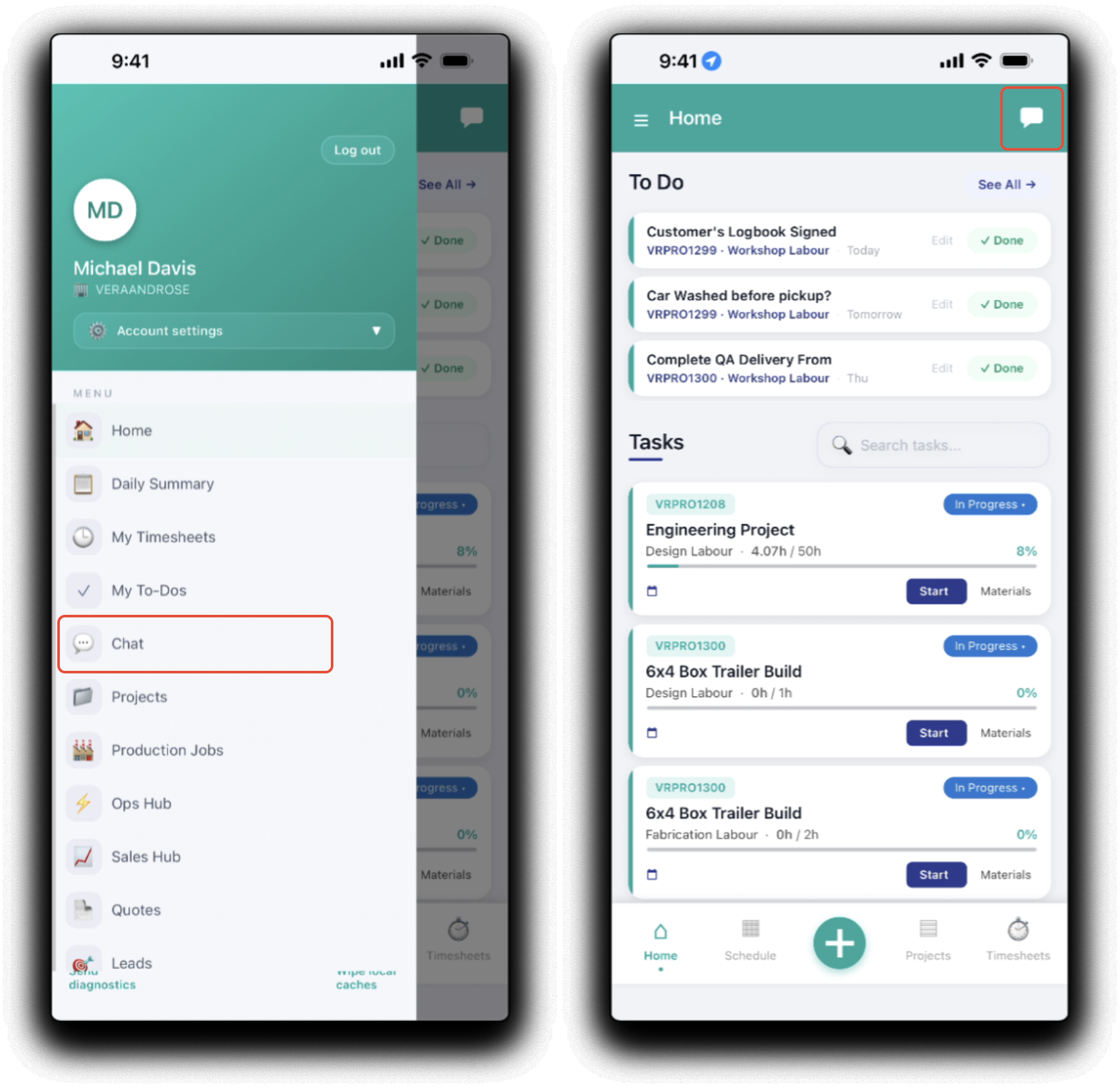
Tap the chat icon on the app header to Chat in the mobile menu.
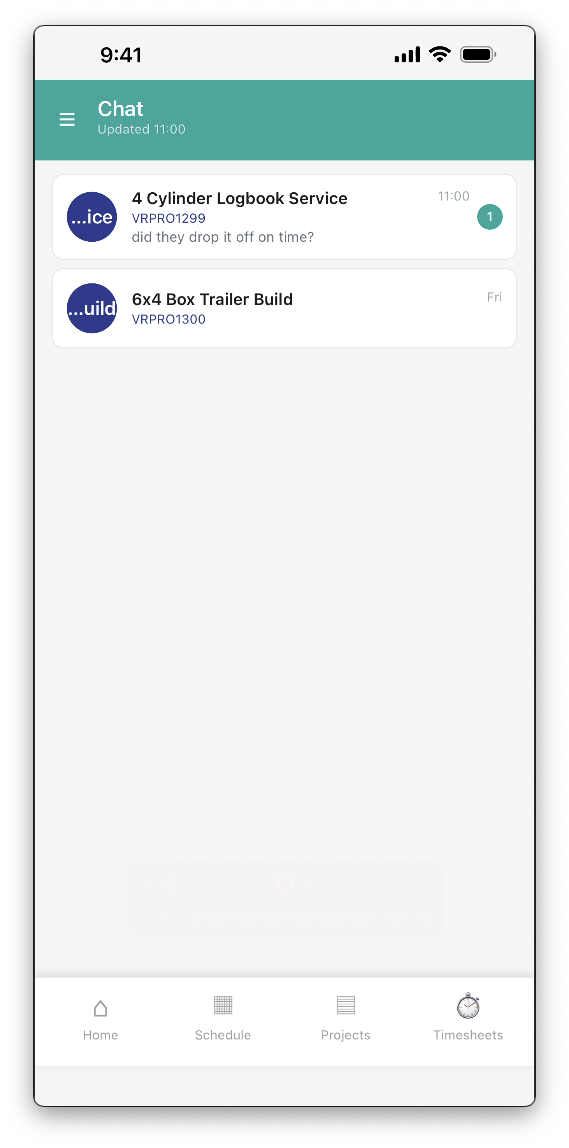
That chat dashboard will display the currently active chats. Unread chats will be indicated. Tap on a chat tile to open that chat.
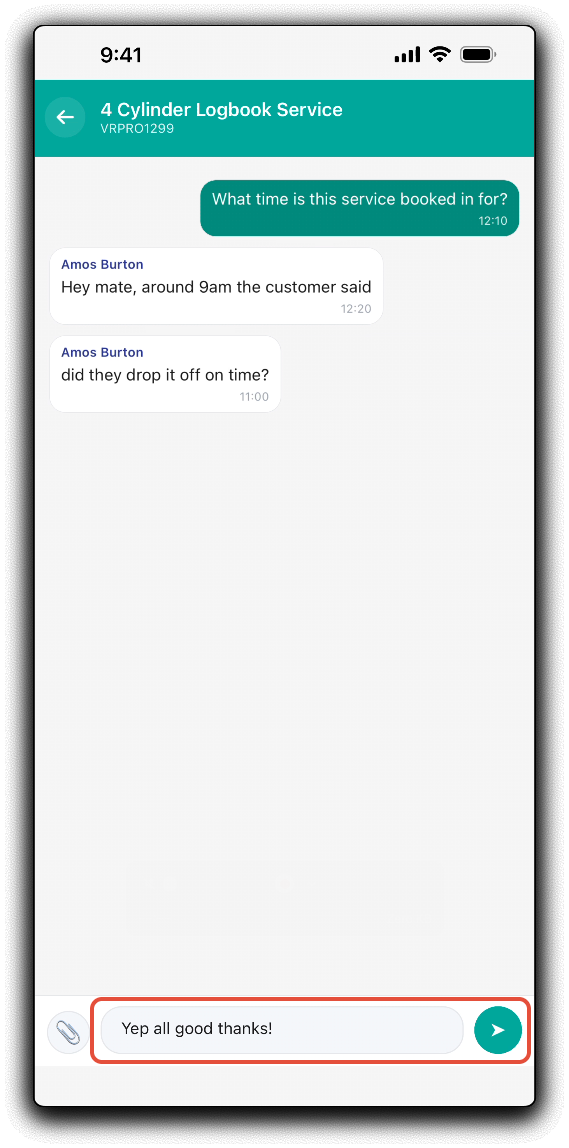
Send text messages to the chat as required.
You can also send photos to the chat. Tap on the attachments (paperclip) icon to open the attach image prompt:
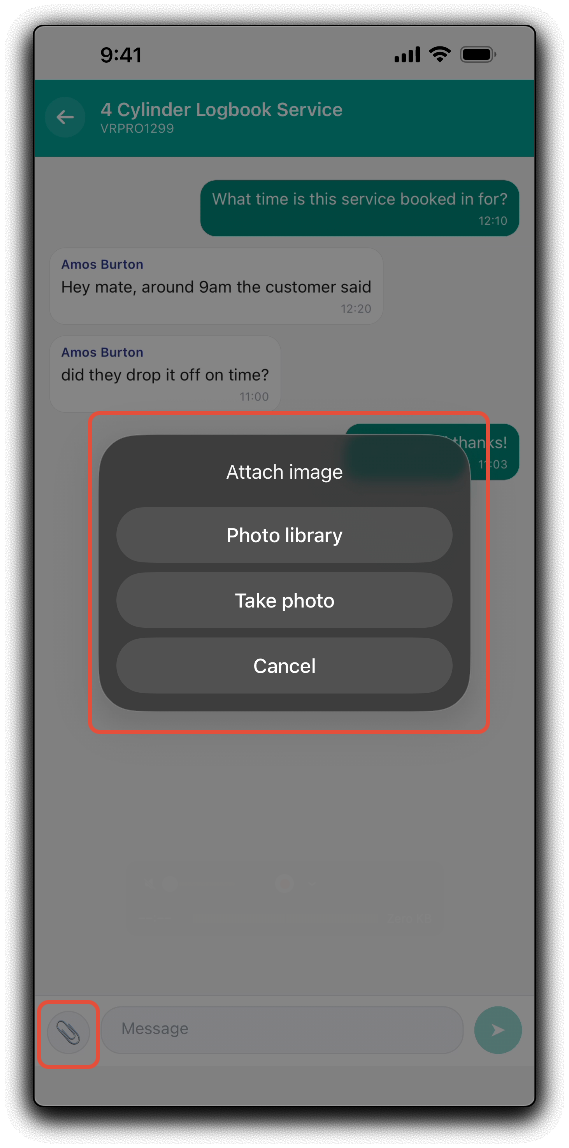
- Photo Library - Select exisiting pictures from the device's gallery/camera roll if available.
- Take a Photo - Launch the device's camera application if available to upload photo's directly to the project.
Was this article helpful?
That’s Great!
Thank you for your feedback
Sorry! We couldn't be helpful
Thank you for your feedback
Feedback sent
We appreciate your effort and will try to fix the article