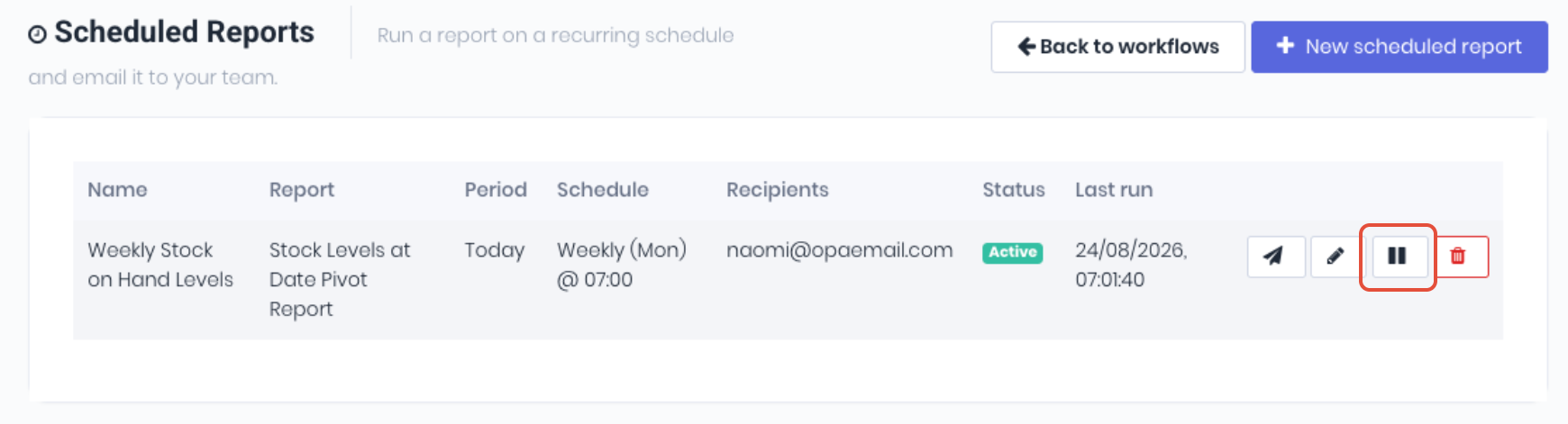
Once a scheduled report is created and is active, it will run automatically based on frequency. If a scheduled report is not required temporarily, simply mark the scheduled report as Inactive by clicking the Pause icon from the scheduled reports dashboard.
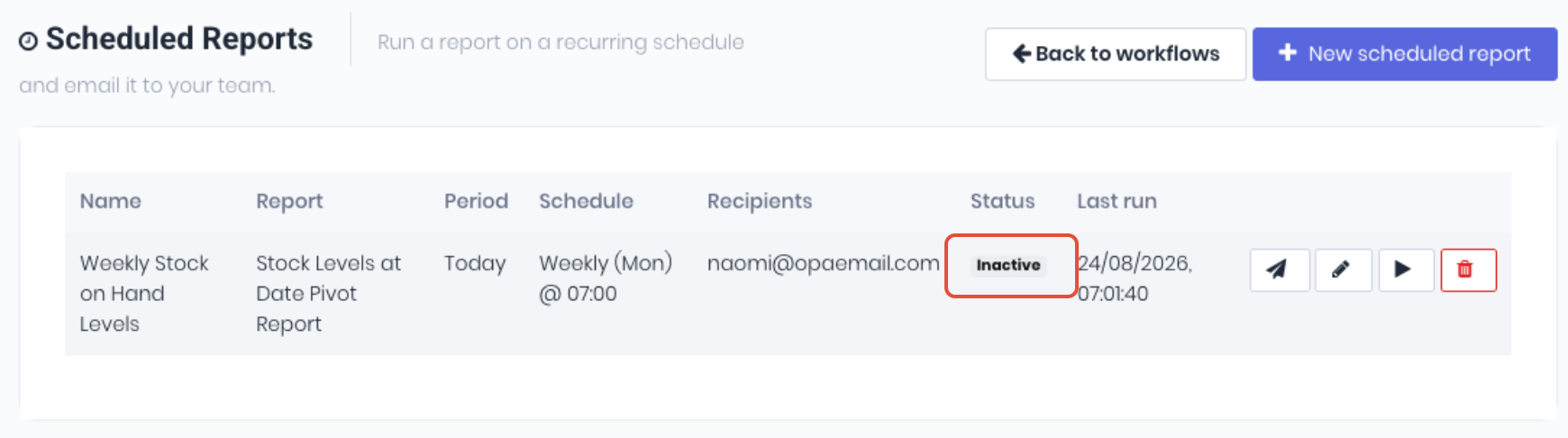
The scheduled report will now display the Inactive status. It will now longer generate and send the reports as scheduled.
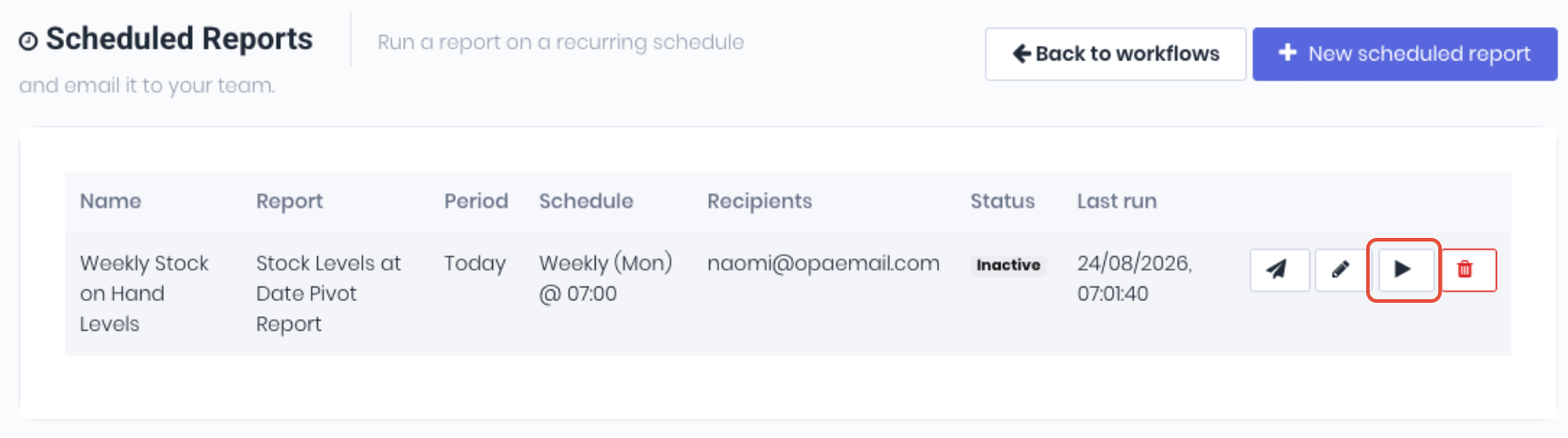
When you need to resume the scheduled reports again, simply click the Play icon.
If a workflow is no longer required, it can be deleted completely instead being made inactive.
Was this article helpful?
That’s Great!
Thank you for your feedback
Sorry! We couldn't be helpful
Thank you for your feedback
Feedback sent
We appreciate your effort and will try to fix the article