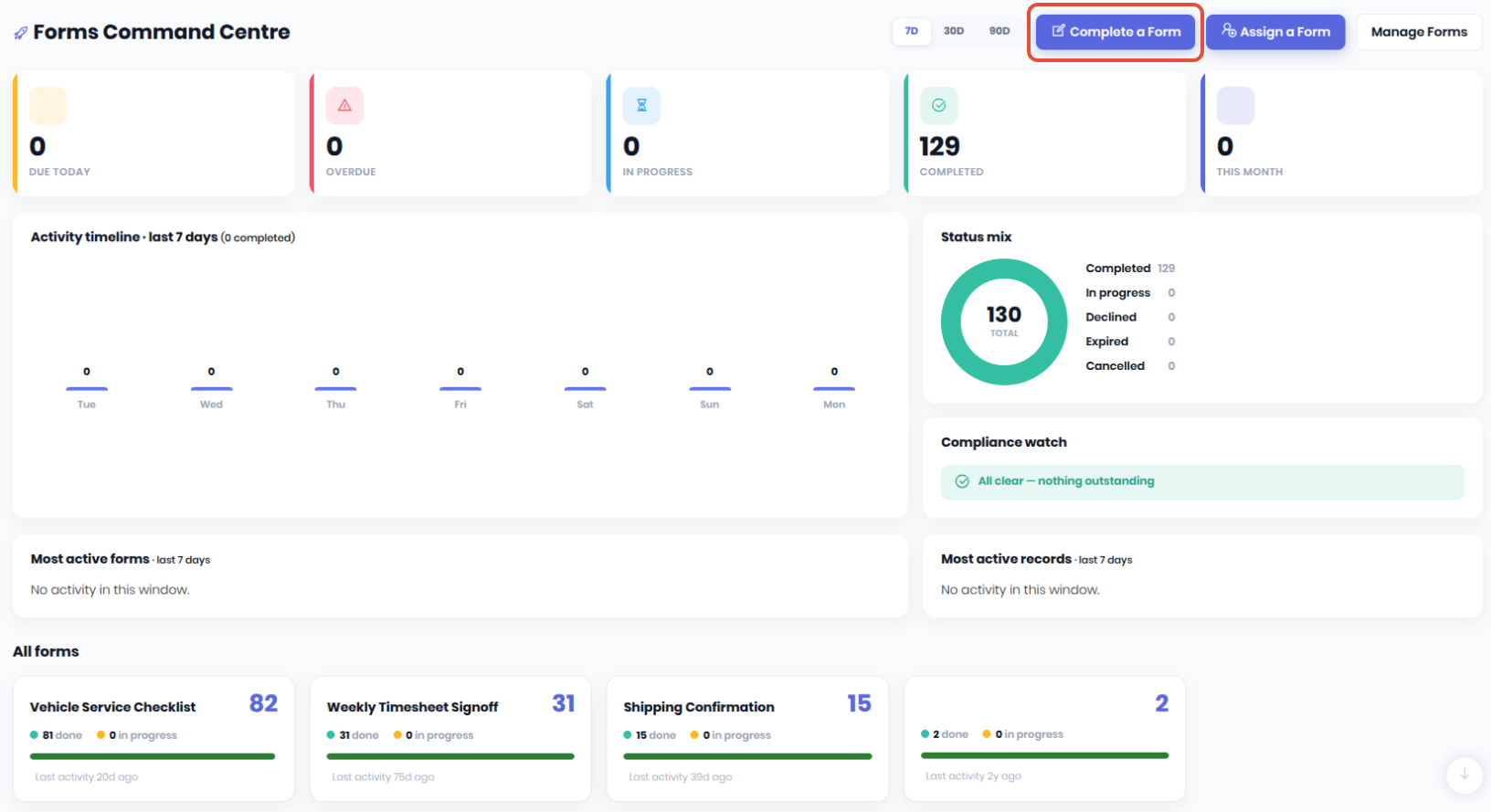
Currently, the only way to complete assets forms is via the Forms Command Centre. Click Complete a Form to start the process.
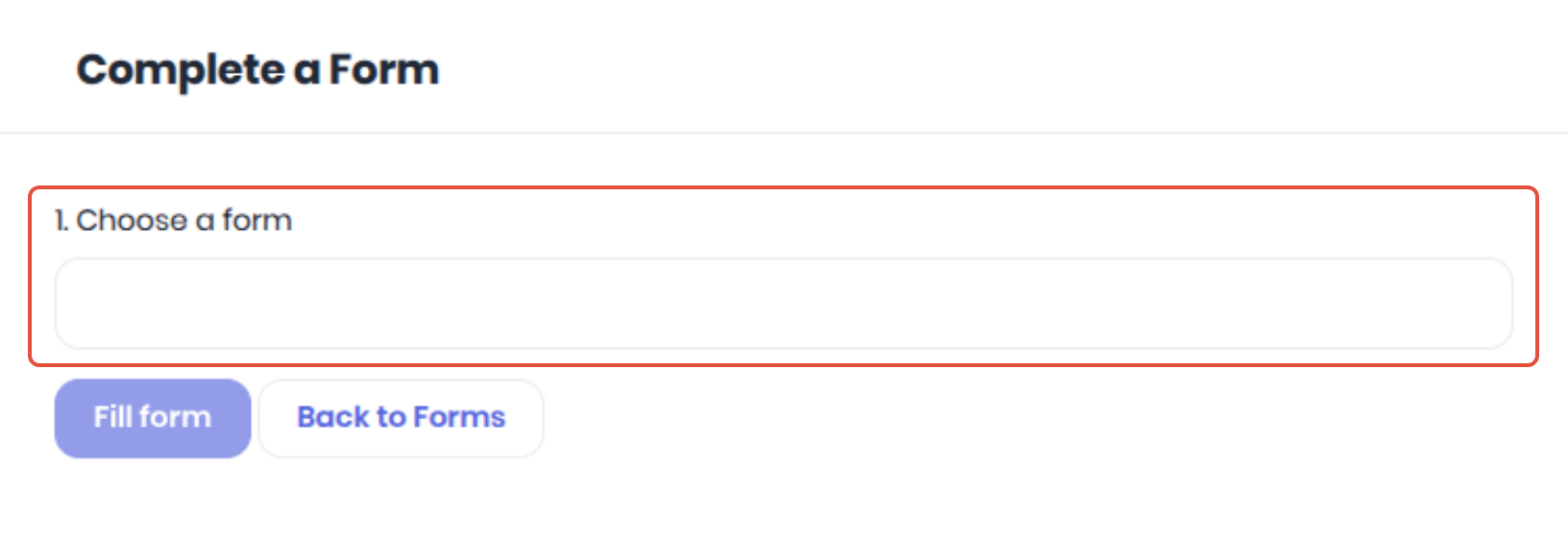
Select the required form using the Choose a Form dropdown
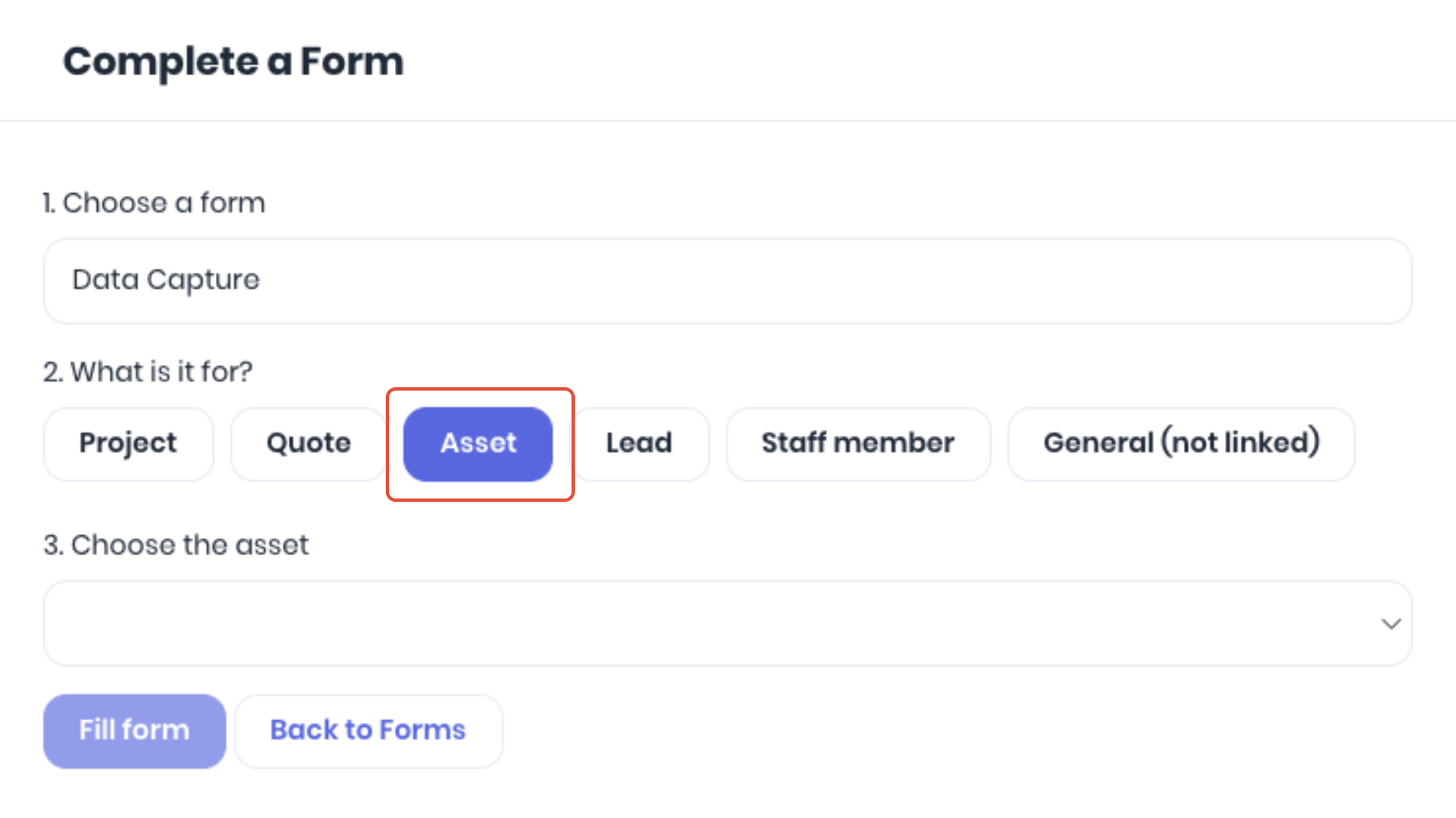
Select Asset from the What is it for? step. Note: This list will be displayed contextually based on what you have assigned in the Fillable On section of the form setup. If Asset is not available, you do not currently have any asset forms active.
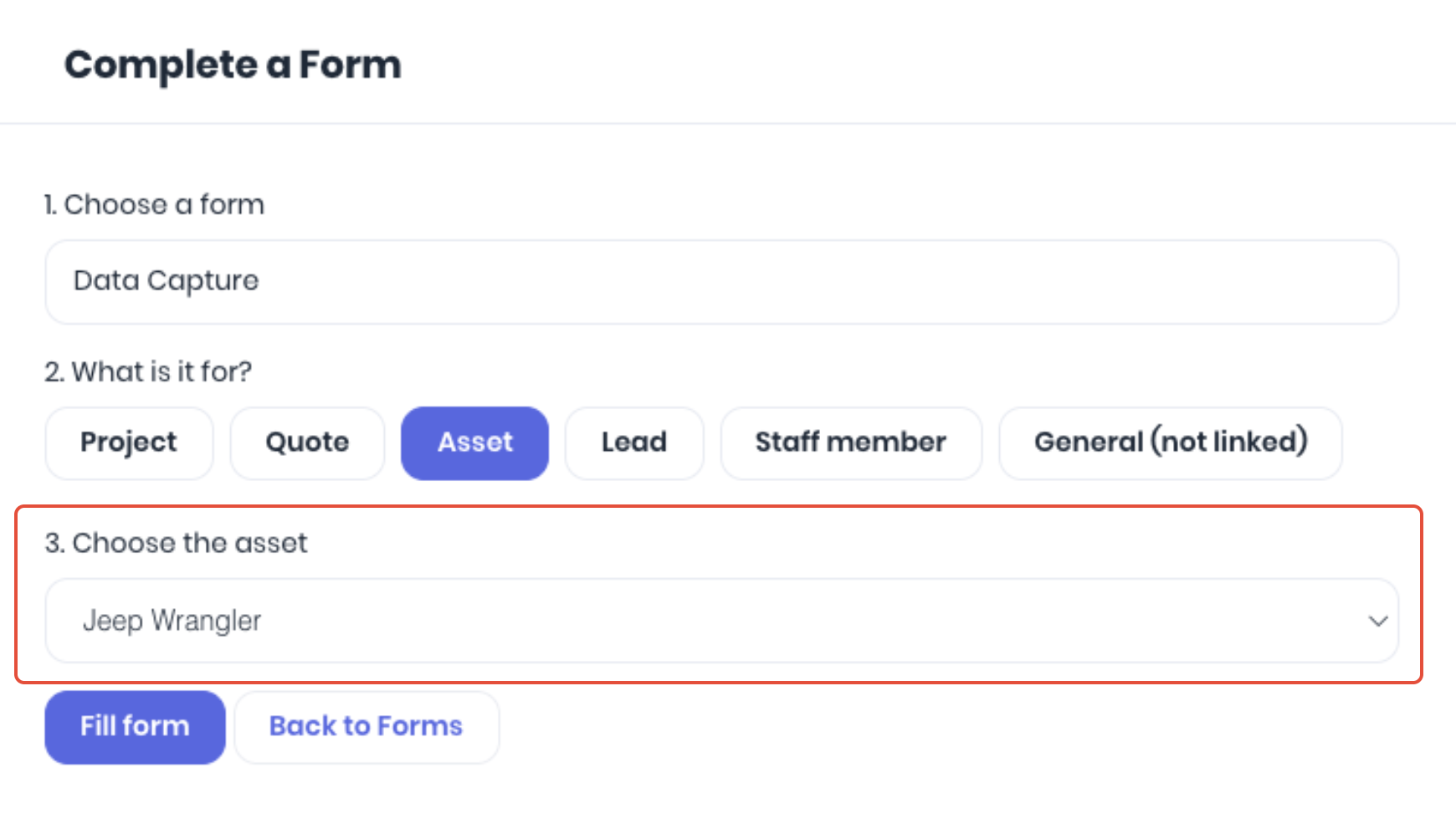
Choose which asset the form is for from the dropdown and click Fill Form to start the data capture.
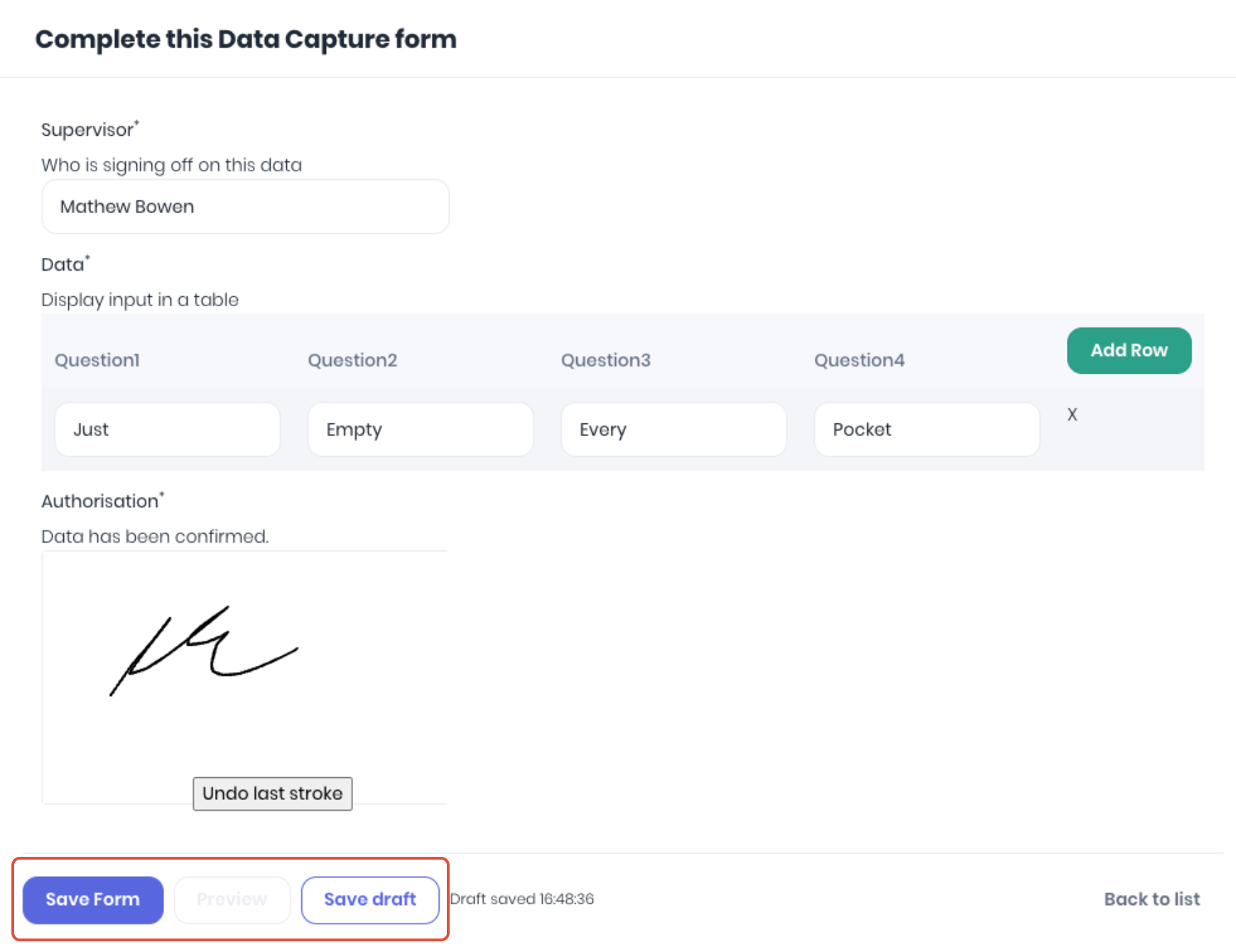
When the form is complete, click Save From. Click Save Draft to complete at a later time.
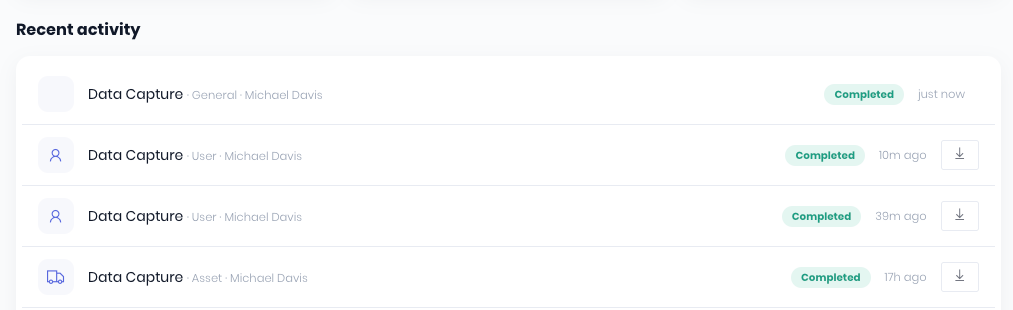
The completed form will then be processed and available to Download in the Recent Activity section of the Forms Command Centre.
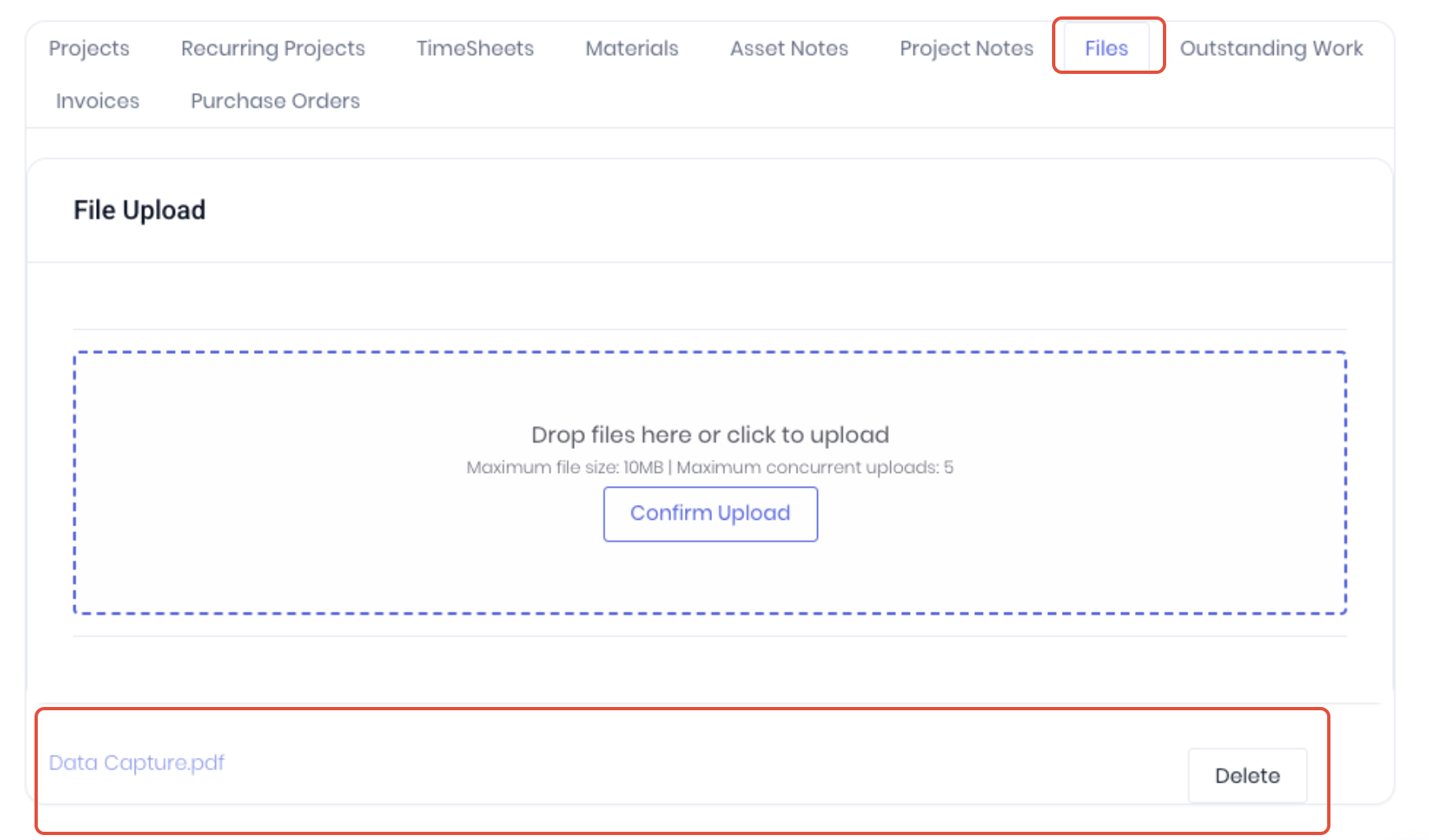
Asset forms are also available in to preview and download in the Files and Forms tab of the asset's detail page.
You can also setup detailed notifications when forms are completed using the Forms Completion trigger in Workflows.
Was this article helpful?
That’s Great!
Thank you for your feedback
Sorry! We couldn't be helpful
Thank you for your feedback
Feedback sent
We appreciate your effort and will try to fix the article