Project phases can be used to enhance your quote workflow by grouping tasks and/or costs together into a phase to display on a quote document template. A phase can be any unit of work such as a floor, room or a progress milestone. Phases can then be used on the project to display profitability between phases like a cost centre or to enhance invoicing.
Phases are created directly on the quote details page when either creating or editing a quote. Note: Phases can also be pre-templated on your project templates so they are applied automatically with the quote template.
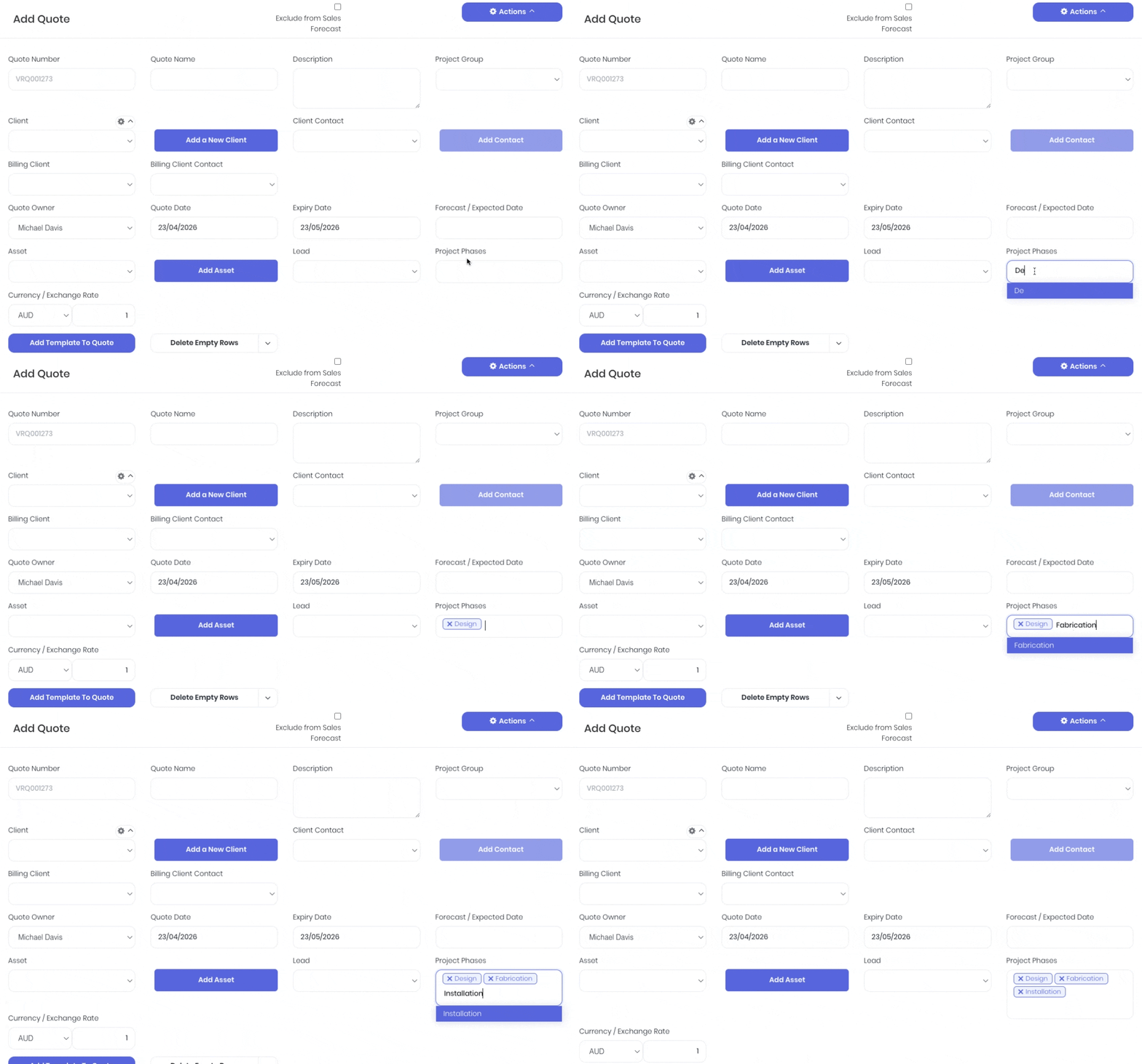
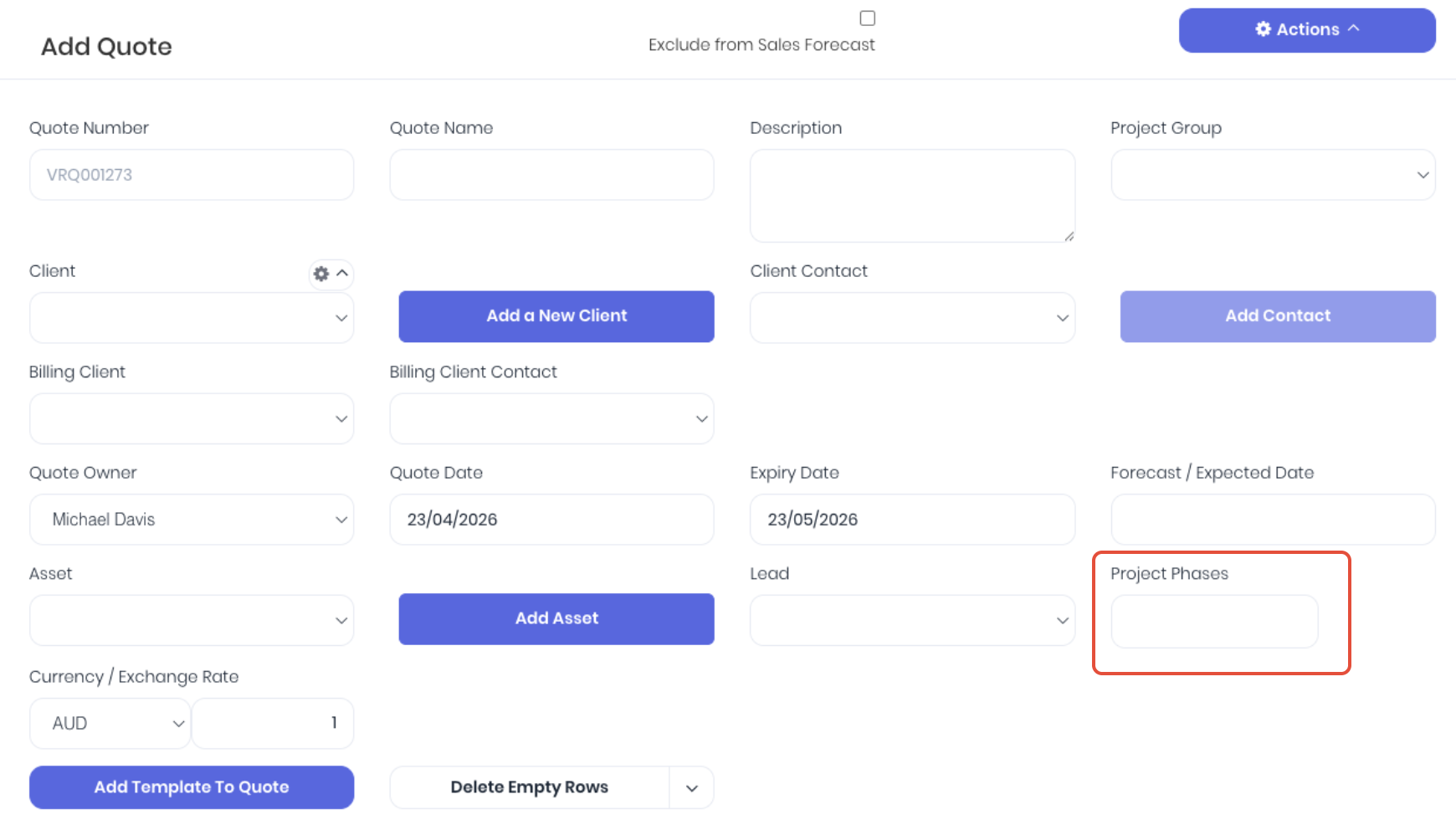 Enter the phase name into the Project Phases field and hit the enter key to apply. Repeat as required. You can remove unassigned phases by selecting the X on the phase.
Once a phase has been created, you will see the Phase column added to the task and product line items. The phases can then be assigned to task lines in the quote:

And also product lines:

This will group allocated task and/or product lines together by phase. You can then customise your quote document templates to display the phases either by summary or detail.
Was this article helpful?
That’s Great!
Thank you for your feedback
Sorry! We couldn't be helpful
Thank you for your feedback
Feedback sent
We appreciate your effort and will try to fix the article