The WorkGuru mobile app facilitates quick access to existing client and contact details which can then be opened with your devices's default applications. Call, email and navigate directly from the mobile app.
You can also quickly add basic client and contact details on the go.
Reviewing Client Details
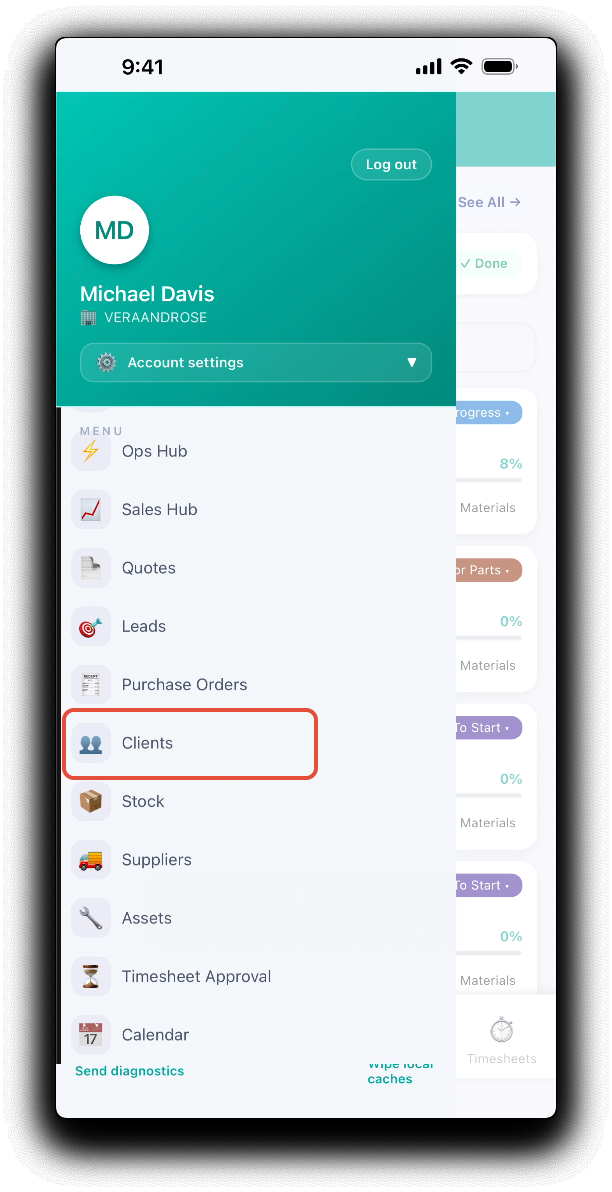
Open the mobile app menu, and tap Clients.
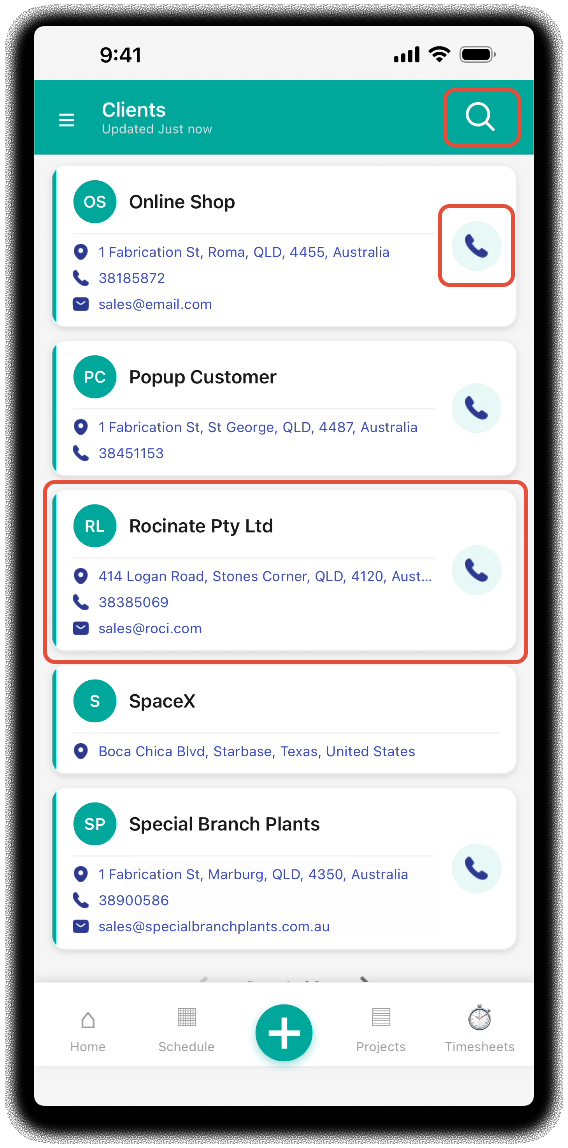
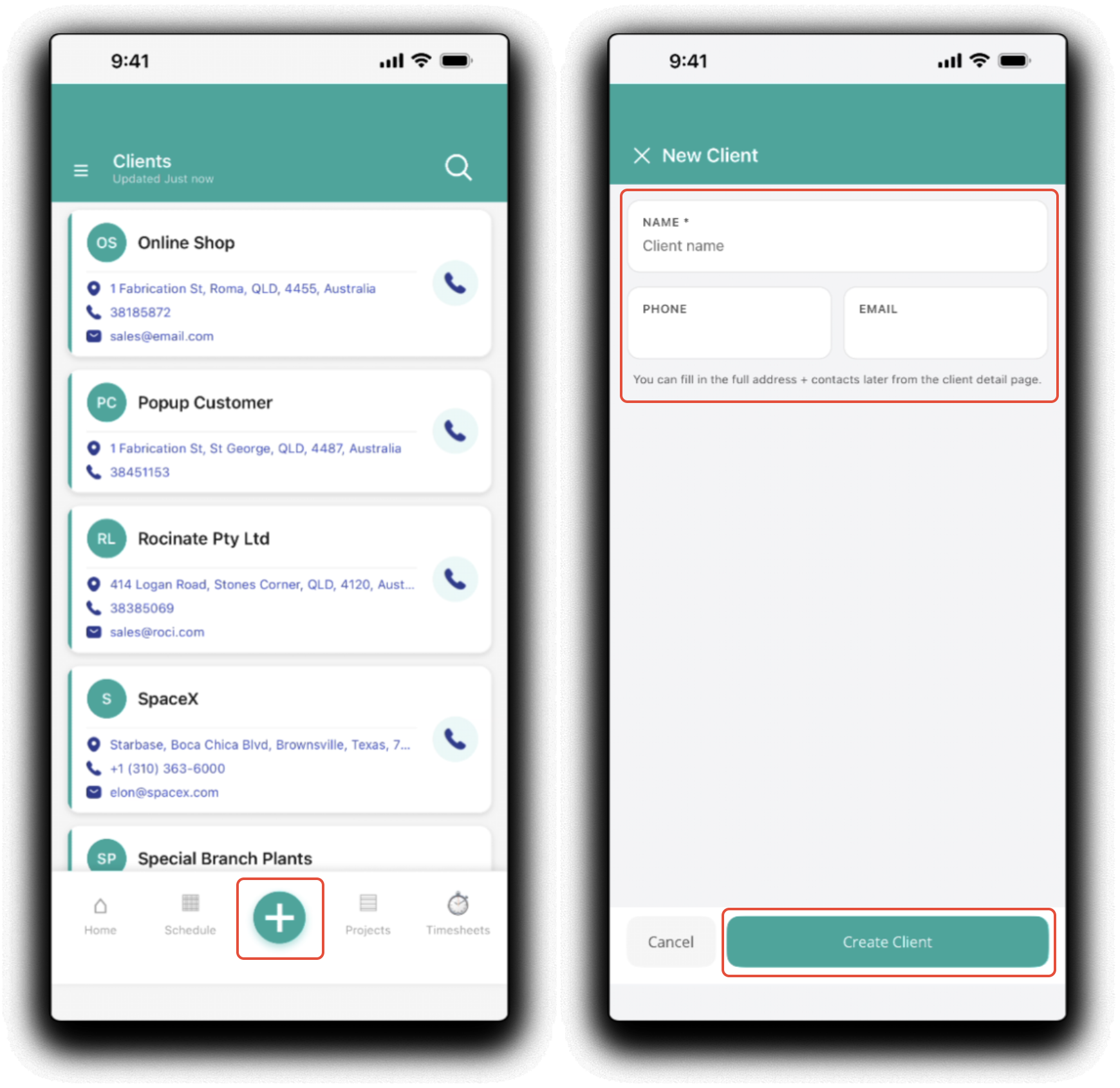
From the mobile client dashboard, search for or scroll to display your clients. Tapping on a client tile will display the client and contact details. Tap the call icon to call the clients default phone number.
Tapping on the client and contact details will open the corresponding default application on your device:
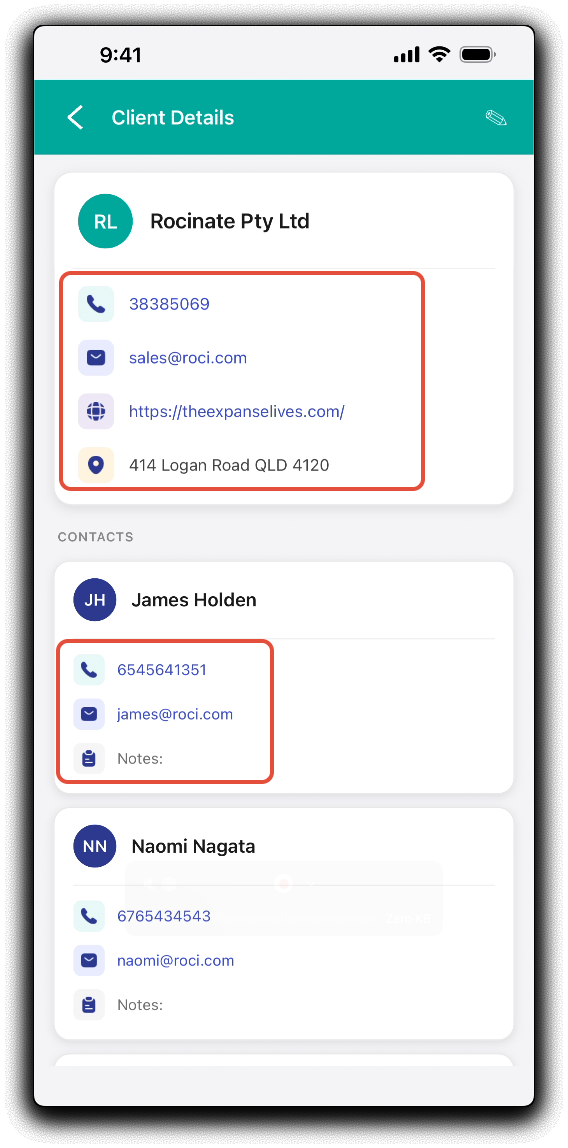
- Phone/Mobile - Calls the number
- Email - Launches a new email in your default email application
- Addresses - Opens your default navigation application
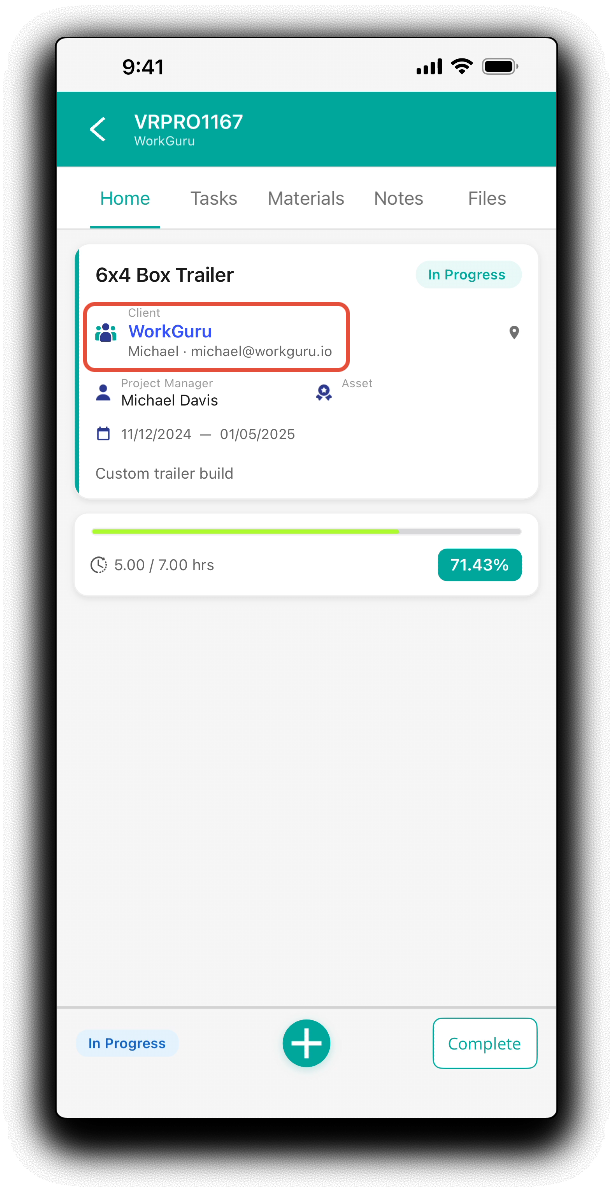
You can also access client details directly from the project. Tap on the client name from the project details Home tab.
New Clients
You can also quickly add new clients from the mobile client dashboard. Tap the green plus icon in the footer. Add the new client's Name, Phone and Email as required from the new client popup. Tap Create Client to apply changes. Note: Further details such as address and contacts have to be edited back in the WorkGuru web browser.
Edit Clients
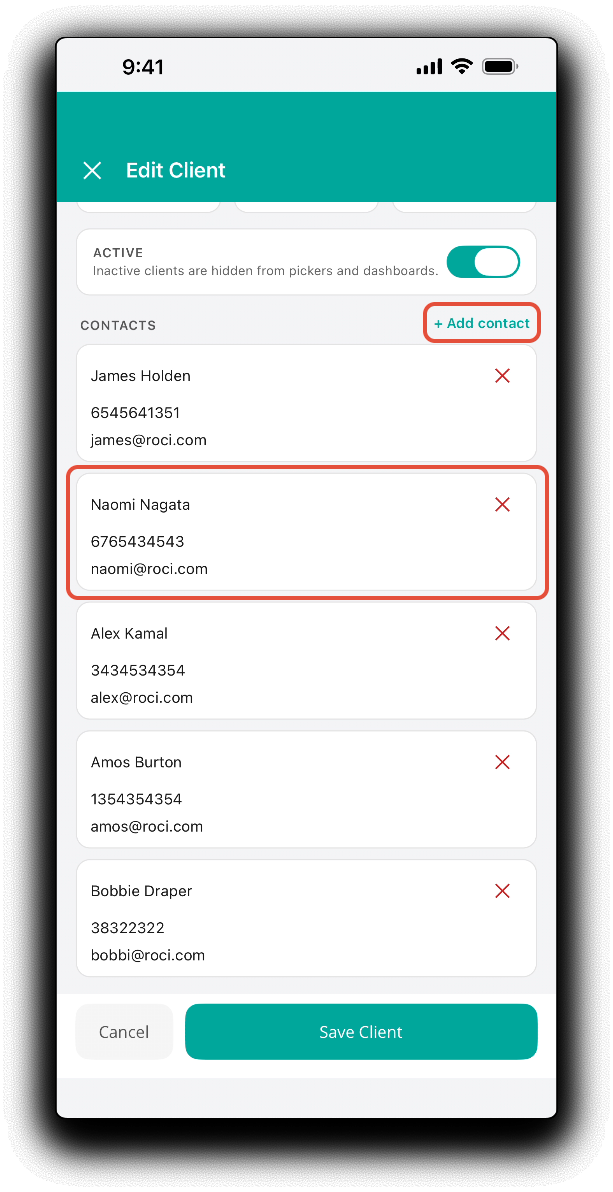
Edit clients by tapping the Edit (pencil) icon in the header of the client details. Tap Save Client to apply changes.
Was this article helpful?
That’s Great!
Thank you for your feedback
Sorry! We couldn't be helpful
Thank you for your feedback
Feedback sent
We appreciate your effort and will try to fix the article