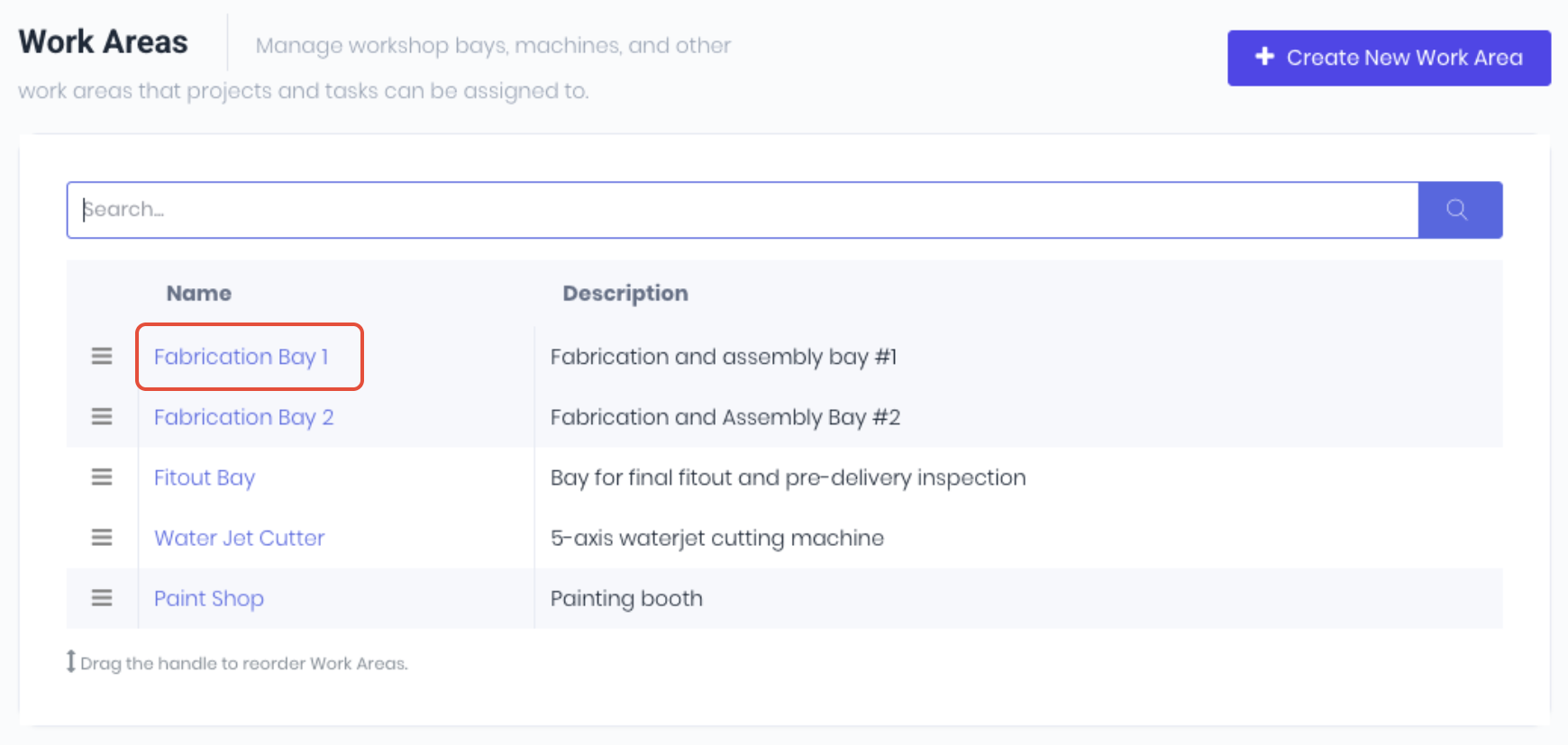
If you need to update or remove a work area, click on the work area name from the list on the work area dashboard.
Edit Work Areas
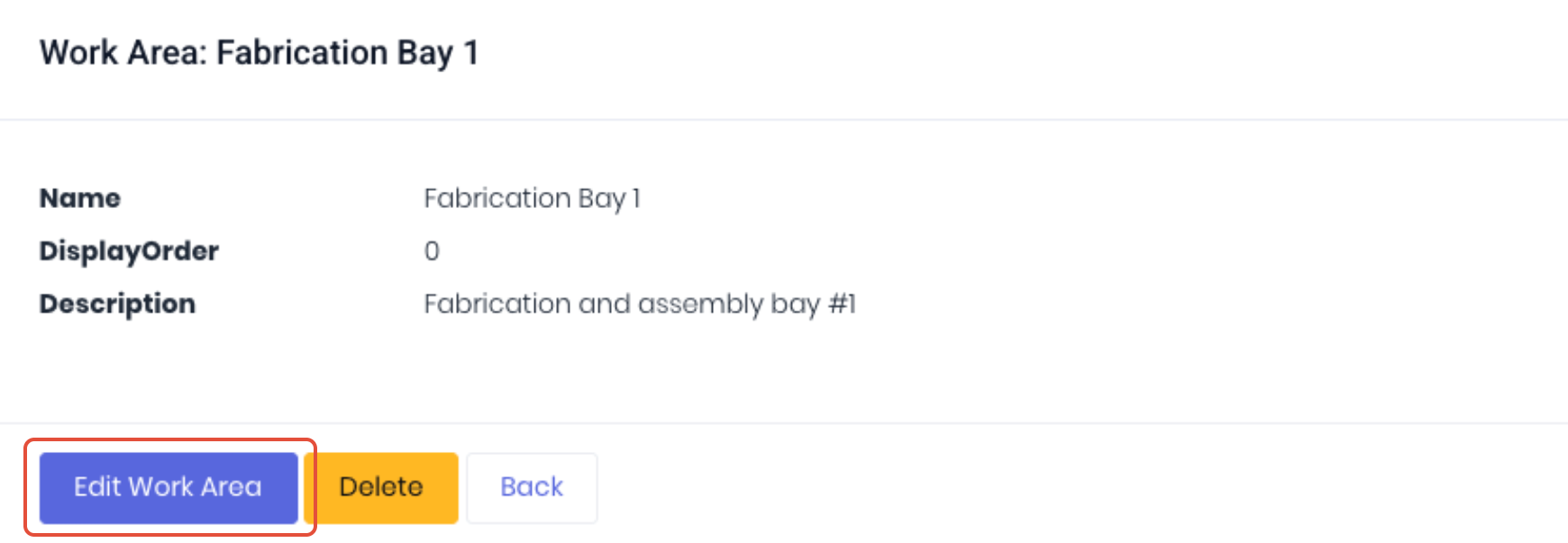
To update the work area, click Edit Work Area to update the Name and Description.
Click Save to apply changes.
Delete Work Areas
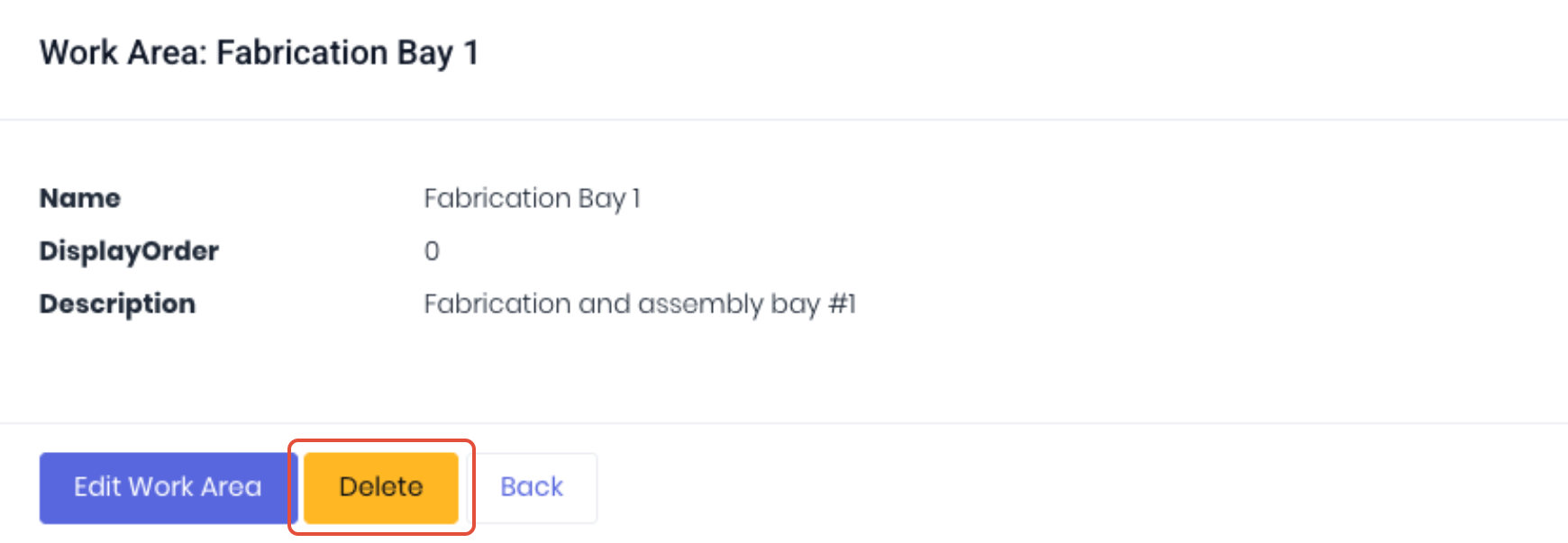
To delete a work area, click Delete and approve the deletion from the confirmation popup.
Note: When you delete a Work Area, anything currently assigned to it has its assignment cleared, not blocked. Affected projects and tasks revert to having no Work Area and show on the Unassigned row of the Schedule. No data is lost, just the association.
Was this article helpful?
That’s Great!
Thank you for your feedback
Sorry! We couldn't be helpful
Thank you for your feedback
Feedback sent
We appreciate your effort and will try to fix the article