To maintain correct asset history, select a client's existing asset from the Asset dropdown in a quote or project. You can ONLY assign existing assets that match the quote/project's client. If you need to re-assign an existing asset that has a different client, edit the asset to re-assign the client to match first.
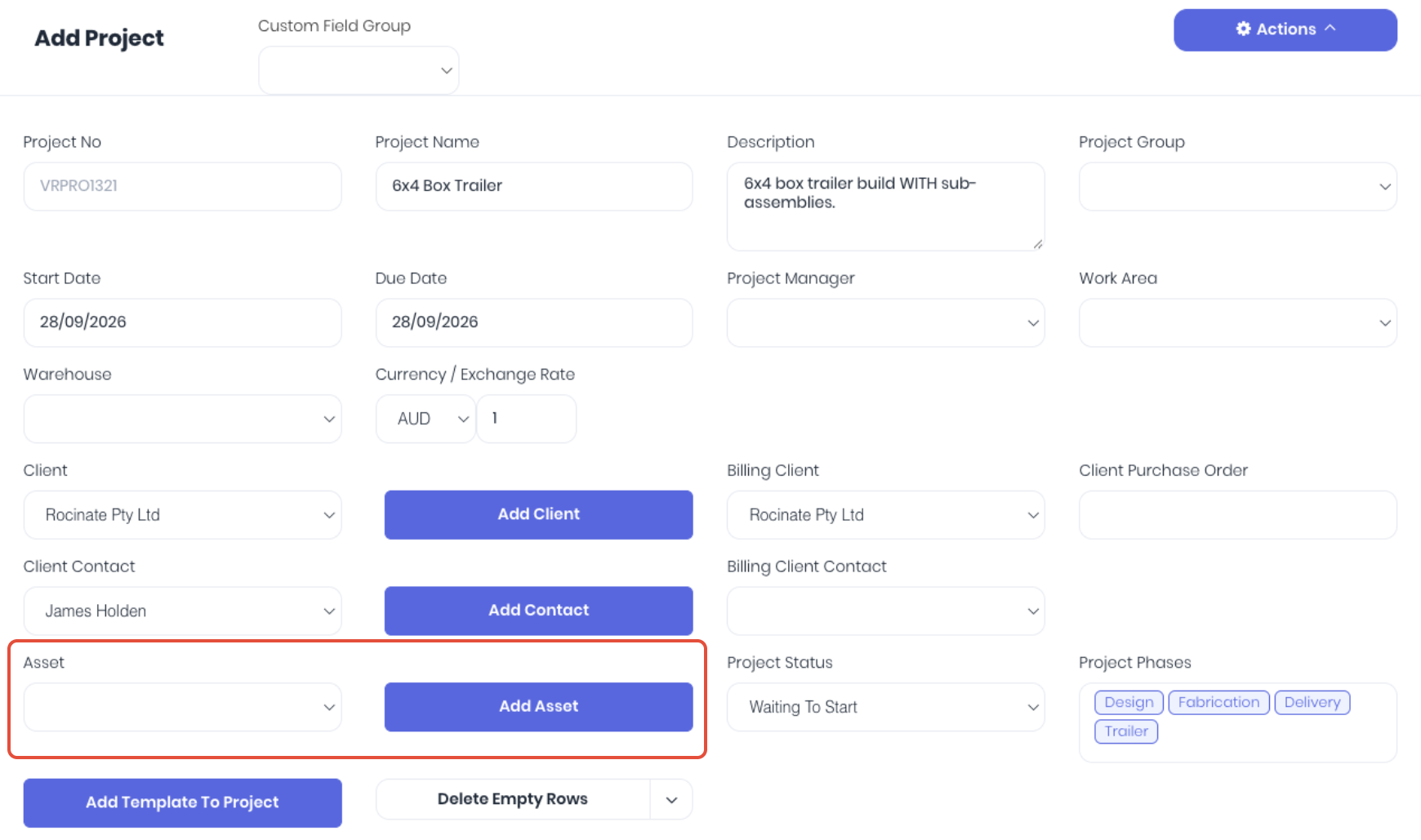 This ensures the Asset is correctly tracking the transaction history.
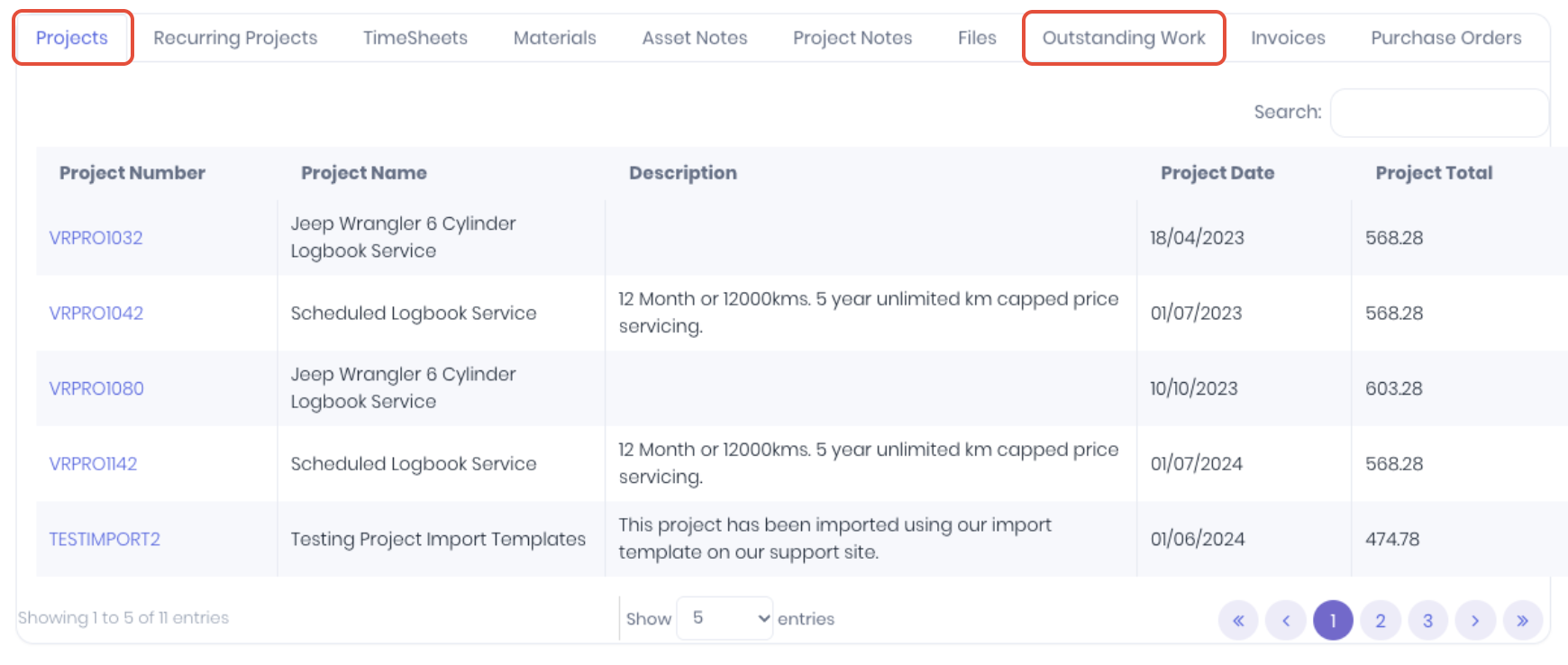
Note: If the required asset does not exist in the list, ensure the asset is enabled or the assets' client names match.
Was this article helpful?
That’s Great!
Thank you for your feedback
Sorry! We couldn't be helpful
Thank you for your feedback
Feedback sent
We appreciate your effort and will try to fix the article