Work Areas are a tenant-wide setting. Set them up once, and they're available everywhere.
Permissions
Enable the Work Areas function for the relevant staff roles via the following permissions.
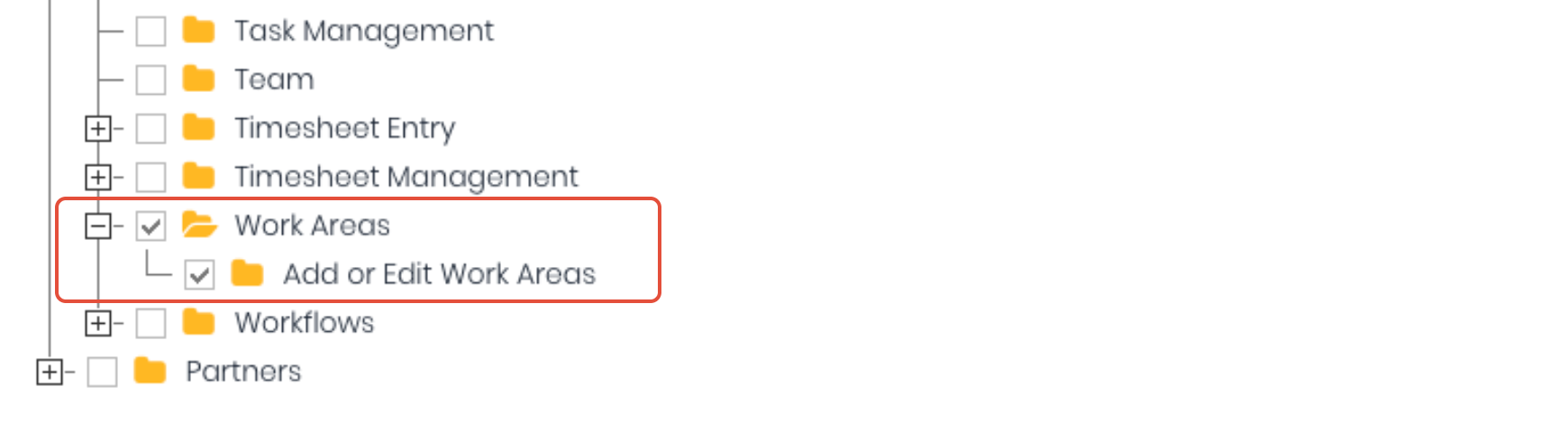
- Work Areas
- Add or Edit Work Areas
New Work Areas
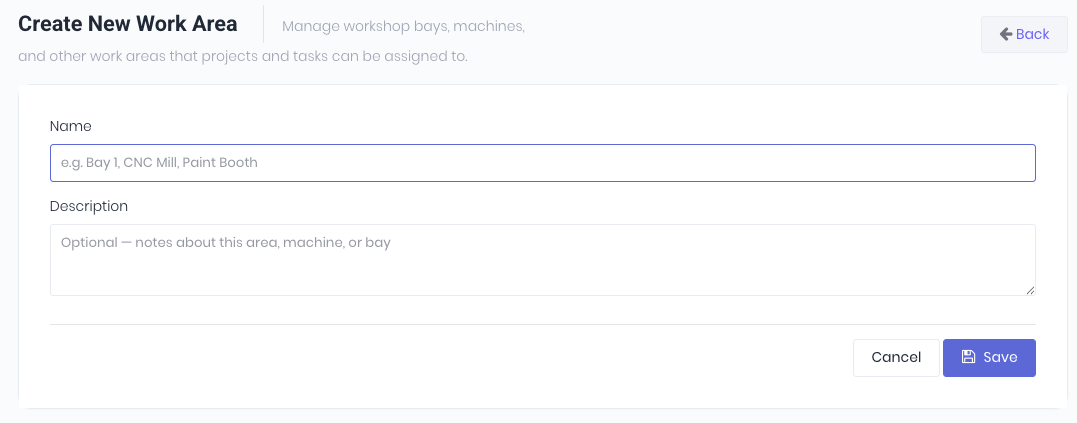
Create a new work area from the work area dashboard (Administration -> Work Areas) and clicking Create New Work Area.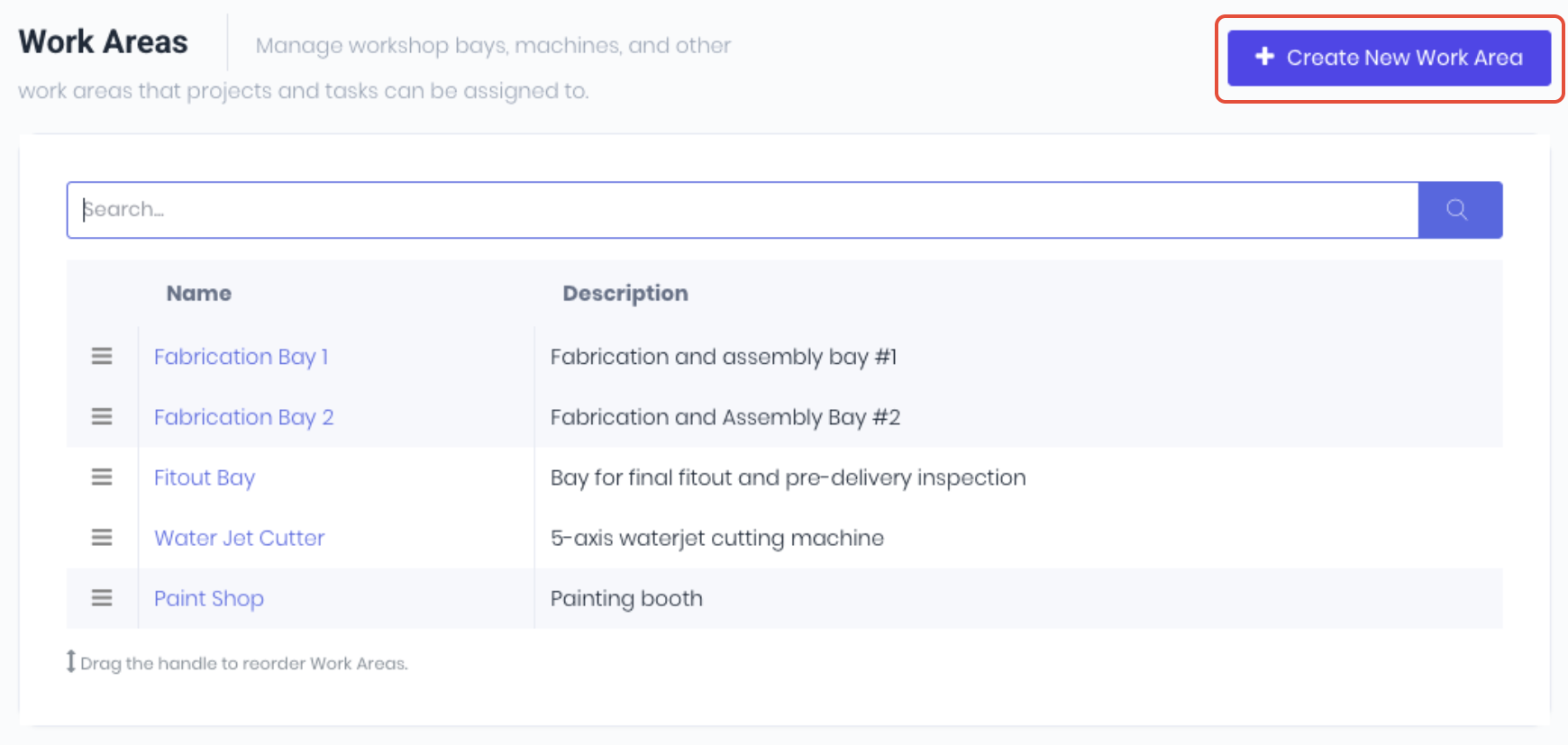 Enter the work area's Name and Description and click Save.
Drag to re-order the area as required and the work area is now available to be assigned in transactions and scheduled.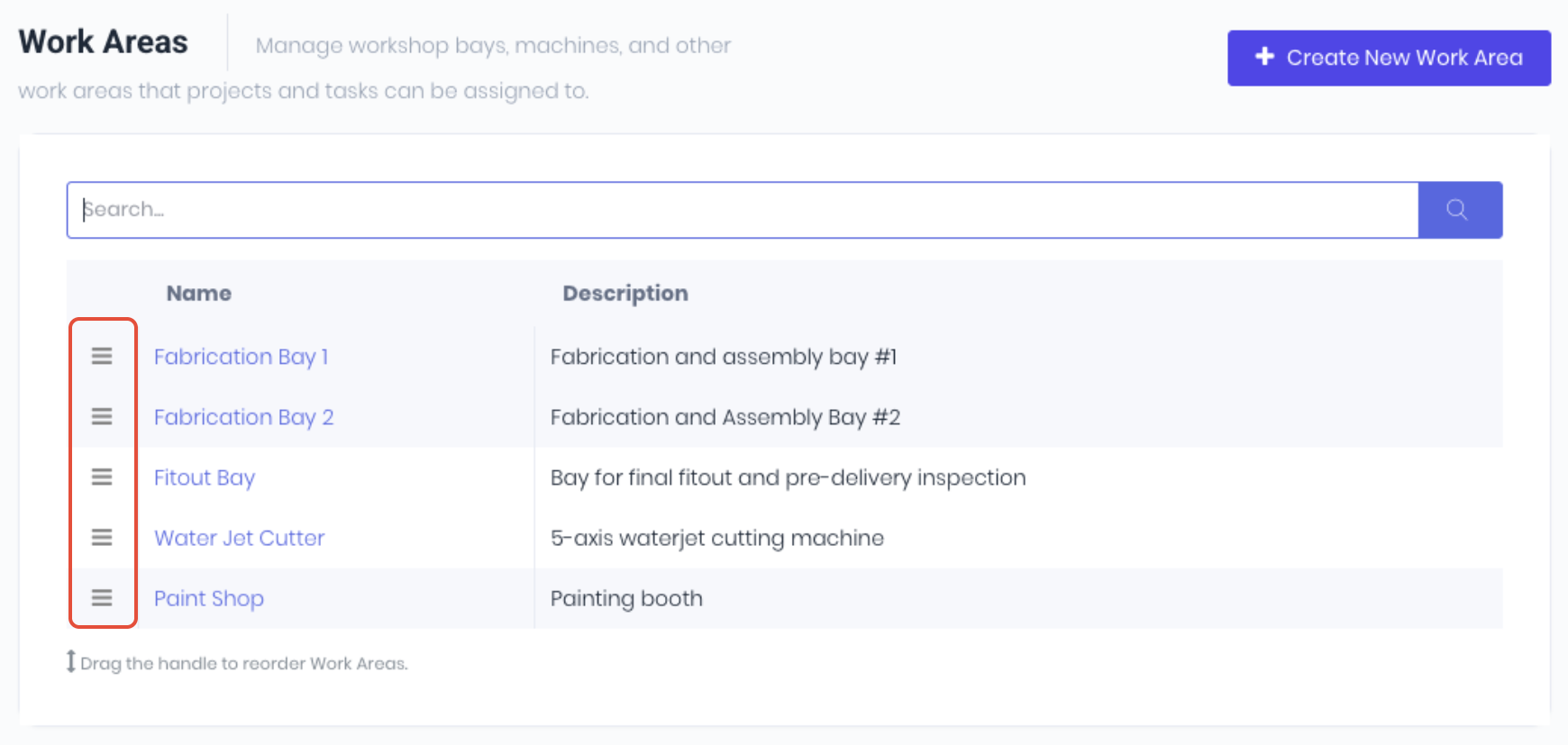
Was this article helpful?
That’s Great!
Thank you for your feedback
Sorry! We couldn't be helpful
Thank you for your feedback
Feedback sent
We appreciate your effort and will try to fix the article