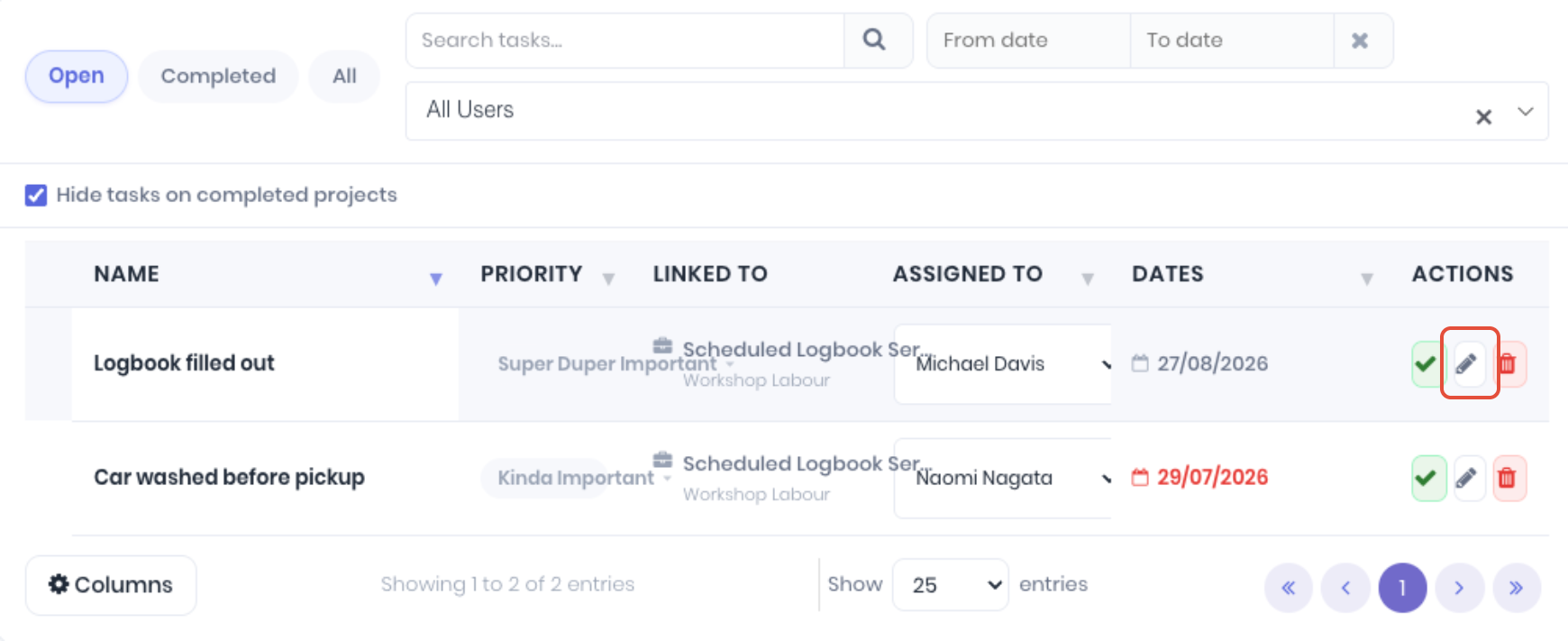
To-Dos can be edited from the To-Do Dashboard. From the Actions, click the Edit (pencil) icon.
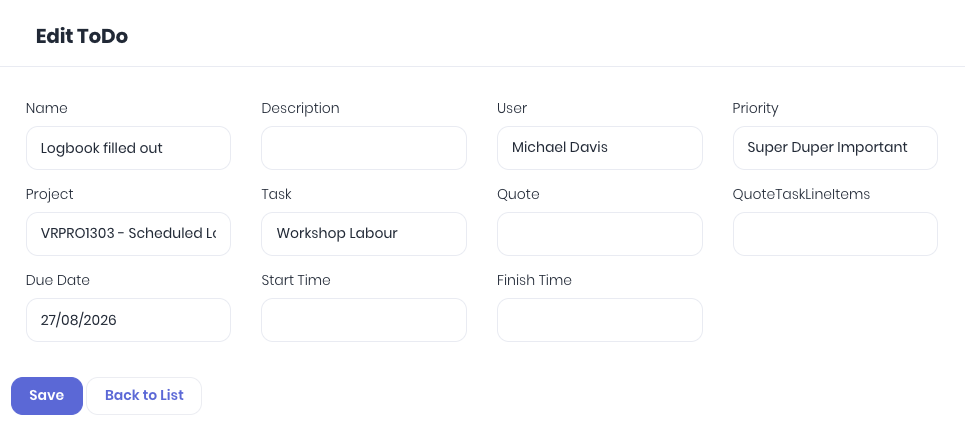
Update the to-dos fields as required and click Save to apply changes.
Was this article helpful?
That’s Great!
Thank you for your feedback
Sorry! We couldn't be helpful
Thank you for your feedback
Feedback sent
We appreciate your effort and will try to fix the article