Document templates are managed from the Document Template dashboard. (Administration -> Document Templates). Templates are listed in alphabetical order, you can Search templates as required.
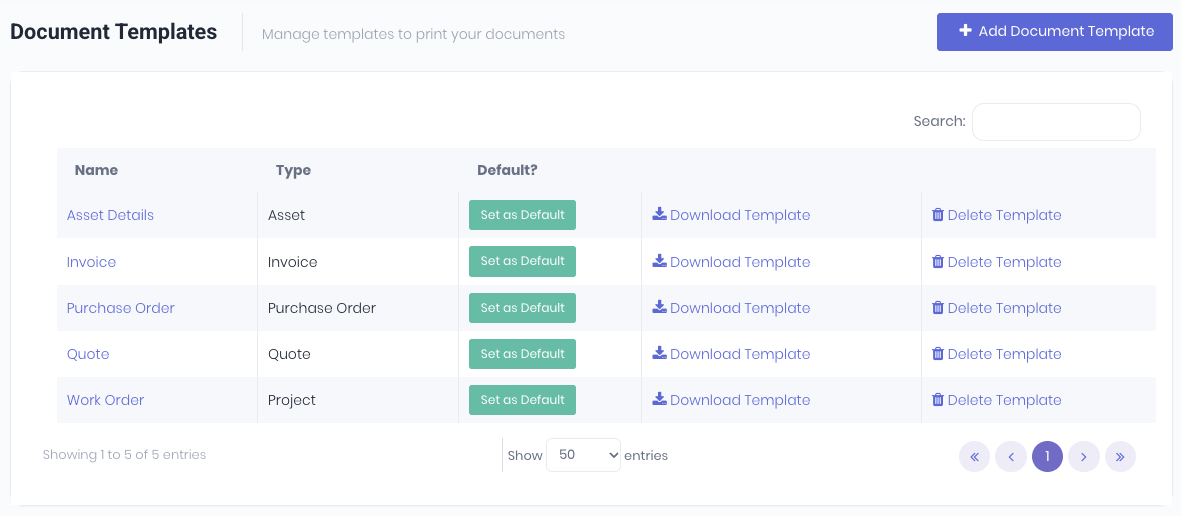
From the dashboard you can:
- Add Document Template - Create new templates.
- Set as Default - Set print defaults when you have more than one template Type.
- Download Template - Downloads the current Word .docx template to edit or update.
- Delete Template - Delete a template if no longer required.
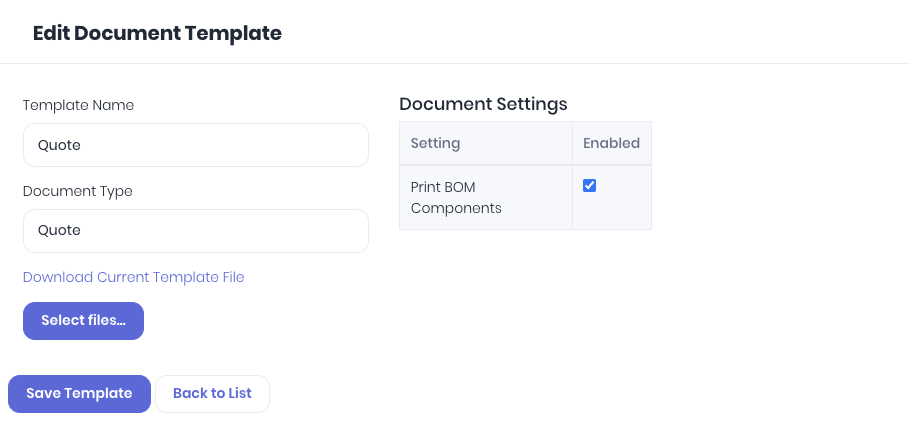
Clicking on the template Name will open the Document Template details page to edit or update template details or upload an updated template file.
Was this article helpful?
That’s Great!
Thank you for your feedback
Sorry! We couldn't be helpful
Thank you for your feedback
Feedback sent
We appreciate your effort and will try to fix the article