You can update your leads in WorkGuru with new information from the Lead Dashboard. Quickly update lead Category Stage and close Probability directly from the Lead Pipeline section of the dashboard. Categories and stages can be customised in the lead settings (Administration -> Lead Settings). To edit lead details, click on the Lead No of the lead you want to edit.
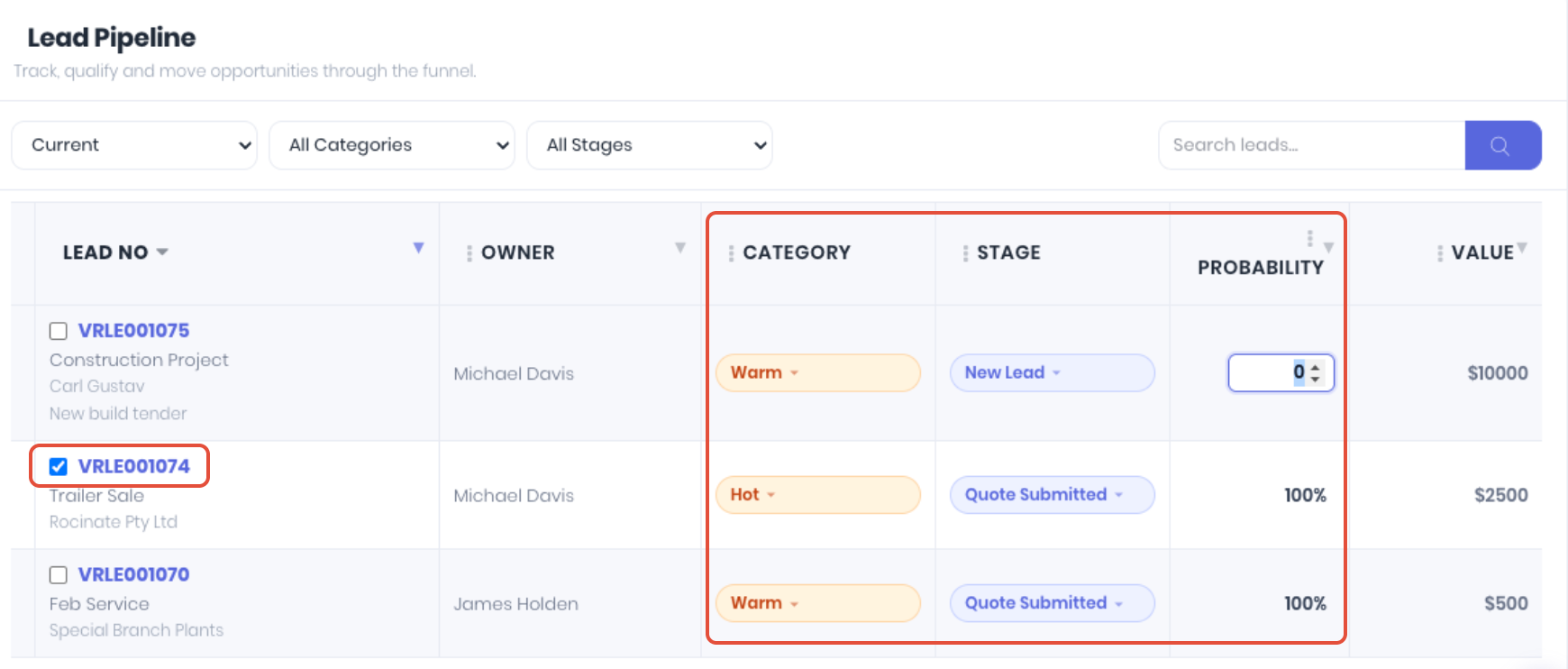
On the lead details page click Edit Lead.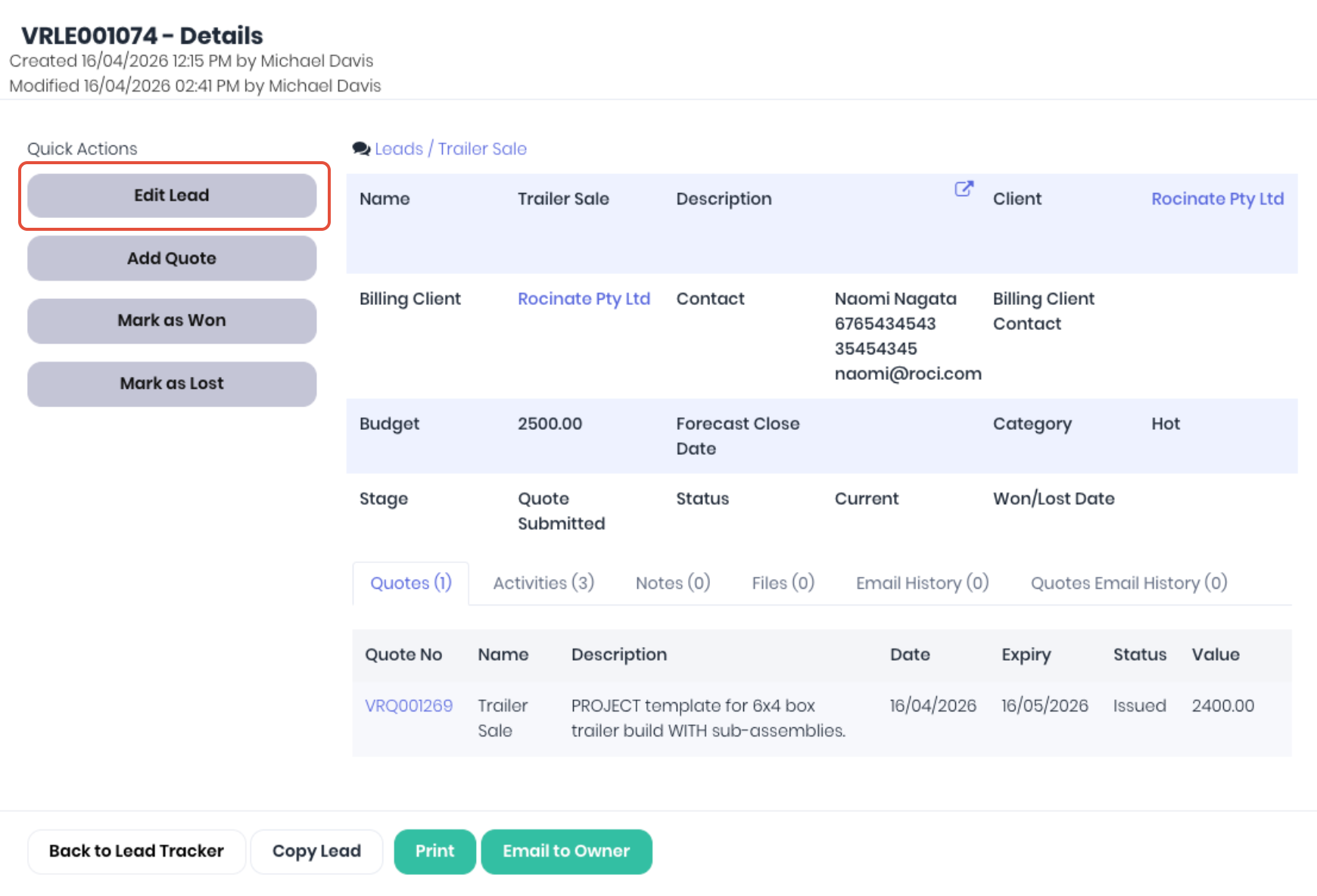
Update the relevant lead details as required. Note: You cannot change the lead status from Won to Lost, or Lost to Won. If the lead status has been incorrectly assigned, create a copy of the lead.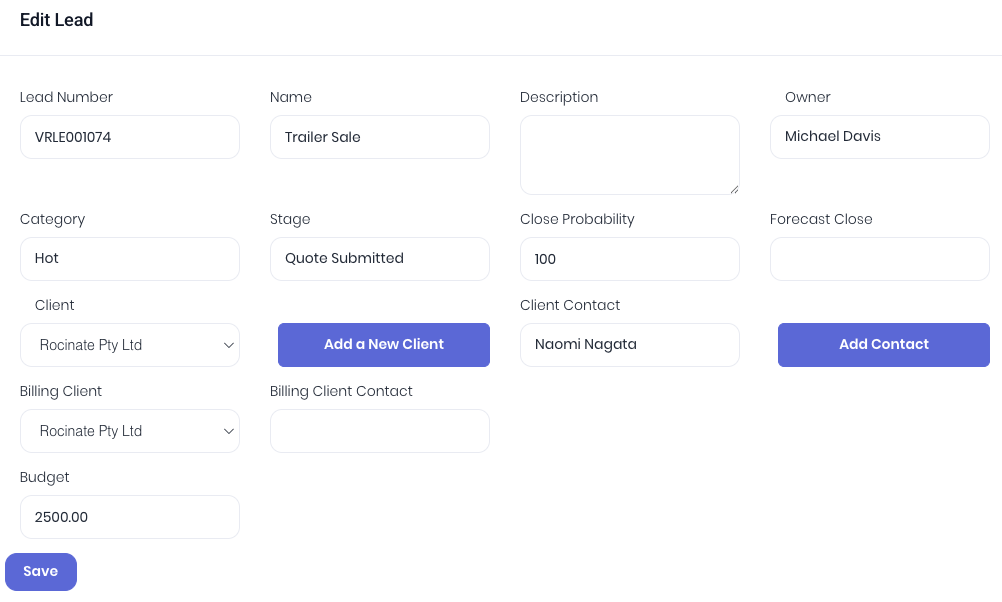
Click Save to apply the changes to the lead.
Was this article helpful?
That’s Great!
Thank you for your feedback
Sorry! We couldn't be helpful
Thank you for your feedback
Feedback sent
We appreciate your effort and will try to fix the article