When you're pricing a job for a client, you can raise RFQs directly from a Lead, then build the client's quote straight from the suppliers' responses. WorkGuru creates a quote a line for each preferred item, with the supplier's price as the cost and your normal sell price on top.
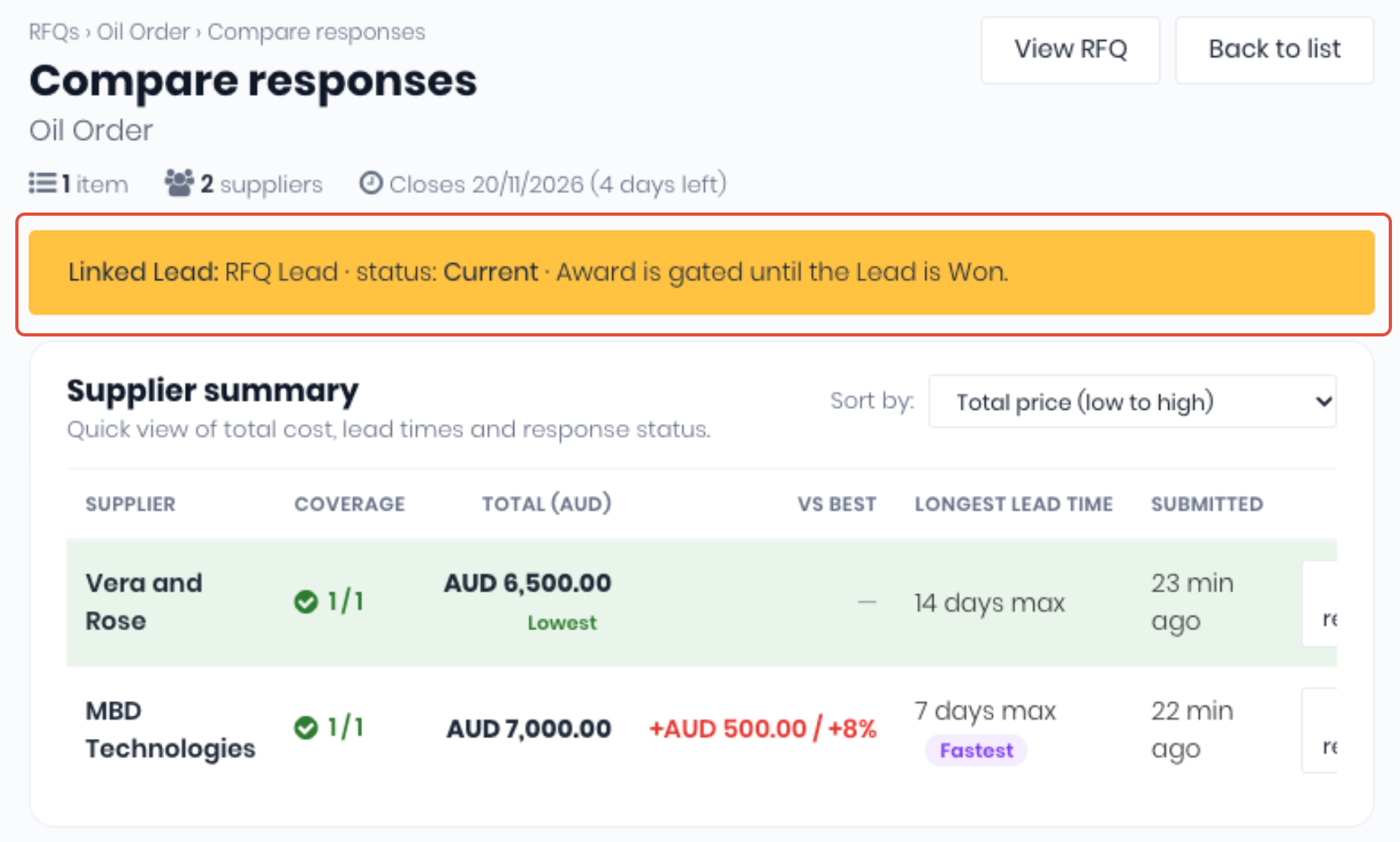
Note: When an RFQ is linked to a lead, it cannot be awarded until the lead is marked as Won.
New Lead RFQs
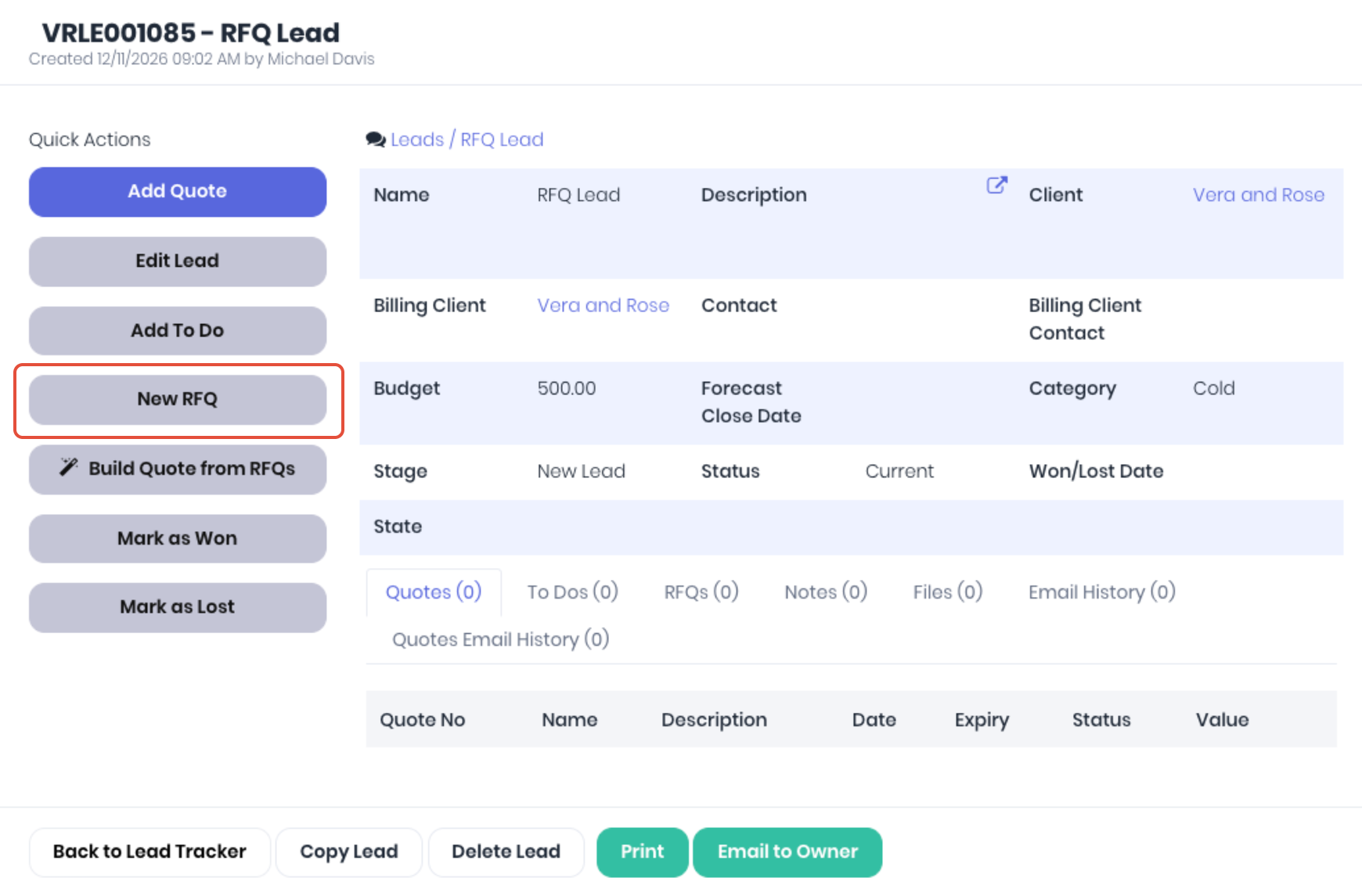
To raise a RFQ from a lead, open a Lead (Sales -> Lead Tracker) and click New RFQ.
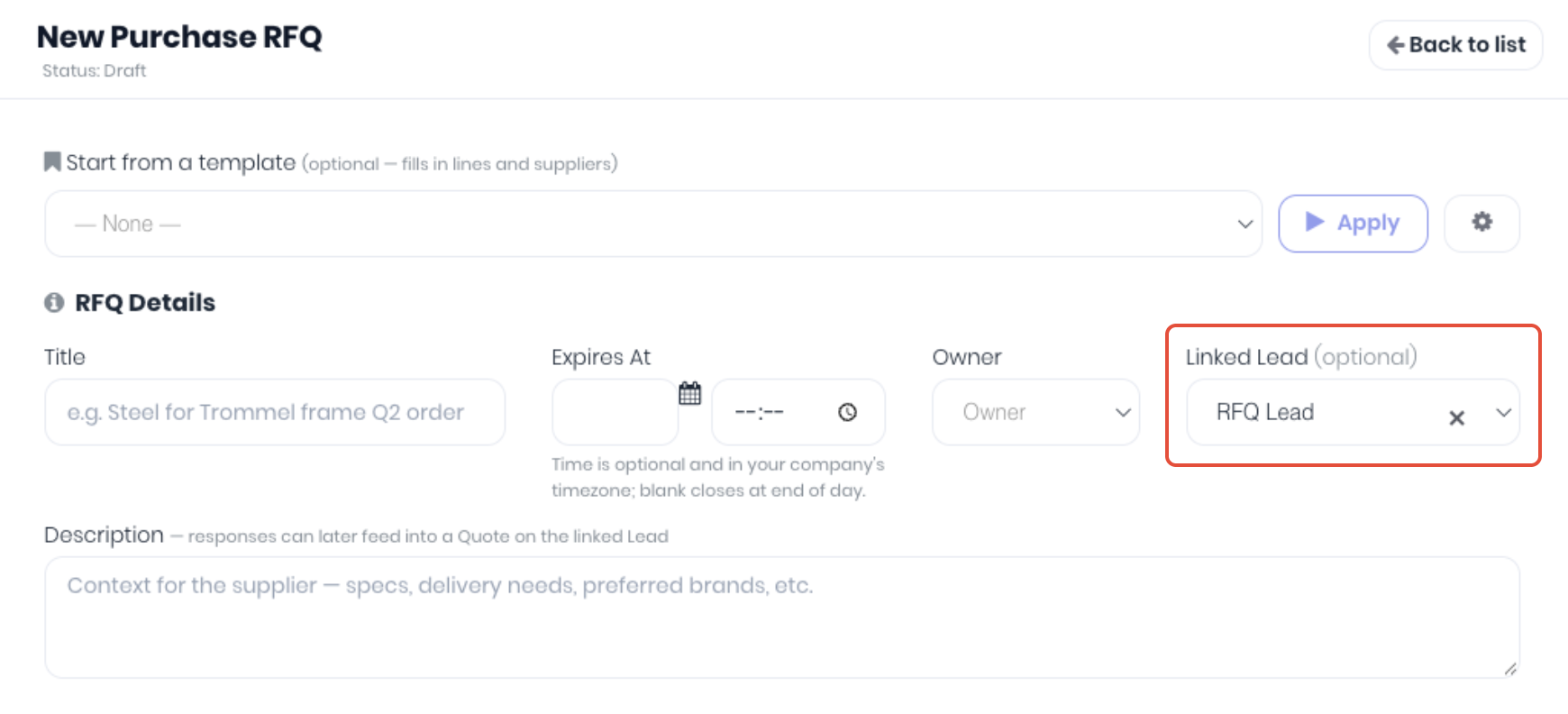
Complete and send the new purchase RFQ as per the normal workflow, note the Linked Lead is pre-filled.
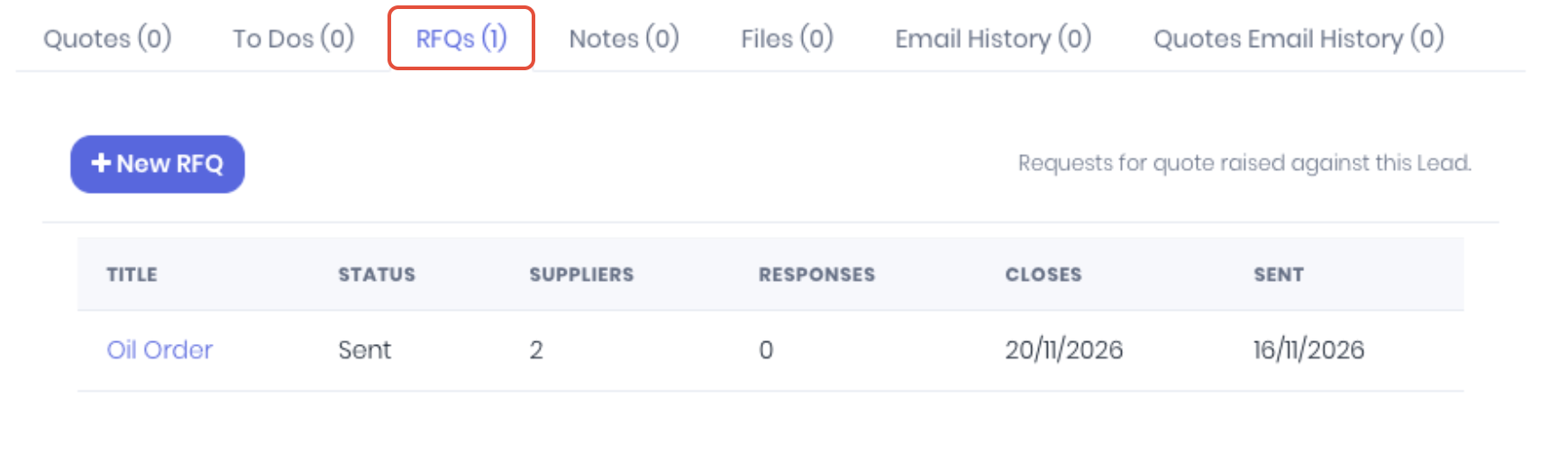
RFQs linked to the lead will now display in the Lead's RFQs tab.
Quoting Lead RFQs
On each RFQ linked to the lead, mark the preferred supplier. You don't need to award it first. Open the Lead and click Build Quote from RFQs under Quick Actions.
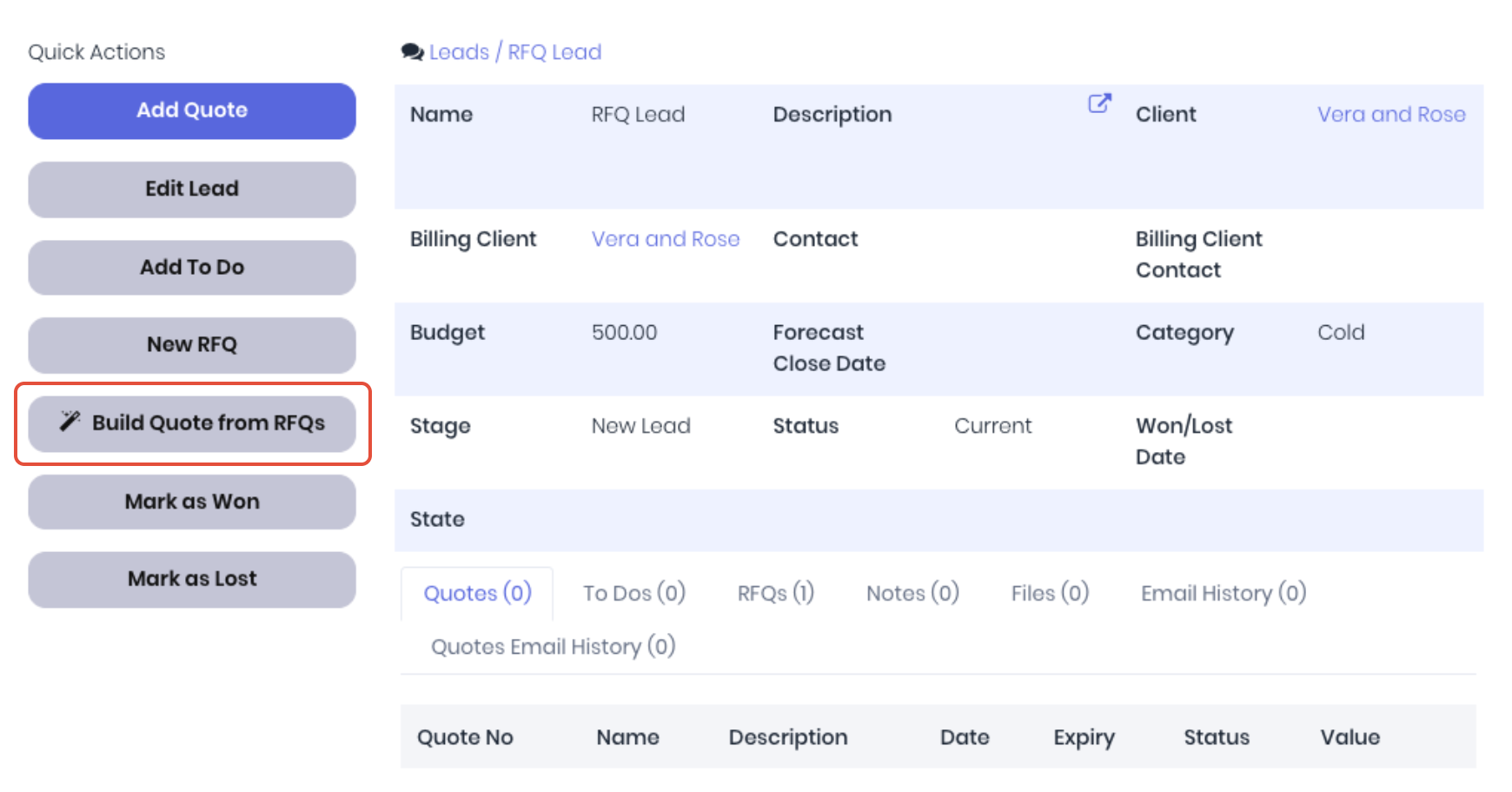
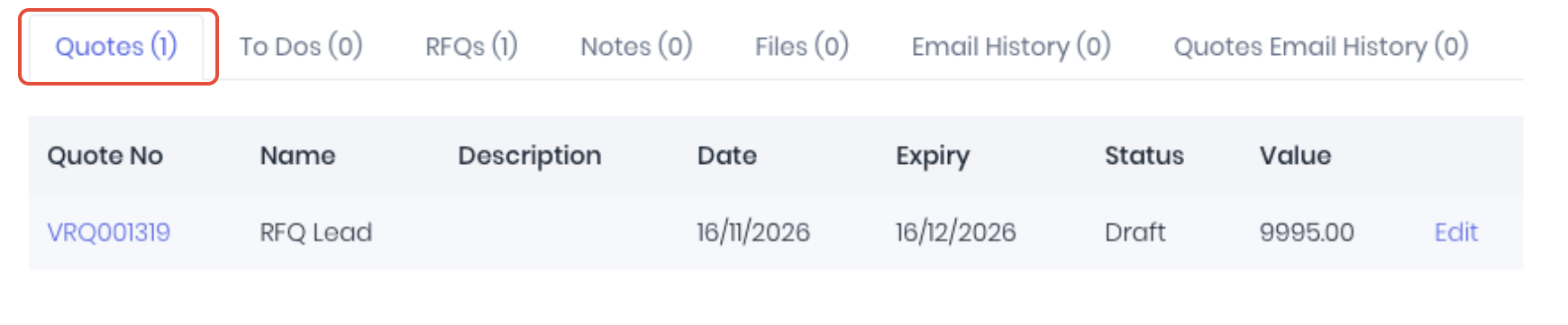
WorkGuru adds the lines to the newest draft quote on the Lead, or creates a new quote if there isn't one, and tells you how many lines were added.
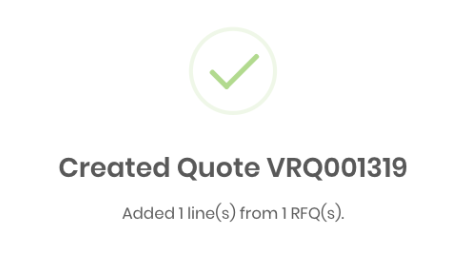
The draft quote can then be modified or approved and issued as per the normal quoting workflows. You can click Build Quote from RFQs again as more RFQs get a preferred supplier. Lines that are already on the quote are skipped, even after you revise the quote. If a supplier has since changed a price, the existing quote line is left alone and named in the message so you can check it.
How each line is priced:
- Cost - The supplier's quoted price.
- Sell Price- The first of these that applies:
- Your client's own price for the product.
- Your client's price tier.
- The product's sell price.
- Cost plus Default Project PO Markup Percentage from Settings > Invoice (30% if it isn't set).
- Product - Linked when the SKU matches exactly one active product
Notes:
- Build Quote from RFQs and New RFQ only show while the Lead is open (not yet won or lost).
- Only RFQs that aren't cancelled or closed, and have a preferred supplier, are used.
- If the quote's currency is different from the currency the supplier quoted in, WorkGuru won't import the prices. Enter the converted prices on the quote by hand.
- The message also tells you about lines that sell for less than the supplier's cost, and SKUs that match more than one product.
Was this article helpful?
That’s Great!
Thank you for your feedback
Sorry! We couldn't be helpful
Thank you for your feedback
Feedback sent
We appreciate your effort and will try to fix the article